Yes, you can record business calls automatically from employee mobile phones, as long as the recording tool works on the phone's own SIM connection and your company follows the consent rules that apply where you operate. The practical answer is software that captures calls from the native dialer, leaves personal calls alone and files each recording against the right customer record in your CRM.
360 CallAnchor runs quietly alongside the calls your team already makes, so nobody needs a new SIM card, a new dialer or another app to learn. That matters because recording programmes usually stall when reps are asked to change habits, switch to a softphone or remember to press a button before every conversation.
How automatic call recording works on employee mobile phones
Most sales and service teams depend on mobile numbers that customers have already saved and call back without thinking. Desk phone systems record easily because every call passes through a central server, but calls placed from a rep's handset travel over the mobile network instead, so the recording tool has to sit on the device itself and follow the native dialer.
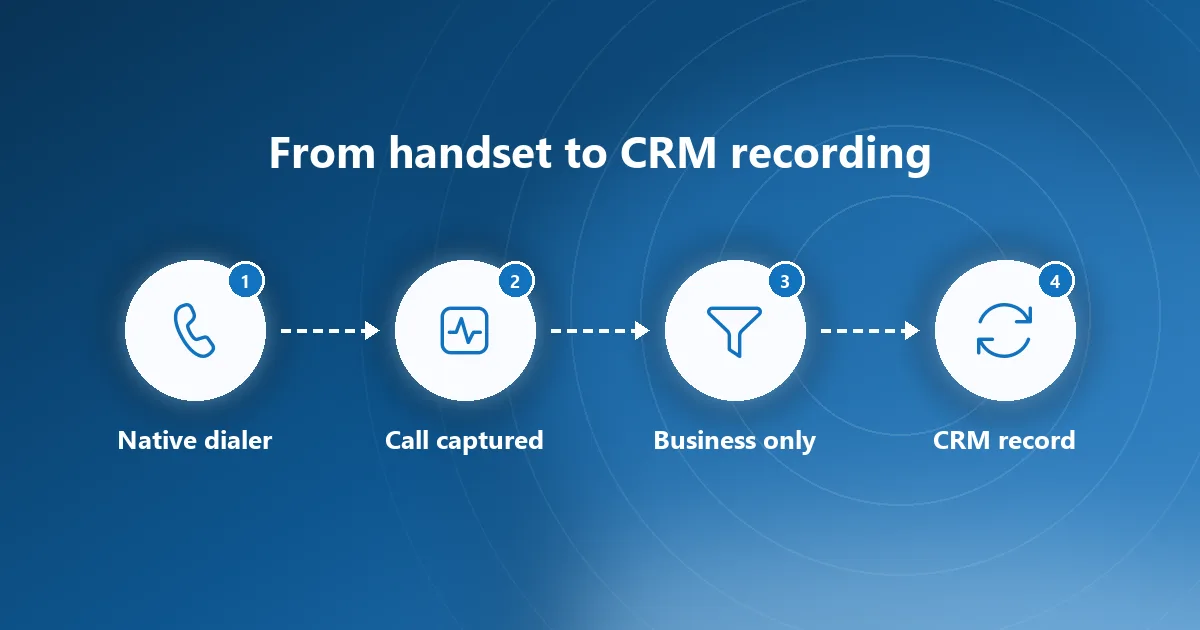
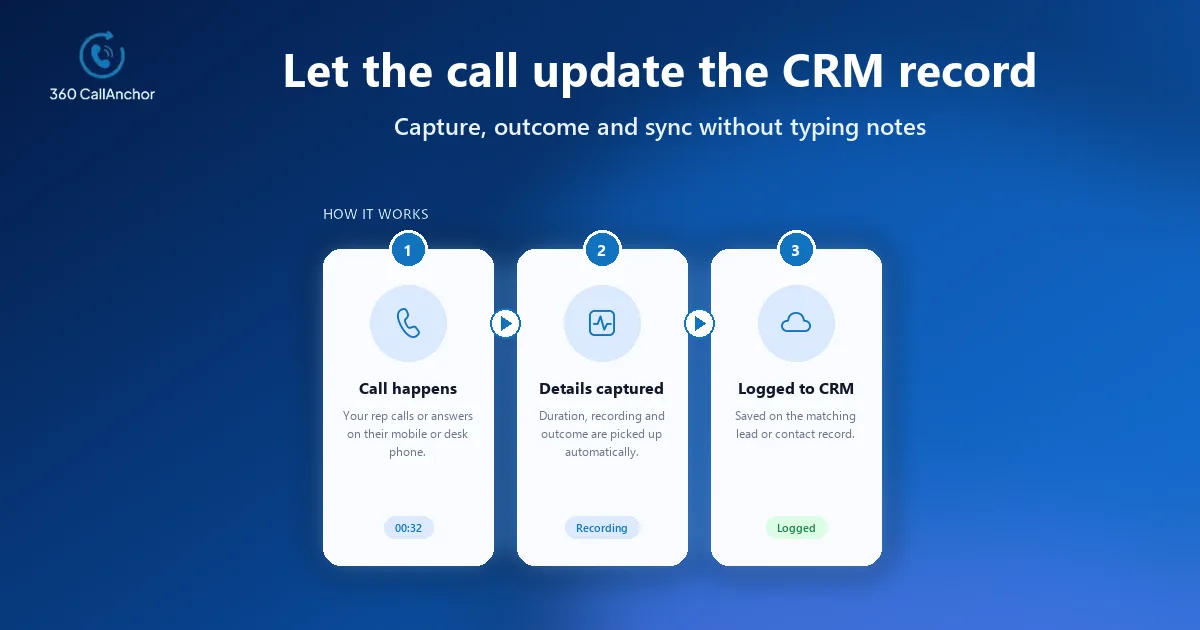
Once the app is installed and linked to a number, it captures the duration, timestamp, direction and recording of each call automatically as soon as the call ends. Missed calls are logged as well, logging keeps going after a phone restart, and every entry is attributed to the rep and matched to the CRM record by number. Because the rep never opens a separate screen to make this happen, the history stays complete even on busy days when nobody would log a conversation by hand.
There is one limit worth checking before you commit to any tool. 360 CallAnchor captures calls made through the phone's native dialer over the mobile SIM network, and it does not currently support WhatsApp calls. If part of your team closes deals over internet calling apps, plan a separate process for those conversations rather than assuming that every channel is covered.
What to check before you record business calls automatically
Three areas decide whether a recording programme survives its first review: the law where you and your customers operate, the policy you share with staff, and the path that call audio takes once it leaves the handset. Settle each one before the first phone is switched on.
Recording consent rules differ by market
Recording law differs between countries and, in some places, between states or provinces. Some regions allow a call to be recorded when only one party agrees, while others expect everyone on the line to be told, so many companies simply announce recording at the start of every business call to stay safe wherever they sell.
A written policy sets expectations for customers and staff
Talk to your legal or compliance team before switching recording on, and turn their advice into a short written policy that people can actually read in a few minutes. Two audiences need to understand it, and each one cares about slightly different details.
Points the policy should cover for customers
Spell out which calls are recorded, how the announcement is worded, how long recordings are kept and how a customer can ask for a copy or for deletion, so that anyone answering a complaint can point to the same rules.
Points the policy should cover for employees
Explain in writing that the company records business calls on the work number and nothing else, who may listen to recordings, and what happens to the call history when someone changes role or leaves the business.
Data location matters to IT and security teams
Data location is the question that IT and security reviewers raise next. Client data is stored directly in your own CRM instead of on the vendor's servers. Call data is not kept permanently on the software's servers either. Ask every vendor you evaluate to show where audio sits after upload, which systems it passes through and who can reach it, because those answers decide how much extra risk a recording programme adds.
How personal calls stay out of the recordings
The biggest worry with personal or shared phones is that private conversations end up inside a company system. A well-designed tool handles this with clear rules rather than trust, so managers never have to promise that they will ignore calls they were never meant to hear in the first place.
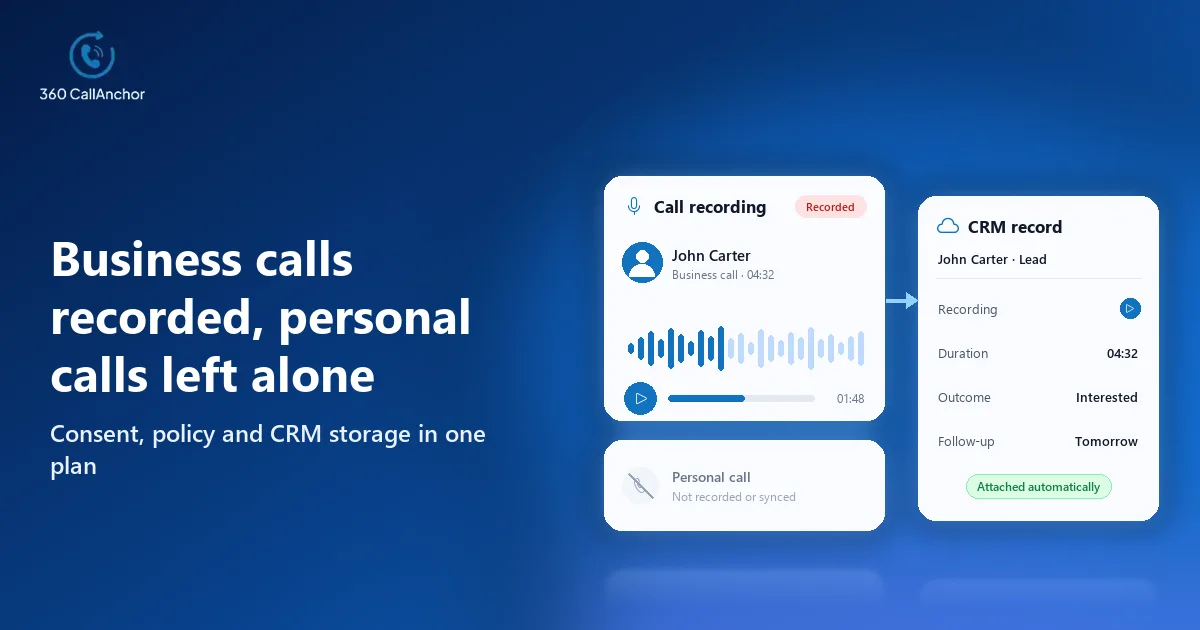
The software keeps business calls separate from personal calls. Admins decide the recording rules, reps mark a call as business, and the recording then syncs to the CRM record. This split gives employees confidence that a call to a doctor or a family member stays on the phone, while customer conversations still reach the account history where colleagues can find them later.
On company-owned devices you may decide to treat every call on the work number as business, whereas bring-your-own-device setups usually work better when reps confirm each business call themselves. Whichever approach you choose, write it into the policy so that the behaviour of the app matches exactly what employees were told during rollout.

How to roll out automatic recording across your team
A small pilot shows quickly whether recording fits the way your team sells, and it gives you real examples to share before the wider launch. The order below keeps the legal, technical and people questions moving together instead of surprising anyone at the end.
- Agree the policy first: confirm consent wording, retention and access rules with legal, then publish them to the team before any phone is set up.
- Assign licensed numbers: an admin adds a license, a SIM number is assigned and verified by OTP, the rep signs in, and licenses can later be reassigned without losing history.
- Connect your CRM: a Salesforce org is connected through OAuth. Every other CRM connects through a webhook or an API, so agree early who in IT owns that connection.
- Set the recording rules: decide which calls count as business, whether reps confirm each one, and which roles can play recordings back inside the CRM.
- Pilot with one team: run the setup with a single team for a few weeks, review a sample of recordings for quality and consent wording, and close any gaps before you expand.
The mobile app setup and installation guide walks through the work on each phone, which is usually the step that takes longest when a larger team goes live at once.
Where the recordings end up and how teams use them
360 CallAnchor sends the full call record, audio included, into whichever CRM your team already uses. Because the recording sits on the contact, lead or opportunity, a manager reviewing a deal hears the conversation in context instead of hunting through a separate portal, and the business call recording page shows how that record is put together.
Straight after each business call, a disposition prompt appears that reps cannot skip, with outcome options set by admins and room for notes and a follow-up on the same screen. Pairing the outcome with the audio makes coaching faster, because a team lead can filter for lost deals or escalations and listen to exactly the calls that deserve attention.
Call data that has already synced to the CRM stays there permanently and is not deleted when a license is removed. That protects the account history when a rep leaves, which is often the moment a company most needs to know what was promised to a customer, and the CRM call sync page covers the connection in more depth.
Conclusion
Recording business calls automatically on employee mobile phones is both possible and practical when the tool works on the SIM connection rather than asking reps to change the way they dial. The points that decide success are legal consent backed by a clear written policy, a dependable split between business and personal calls, and a CRM connection that files each recording on the right record and keeps it there. A sensible next step is to agree the policy with your legal team, pilot with one team on licensed numbers, review a sample of recordings together, and only then extend recording to everyone who speaks with customers on a mobile phone.
Frequently asked questions
Is it legal to record business calls on employee mobile phones?
It depends on where your company and your customers are located, because consent rules vary by country and sometimes by state. Most businesses announce recording at the start of each call and keep a written policy, but your legal team should confirm the rules for every market you sell into.
Will personal calls on the same phone be recorded?
They should not be, provided the tool separates business calls from personal ones through rules set by admins. Before you allow recording on personal devices, check that the tool you choose offers that separation and that employees understand exactly how it works.
Can WhatsApp and other internet calls be recorded the same way?
Internet calling apps run outside the phone's native dialer, so a SIM-based recording tool does not see those conversations in the same way. Confirm channel coverage with any vendor during evaluation, and set a separate process for teams that rely heavily on internet calling.
Which CRMs can store the call recordings?
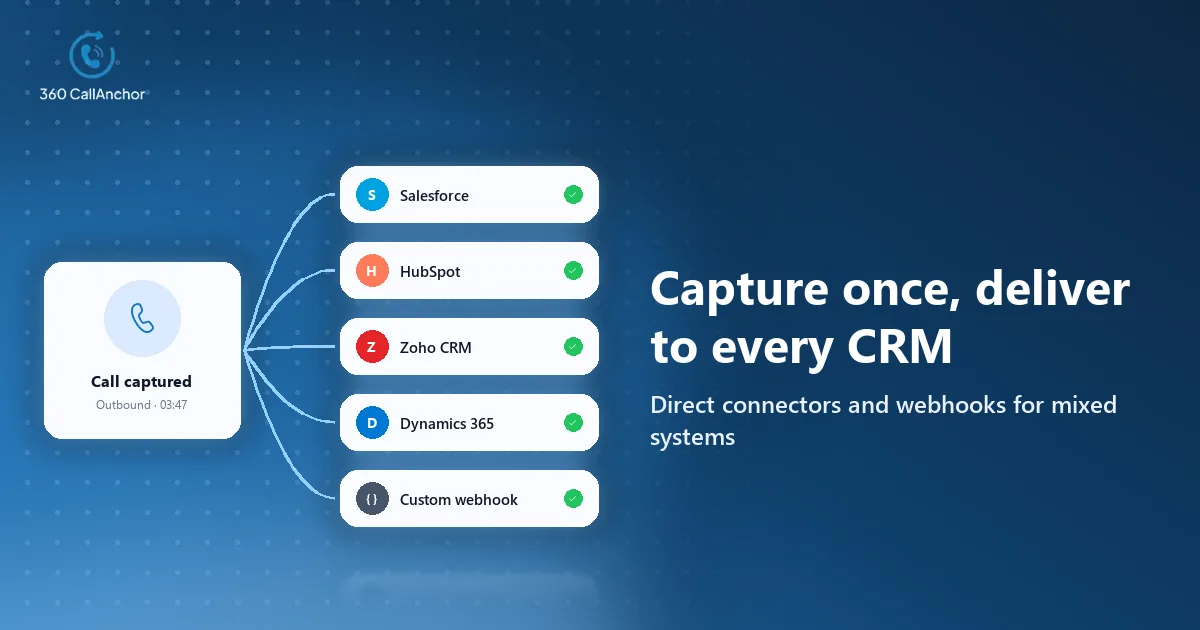
The app integrates with Salesforce, Microsoft Dynamics 365, Zoho CRM and HubSpot. It also syncs call data, analytics and dispositions into any platform that accepts a webhook or API connection.
How is automatic call recording priced?
For this app, pricing is set per number each month with everything included and no add-ons, and a free trial is available. That makes it simple to work out the cost of a pilot for one team before you commit to a wider rollout.
See it working on your own calls
Share a few details and our team will get back to you.
Prefer to compare plans first? See pricing.