
Client Call Logging Software for Trackable Conversations & History
Captures calls made and received on your real mobile number and syncs time, recording, and disposition directly onto the client record in whichever CRM your team already runs.
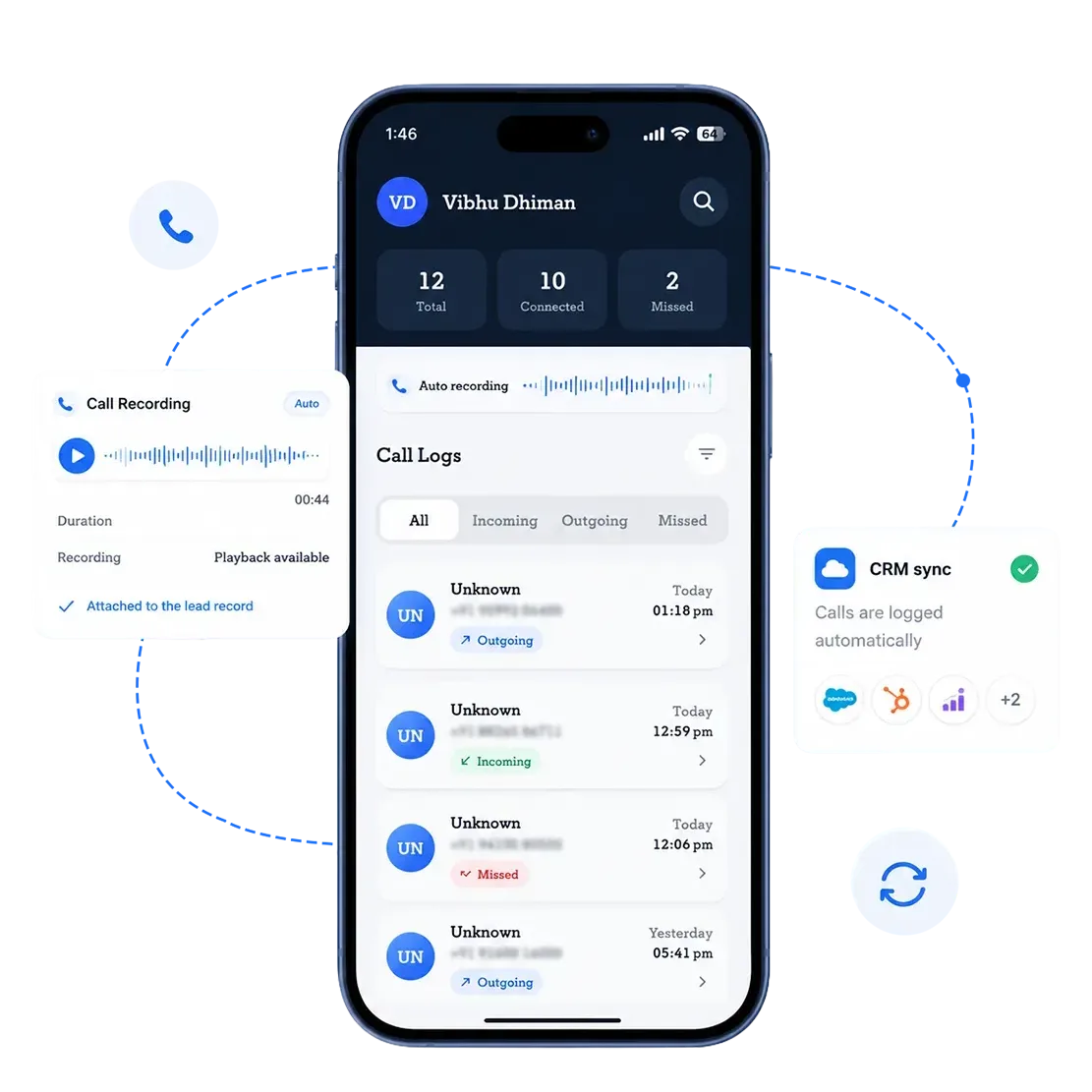






Want to See a Client Call Land on the Account Record?
Your Sales Team Doesn’t Need to Change How They Work
Your reps keep calling from their own numbers. 360 CallAnchor runs in the background and handles everything else.
-
Step 01
Sales Rep Makes a Call
Use their own number and SIM. No VoIP needed.
-
Step 02
Call Logged Automatically
Duration, recording, and caller ID captured instantly.
-
Step 03
Synced to Your CRM
Call disposition and notes land on the right record.
Your Field Sales Keep Selling in the Field
Your reps keep calling from their own numbers, on the road or at a site. 360 CallAnchor runs in the background and handles the rest.
-
Step 01
Sales Rep Makes a Call
Use their own number and SIM. No VoIP needed.
-
Step 02
Call Logged Automatically
Duration, recording, caller ID captured instantly.
-
Step 03
Synced to Your CRM
Call disposition and notes land on the right record.
Never Lose Client Context Between Calls and Follow-Ups
Five improvements you’ll see from day one with account manager call logging software, without relying on anyone to log calls manually.
Calls log straight from your native dialer. No app-switching, no end-of-day cleanup.
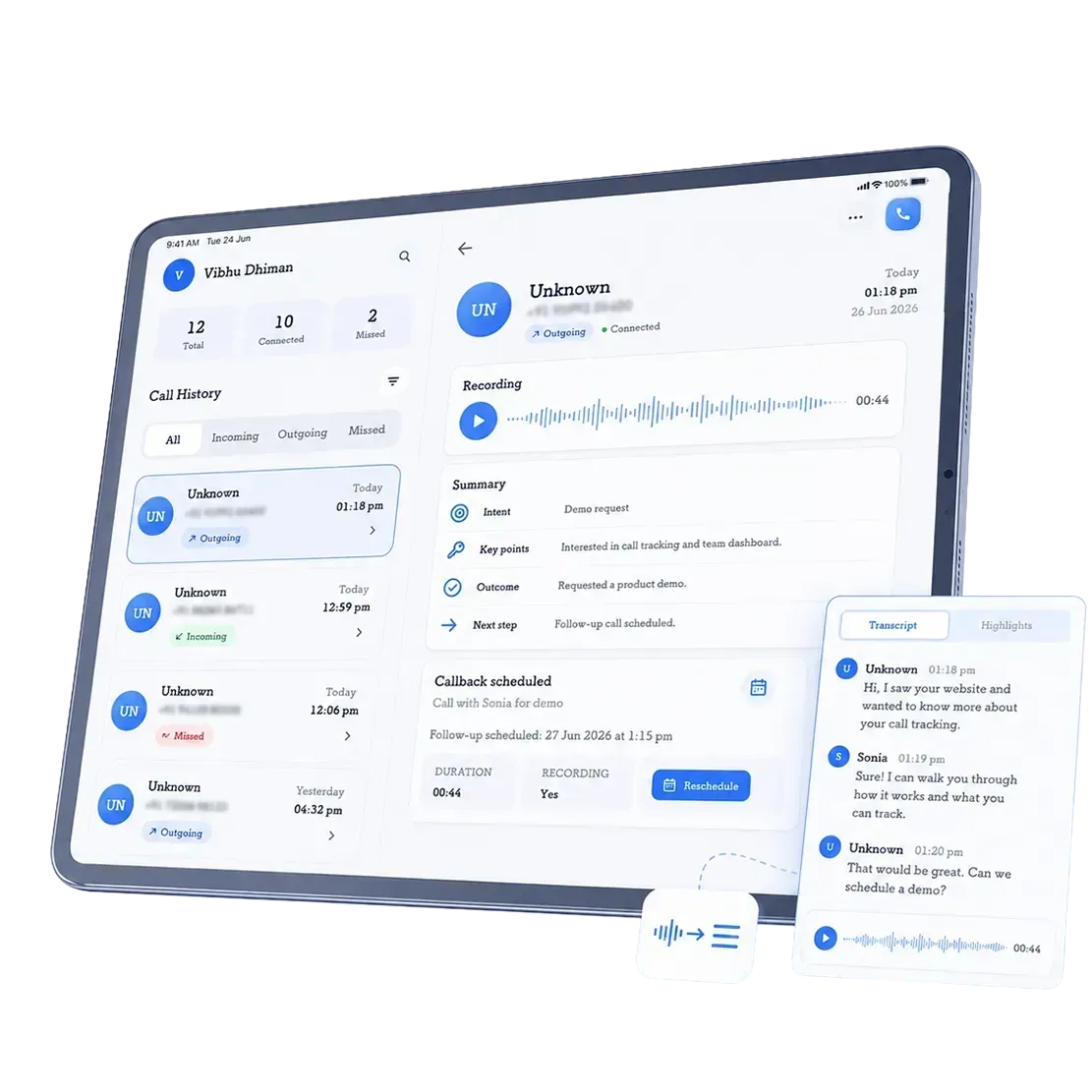
Recordings attach to the client's account record, so what was actually said is on file.
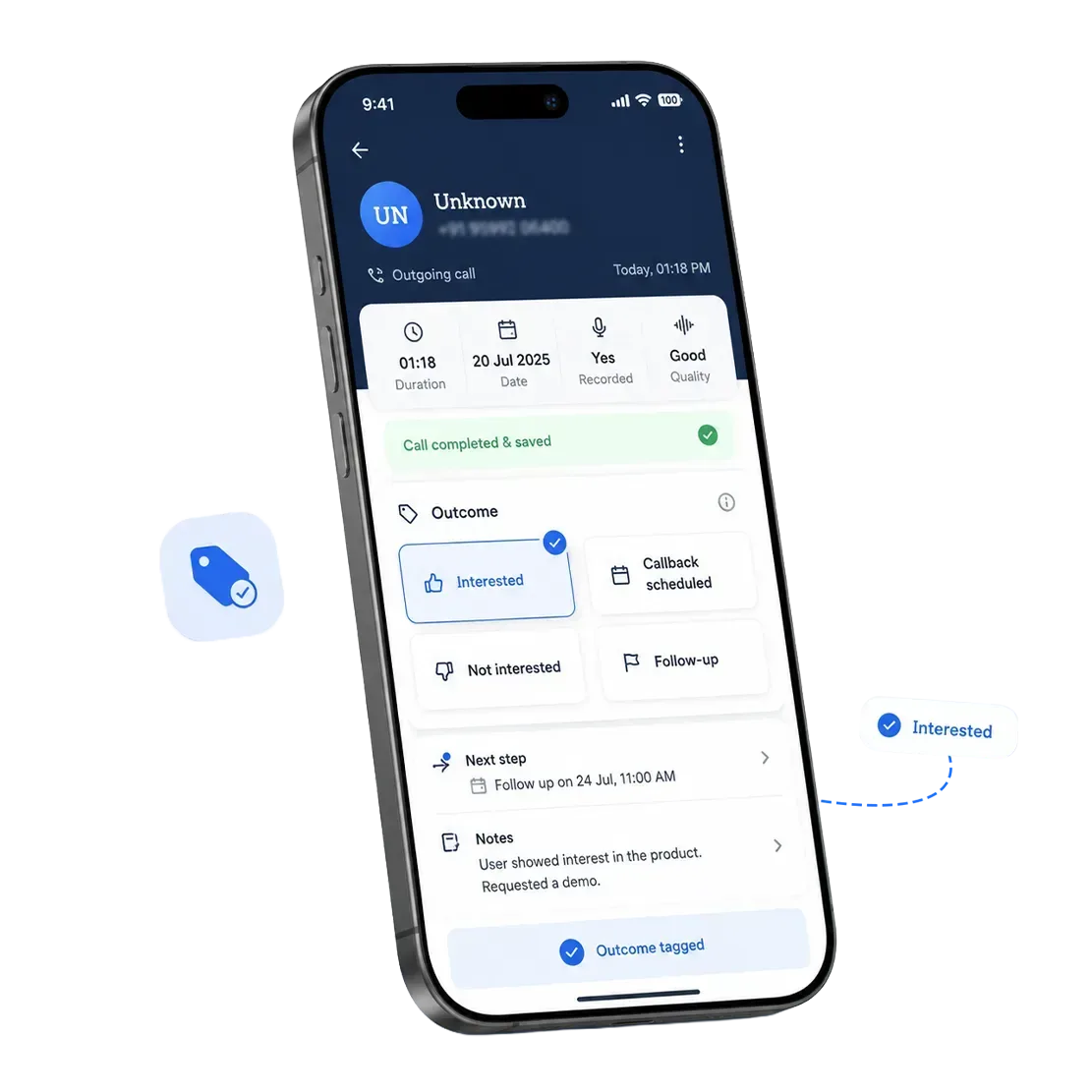
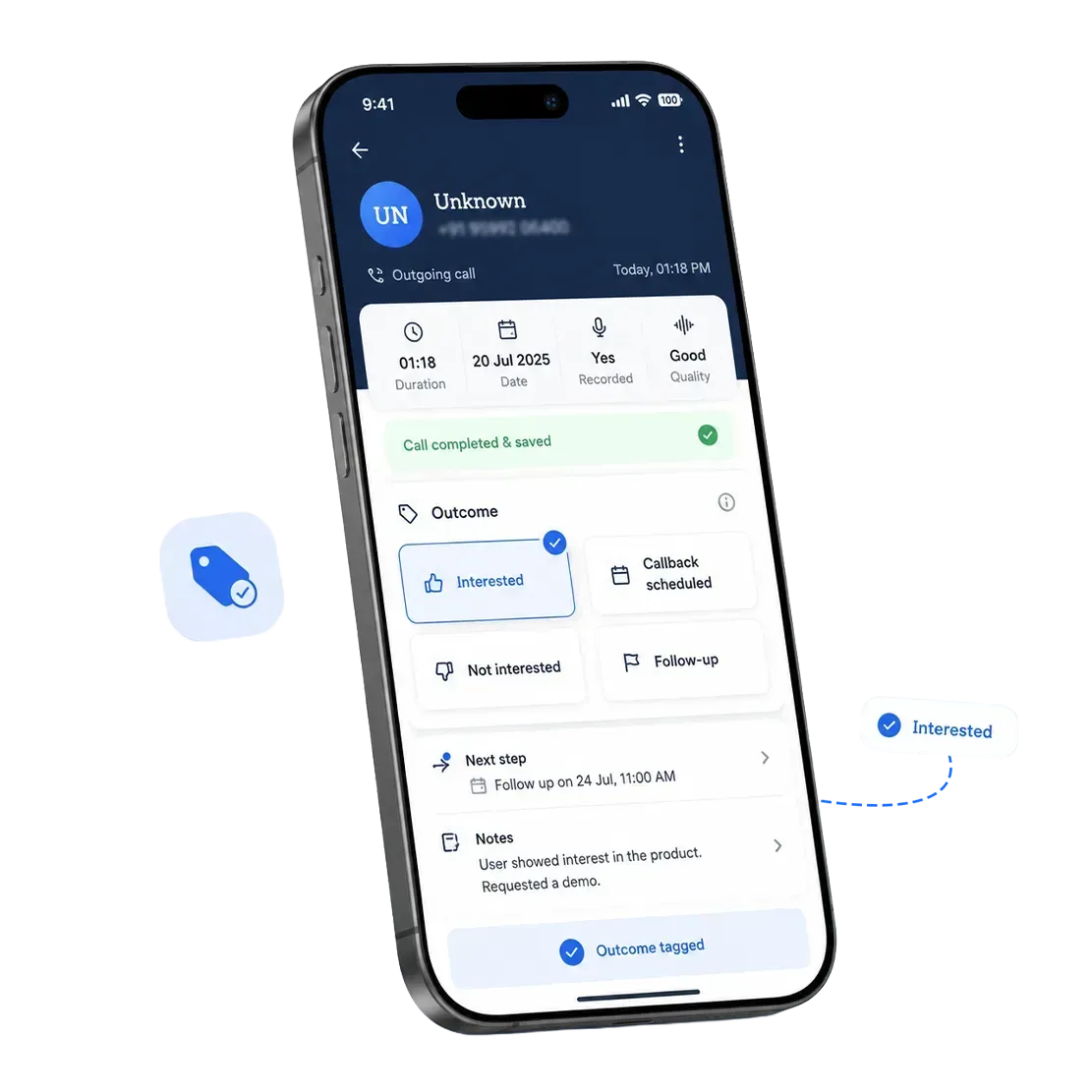
The disposition prompt opens over the dialer, so you log the outcome, a note, and the next step before you move on.
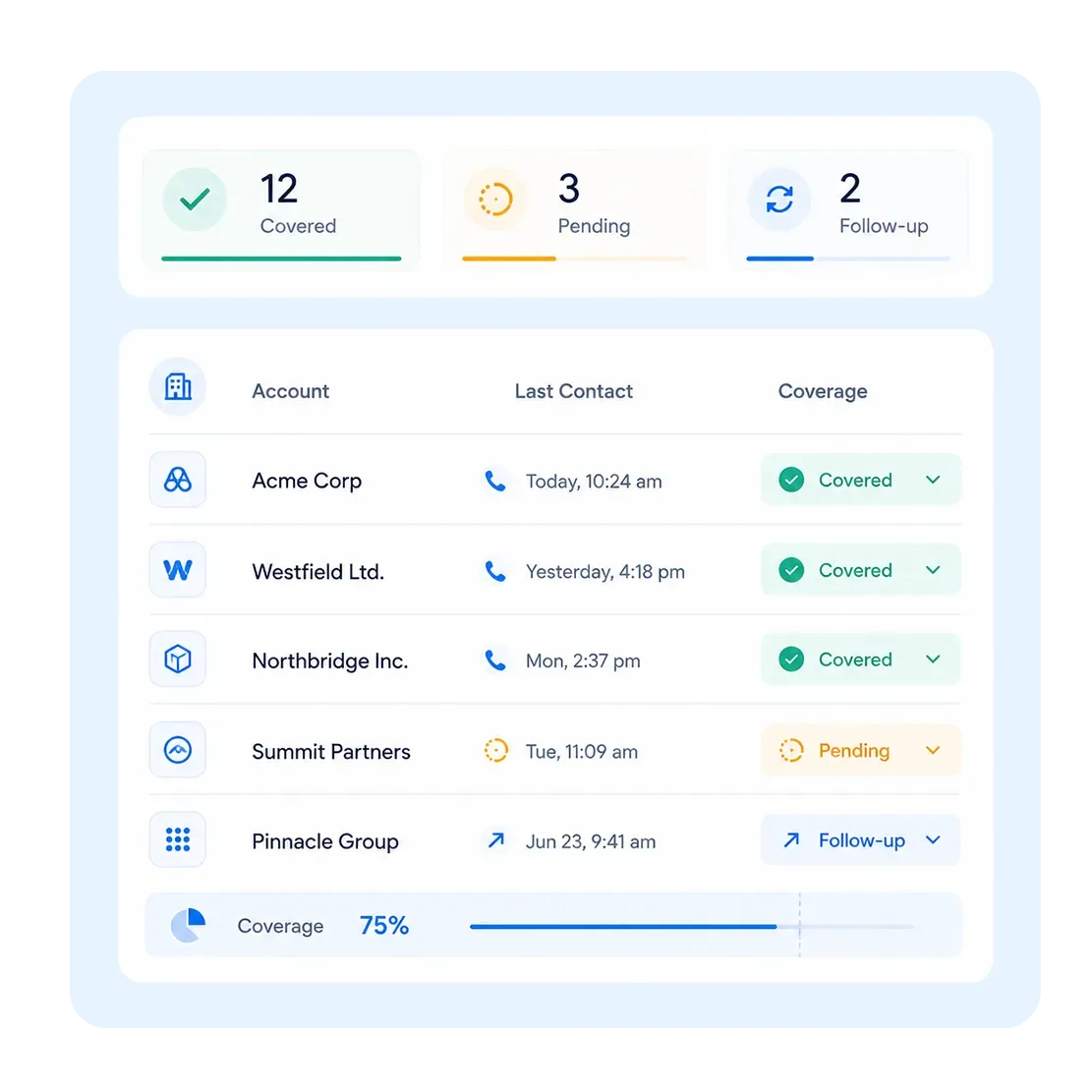
Coverage across your book of business, visible inside the CRM you already report from.
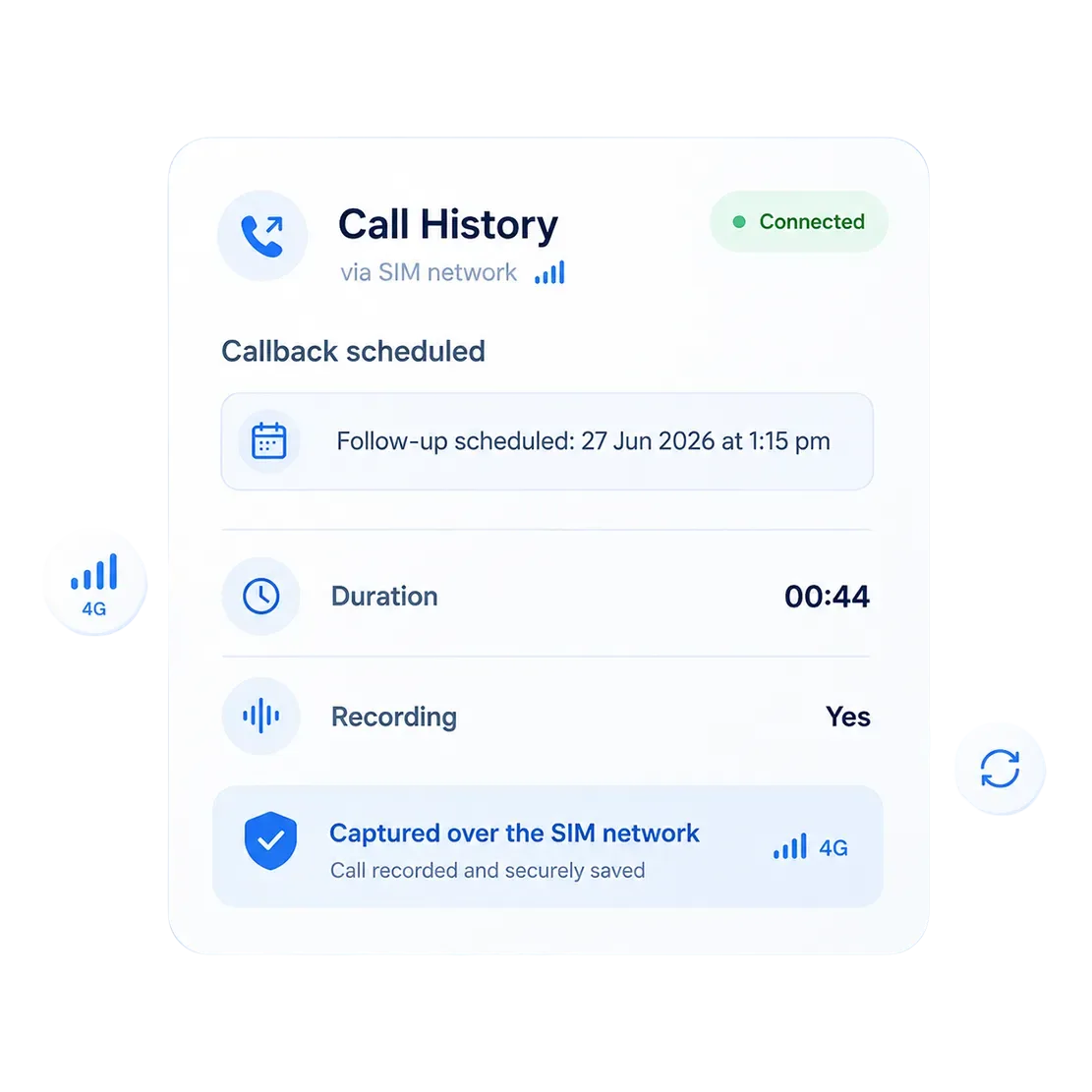
Calls track over the SIM network, not VoIP, so client conversations on the move still log. See the full SIM-based call logging breakdown.
Your Client Conversations, On File When You Need Them
Customer call logging software that keeps account history intact through handovers, escalations, and renewals, not just while the current AM is in the seat.
What Get Captured
Business calls made or received through the rep’s mobile SIM, with full recordings where enabled.
How Your Team Uses It
Review commitments, prepare for QBRs, manage escalations, and transfer accounts with complete conversation context.
Where It Appears
Recordings and call details are attached to the correct account or contact record in your CRM.
How Your Team Uses It
Recording is limited to approved users and business calls, following applicable consent laws and internal policies.
What Happens to Client Context When Someone Leaves?
Book a walkthrough and we'll show you one real call, from dial to CRM account record, with its recording, outcome, and follow-up attached.
See Which Clients You Are Actually Talking To
Your call activity groups by contact automatically, so coverage across your book of business is visible without anyone self-reporting.
 Calls Per Client
Every record grouped by contact, with total calls, incoming, outgoing, and missed.
 Talk Time
Average and total time spent on calls per rep.
 Answer and Missed Rates
Across all your calls, or filtered down to a single teammate.
 When You Last Spoke
Last call date and time on every contact, so quiet accounts stand out.
 Call Duration
Logged on every call, alongside direction and disposition.
 Scheduled Follow-ups
The date and time were saved on the record and synced into the CRM.
How You Get Started
No lengthy rollout. Most teams go from install to their first logged call the same day.
Install the app
Account managers install the 360 CallAnchor app on their phone. No new hardware, no VoIP setup.
Connect your CRM
Connect any CRM. Salesforce and Zoho are native integrations, and other CRMs connect through a custom webhook.
Calls start logging
Every business call an account manager makes or takes syncs automatically from that point on.
Your Accounts Live Across Systems. We Sync Into All of Them.
Call activity syncs into whichever CRM your account team already reports from, with no second tool to maintain alongside it.




Built Around How You Manage Your Accounts
Key accounts, renewals, and field coverage do not run the same way. Your client call logging software should reflect
If You Own Key Accounts
Every touch on a strategic account is logged with its recording, so your QBR is built from a record instead of a recollection.
If You Own Renewals
Outcomes and follow-up dates sit on the record, so the next step is scheduled before you hang up.
If You Are in the Field
Calls are captured on your SIM, so client conversations between site visits still reach your CRM.
Is Your Client Call History Walking Out With Your Account Managers?
Why Account Teams Like Yours Choose 360 CallAnchor
No new hardware, no new dialer, no new CRM. The same number your clients already call, with every conversation on the account record.
| What You Need | 360 CallAnchor | CRM-Replacement Call Apps |
|---|---|---|
| No new app for your account managers to learn | ✓ | ✗ |
| Your clients keep calling the same mobile number | ✓ | ✗ |
| Calls run on the mobile network, not VoIP | ✓ | ✗ |
| No PBX or VoIP setup required | ✓ | ✗ |
| Call history lands in the CRM you already run | ✓ | ✗ |
| No manual client call note-taking | ✓ | ✗ |
Your CRM Stays the Source of Truth
Client call data belongs in the system your account team already reports from, not in a parallel app nobody checks

Native CRM Integrations
Salesforce via native OAuth. All other CRMs via webhook or API. Any CRM that accepts a webhook connection is supported.

No VoIP Dependency
Runs on the SIM your team already uses. No cloud telephony vendor sitting between you and your client.
Consent-aware by Design
Recording is admin-controlled and scoped to work-related calls, with a per-call Business or Personal choice for every user.
Get Full Client Call Visibility, Without Changing How Your Team Works
Keep calling clients the way you always have. 360 CallAnchor makes sure every business conversation ends up on the account record in your CRM.
FAQs About Call Tracking for Account Managers
01 What is client call logging software and how is it different from sales call tracking?+
02If an account manager handles 40 plus clients, does call logging software for account managers slow them down between calls?+
03Can a new account manager see the full call history on a client they just inherited?+
04Which CRMs does account management call logging software support?+
05Can a manager see which client accounts have gone quiet, not just overall call volume?+
06 Is customer call logging software compliant with call recording consent rules?+
Thank you
Your request has been received. Our team will reach out shortly.