
Call Logging Software for Sales Teams That Turns Calls Into CRM Data
Track inbound and outbound calls, measure talk time, monitor team activity, visualize performance, and sync call data directly to your CRM.
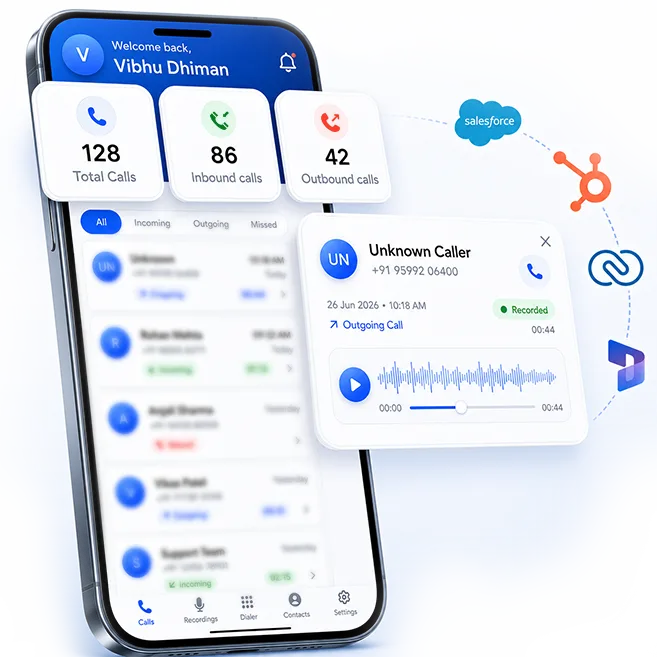
More Than a Quarter of Your Team's Week Is Gone Before They Even Start Selling.
Your Sales Team Doesn’t Need to Change How They Work
Your reps keep calling from their own numbers. 360 CallAnchor runs in the background and handles everything else.
-
Step 01
Sales Rep Makes a Call
Use their own number and SIM. No VoIP needed.
-
Step 02
Call Logged Automatically
Duration, recording, and caller ID captured instantly.
-
Step 03
Synced to Your CRM
Call disposition and notes land on the right record.
Your Field Sales Keep Selling in the Field
Your reps keep calling from their own numbers, on the road or at a site. 360 CallAnchor runs in the background and handles the rest.
-
Step 01
Sales Rep Makes a Call
Use their own number and SIM. No VoIP needed.
-
Step 02
Call Logged Automatically
Duration, recording, caller ID captured instantly.
-
Step 03
Synced to Your CRM
Call disposition and notes land on the right record.
Everything a Sales Call Logging Software Should Do
Five pieces that work together, so call tracking for sales teams runs in the background instead of on a rep's to-do list.
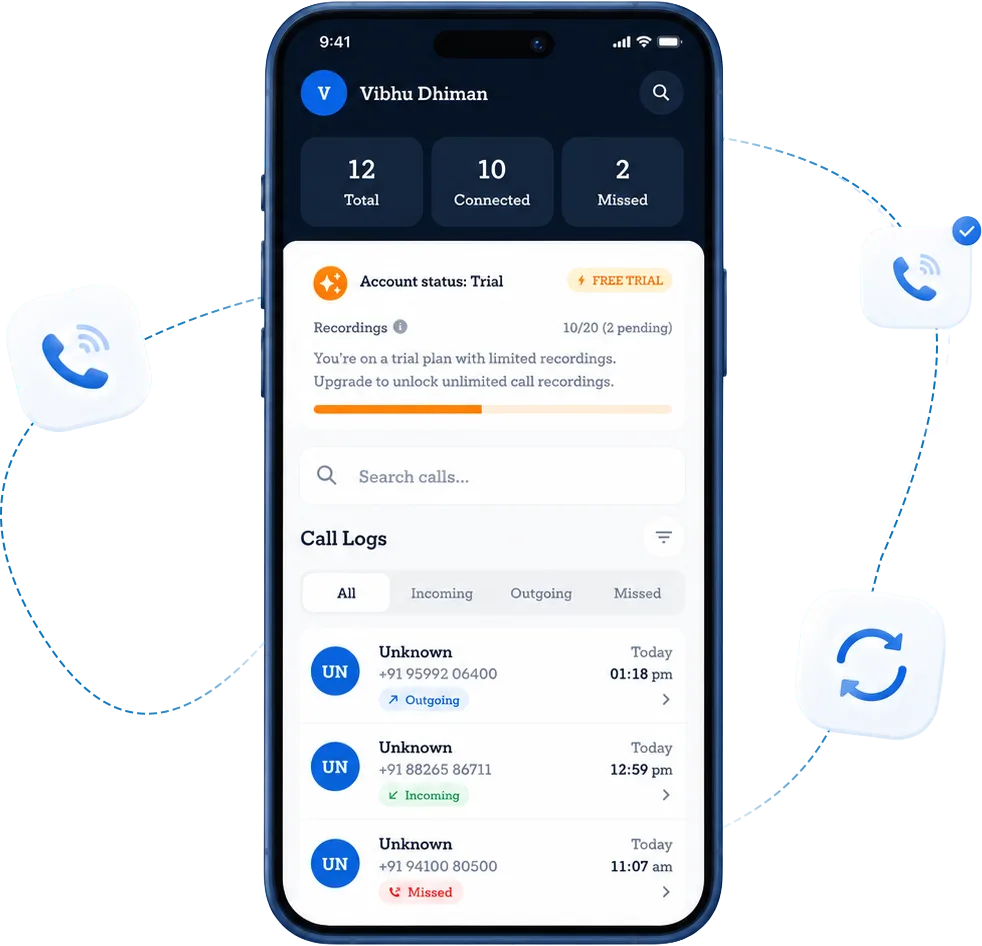
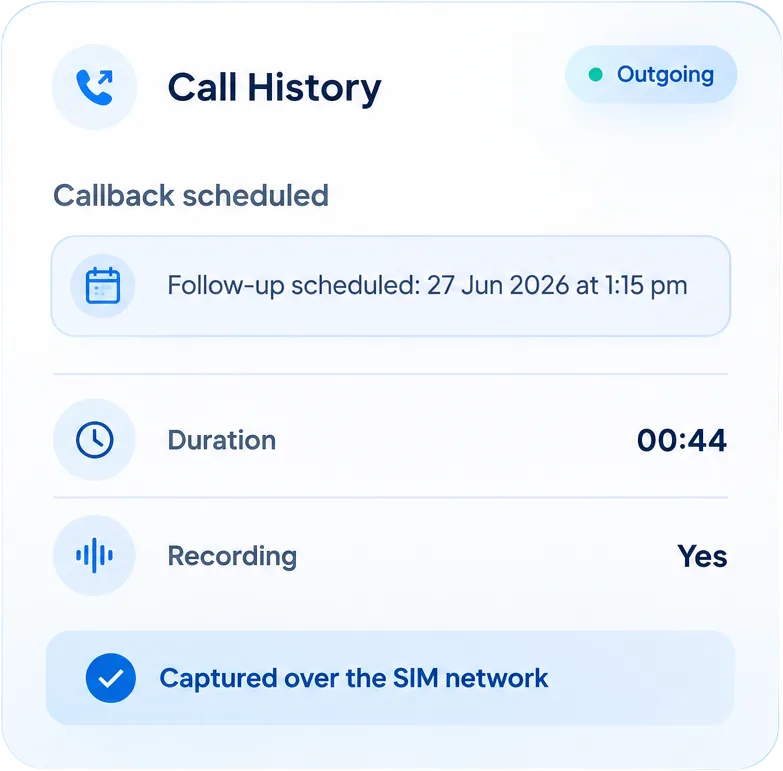
Duration, timestamp, direction, and caller number captured the moment the call ends. Not when the rep remembers.
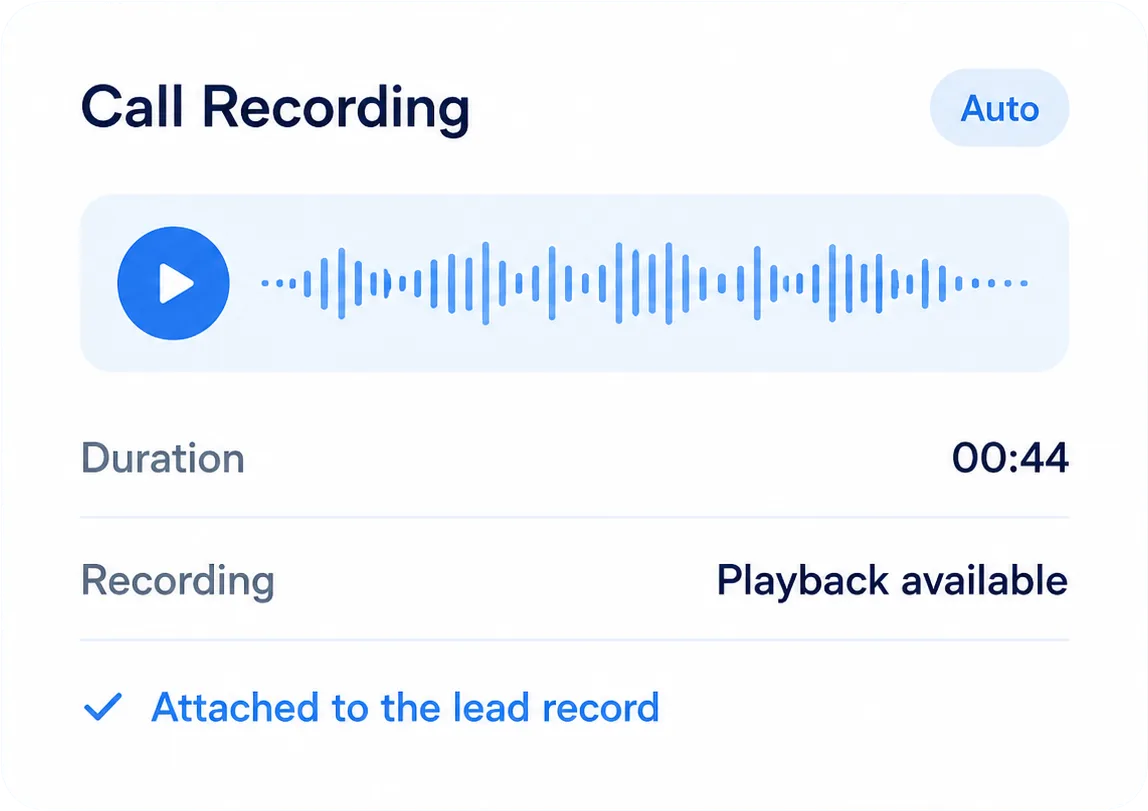
Recordings attach to the lead record automatically, so managers can review real conversations, not just call metadata.
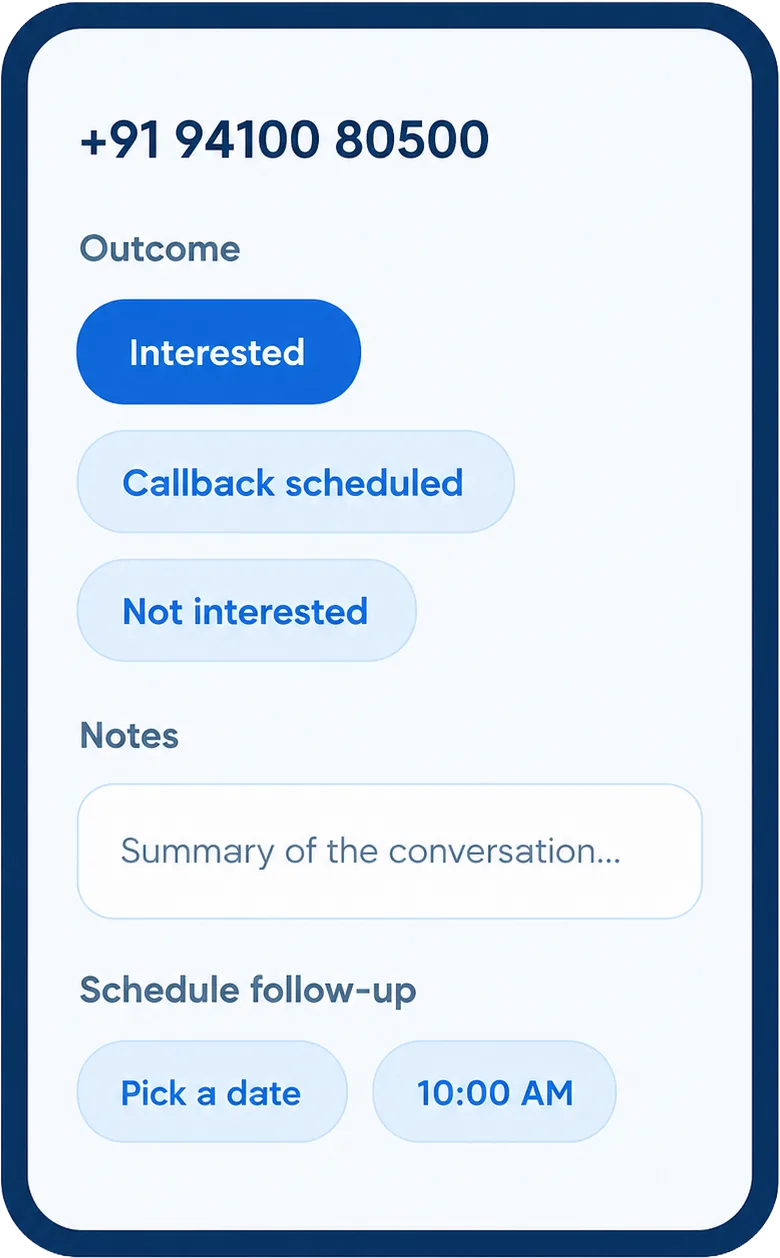
A prompt appears the moment the call ends. Outcome, notes, callback date, captured in the moment, synced to the CRM with the call.
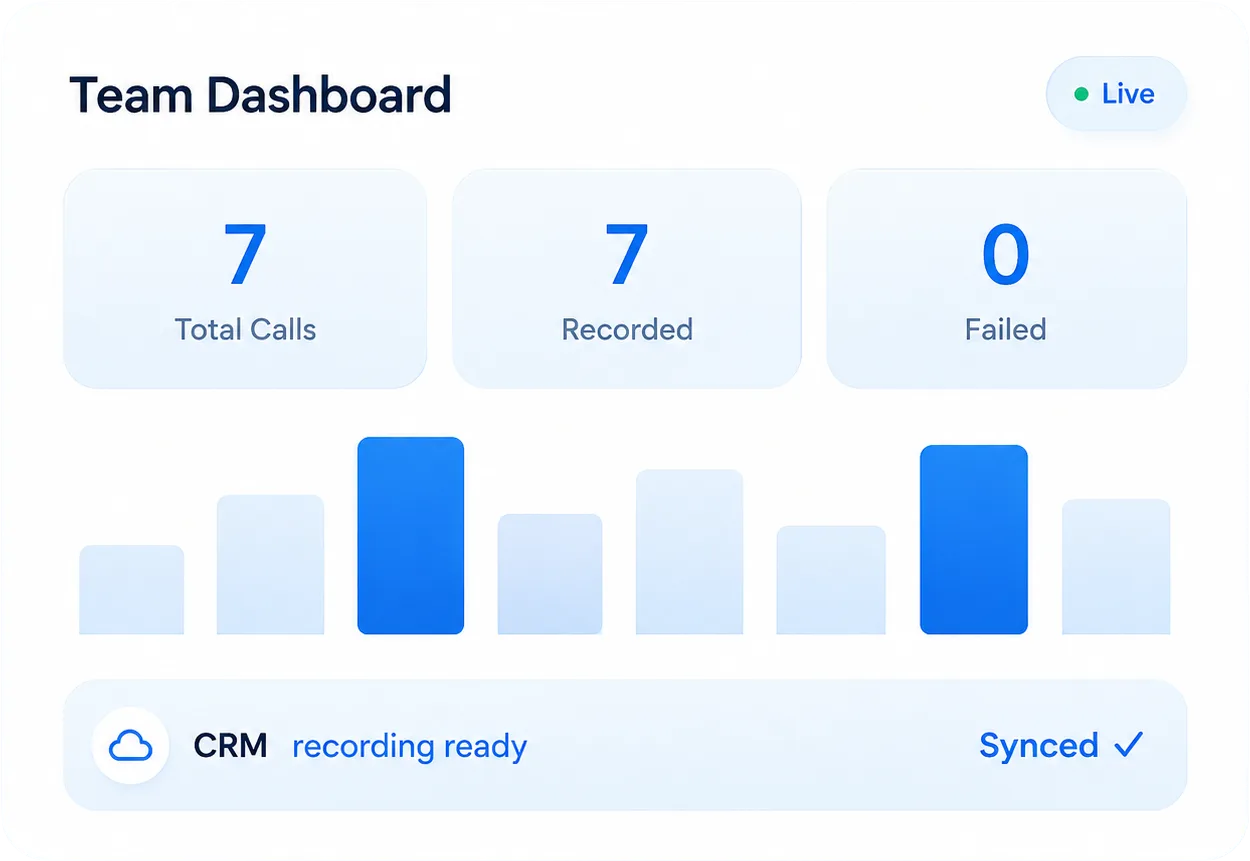
Call volume, talk time, connect rate, missed calls, overdue follow-ups — per rep, inside the CRM.
Calls log over the mobile network. No internet at a site? Data saves locally and syncs automatically when connectivity returns.
Sales Team Call Recording, Built for Coaching and QA
Call recording on 360 CallAnchor is not a side effect of syncing. It is built for the way managers actually coach reps.
What Gets Recorded
Business calls are recorded where enabled. Personal calls are never recorded, the rep classifies each call immediately after it ends.
Where Recordings Live
Every recording attaches to the matching CRM record automatically. Customer data is not stored on 360 CallAnchor servers.
How Managers Use It
Recordings support call reviews, onboarding new reps on real conversations, and spot-checking calls tied to specific dispositions or deal stages.
Consent Handling
Recording applies to approved users and business calls only. Personal calls are logged without a recording. Admins configure recording behavior centrally from the portal.
Want to Hear How a Logged Call Actually Sounds?
Book a walkthrough and see a real call land in the CRM with its recording and disposition.
Track Sales Reps' Calls Without Chasing Them for Updates
Managers get rep-level call visibility automatically, instead of asking reps to self-report activity at the end of the day.
Call Volume Per Rep
Total calls made and received, daily or weekly.
Talk Time
Average and total time spent on calls per rep.
Missed and Unreturned Calls
Inbound calls that haven't been called back yet.
Connect Rate
Share of dials that reach a live conversation.
Disposition Breakdown
Outcomes grouped by interested, follow-up, not reachable, and more.
Follow-up Status
Which promised follow-ups are overdue.
How You Get Started
No lengthy rollout. Most teams go from install to their first logged call the same day.
Install the app
Reps install 360 CallAnchor on their phone. No new hardware, no VoIP setup.
Connect your CRM
Link Salesforce, Zoho, or another supported CRM in a few clicks.
Calls start logging
Business calls sync automatically to the CRM.
Multiple Lead Sources? 360 CallAnchor Integrates With All of Them
Built to plug into the CRM stack sales teams already run, not to make them switch.




Built for How Sales Teams Actually Work
Outbound, inside, and field sales all call differently. 360 CallAnchor tracks calls the way each role actually operates, not one generic workflow.
Outbound Reps
Every dial logs automatically. Real call volume, no guesswork at the end of the day.
Inside Sales
Call history sits on the lead record, so the next rep who picks it up sees the full context.
Field Sales
Logs over SIM, so patchy mobile data in the field doesn't break call visibility.
Are Important Sales Calls Slipping Through the Cracks?
Why Sales Teams Choose 360 CallAnchor
Reps keep their real mobile numbers, helping improve pickup rates and reduce spam concerns while business call activity stays connected to the CRM.
| What Sales Teams Need | 360 CallAnchor | Others |
|---|---|---|
| No new app for reps to learn | ✓ | ✗ |
| Reps keep their existing mobile number | ✓ | ✗ |
| Calls run on the mobile network, not VoIP | ✓ | ✗ |
| No PBX or VoIP setup required | ✓ | ✗ |
| Syncs into the CRM the team already uses | ✓ | ✗ |
| No manual call note-taking | ✓ | ✗ |
Trusted by Sales Teams Running on Salesforce, Zoho, and Beyond
Built to plug into the CRM stack sales teams already run, not to make them switch.
Native CRM Integrations
Direct sync with Salesforce and Zoho, with additional CRMs supported so teams aren't boxed into two platforms.
No VoIP Dependency
Real mobile/SIM numbers, not virtual numbers, help improve pickup rates and reduce spam concerns.
Consent-aware by Design
Recording and tracking are scoped to approved users and work-related calls, with consent and compliance built into the setup.
Give Your Sales Managers Call Visibility, Without a New CRM
Reps keep dialing the way they always have. 360 CallAnchor makes sure every call still ends up in Salesforce, Zoho, or whatever CRM the team runs.
FAQs About Sales Call Tracking Software
01Can a sales manager access call data for the whole team, or only their own calls? +
02 What happens to a rep's call data if they leave the team and their license is removed? +
03Can the disposition step be skipped, or is it mandatory for every call? +
04Does 360 CallAnchor log WhatsApp calls, or only calls made through the standard dialer? +
05How long does 360 CallAnchor keep call data on its own servers after it syncs to the CRM?+
06What happens if two reps share the same mobile number, does 360 CallAnchor still log calls correctly? +
Thank you
Your request has been received. Our team will reach out shortly.