
Mobile Call Analytics Software to Pull Data from Reps' Mobile
A call tracking & analytics software built on actual SIM call data, not rep self-reporting, giving sales managers a real-time view of team call volume, talk time, missed calls, and outcomes.
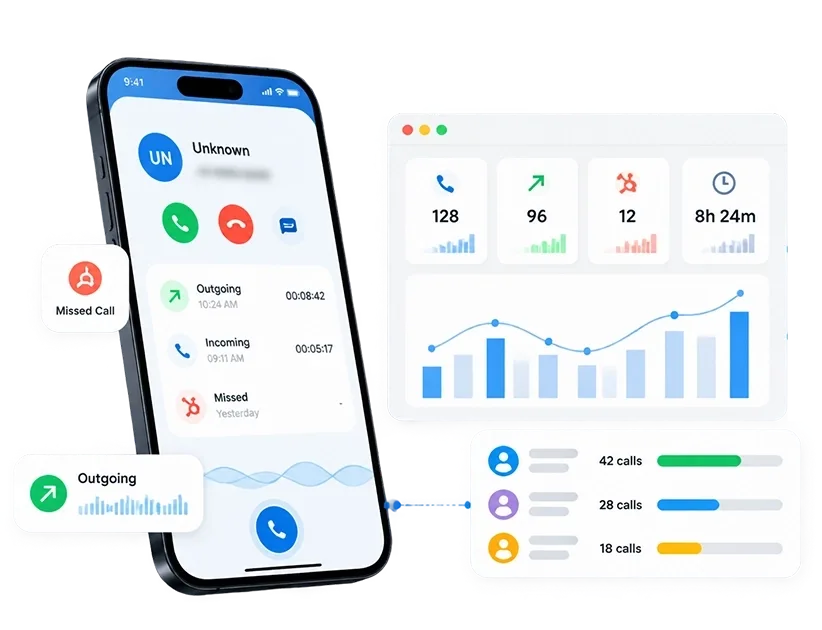
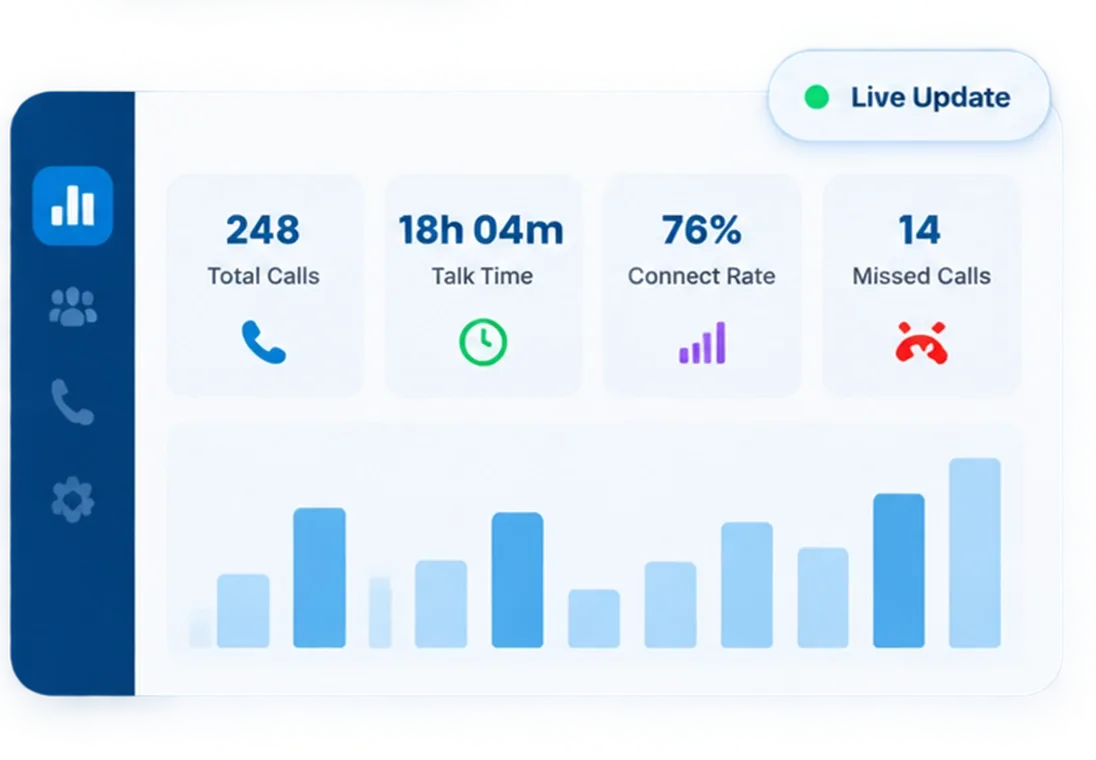
Feed Your Dashboard With Call Performance Monitoring Software
Once the CRM is connected, every call your rep makes updates the dashboard without any rep involvement.
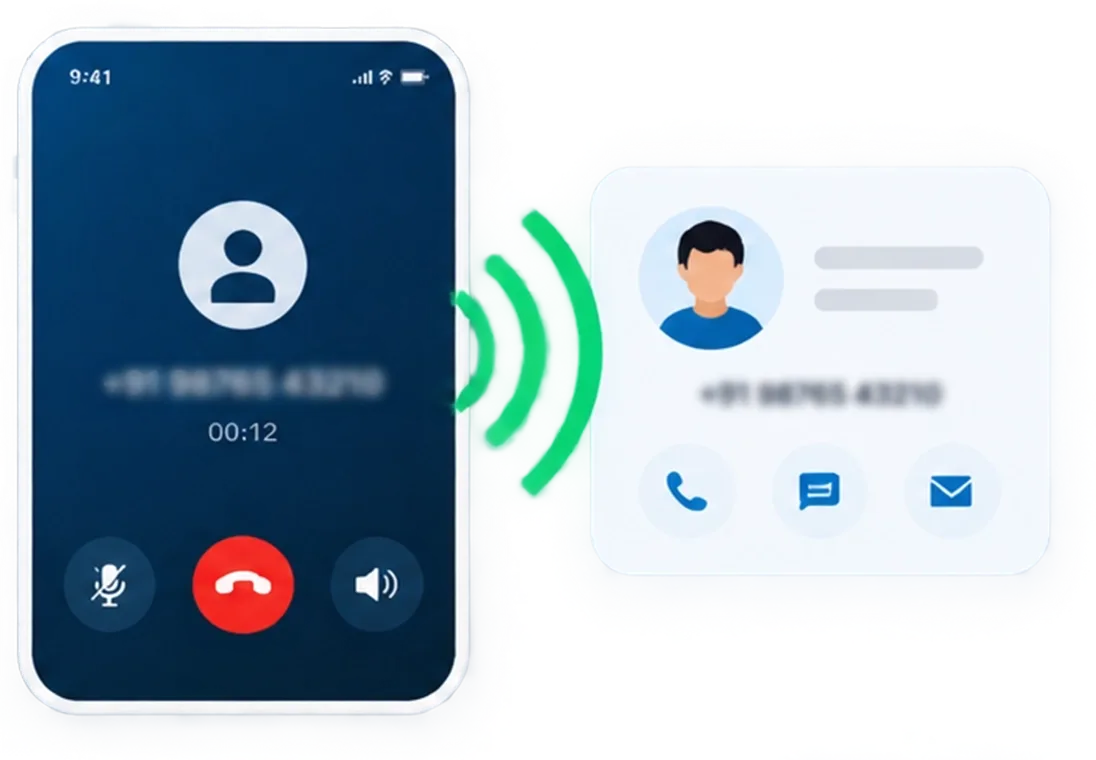
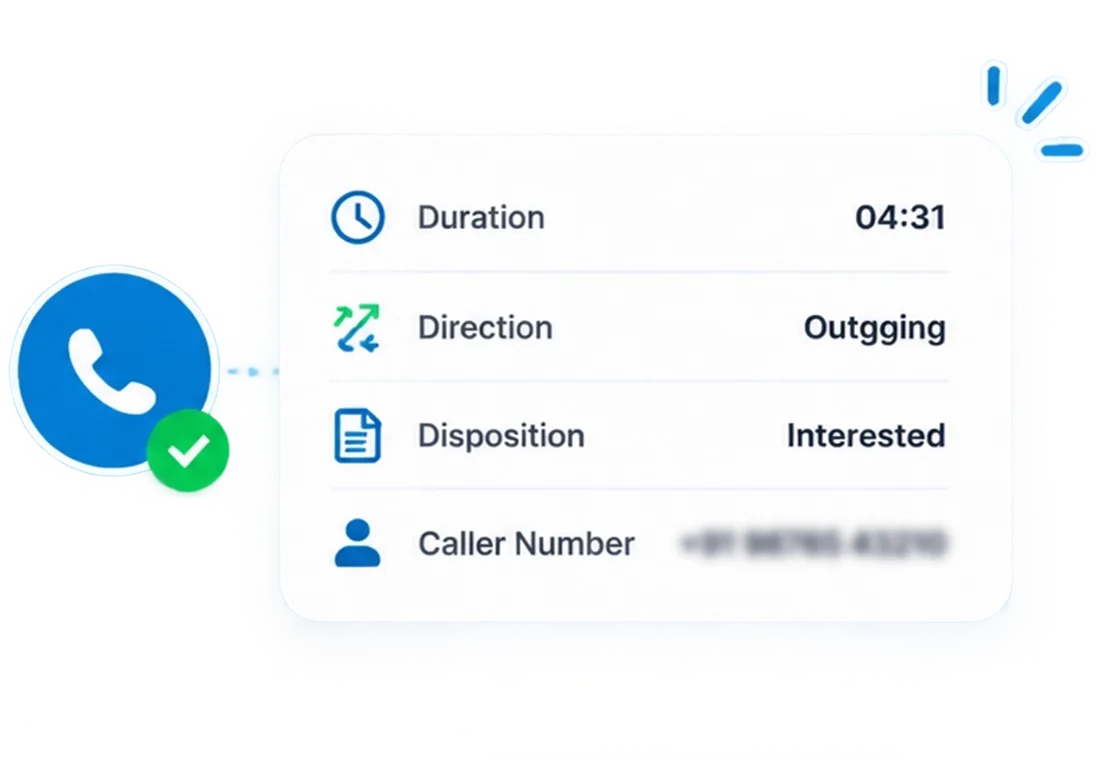
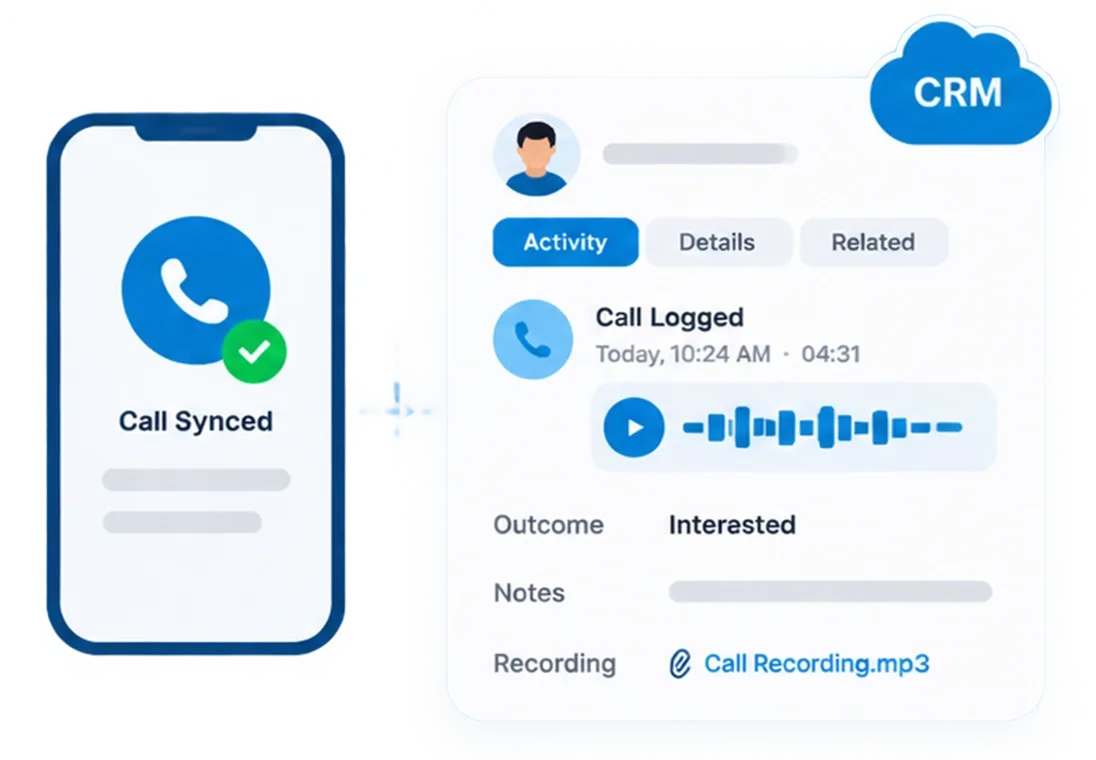
Every Call Becomes a Trackable Data Point, Not a Memory
Call tracking and analytics software is only as useful as the data feeding it. 360 CallAnchor captures six data points on every call, automatically.

Call Direction
Incoming or outgoing, captured without rep action.

Call Duration
Exact talk time per call, per rep, per day.

Caller Number
Matched against your CRM record automatically.

Call Outcome
The disposition the rep saves immediately after the call ends.

Call Recording
Business call audio attached to the CRM record where recording is enabled.

Follow-up Date
The callback the rep commits to, synced to the CRM with the call.
See Your Team's Real Call Activity on One Dashboard
Works With Any CRM. No Migration Required.




Your CRM Not on the List? 360 CallAnchor Still Connects.
360 CallAnchor syncs call data, analytics, and dispositions into any platform that accepts a webhook or API connection, not just the ones on a preset list.
-
Add Your Endpoint
Enter your platform URL and authentication details in Settings.
-
Choose Sync Frequency
Set how often call data pushes to your platform, per integration.
-
All Analytics Data Travels With the Call
Call logs, talk time, disposition outcomes, recordings, and scheduled follow-ups all reach your platform in one sync.
- Call log & direction
- Talk time
- Disposition outcome
- Recording reference
- Scheduled follow-up
What Goes Into Your Dashboard Is as Important as What Comes Out
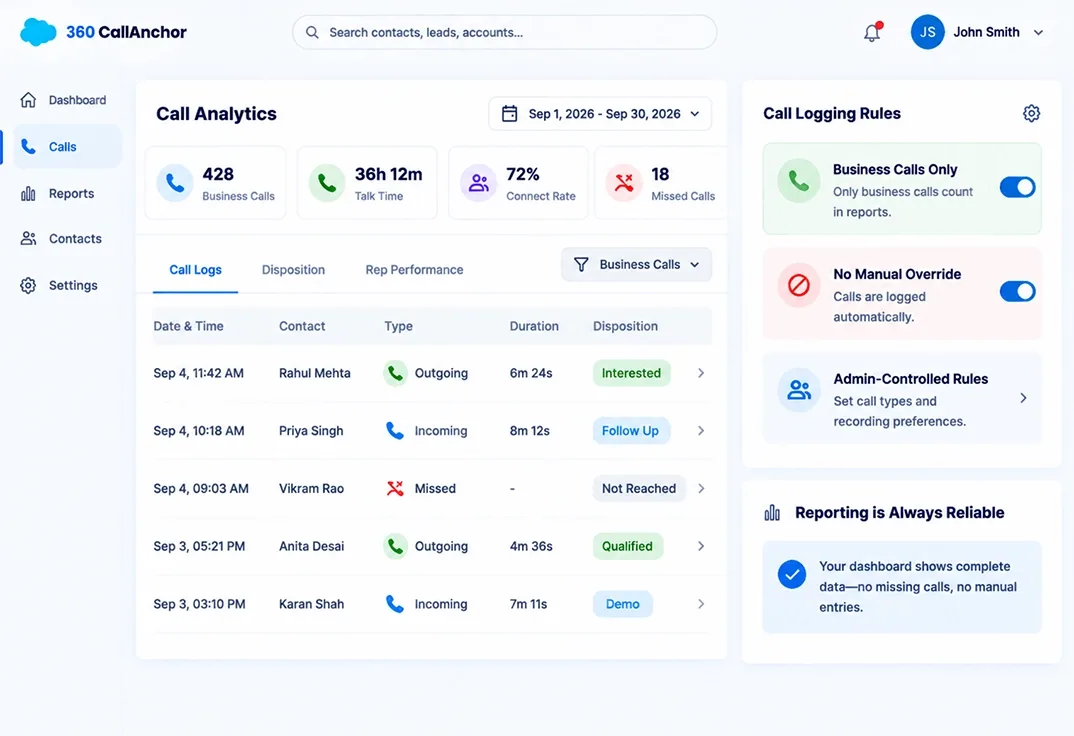
The Data Behind Your Dashboard Is Complete, Not Selective.
- Business Calls Only: Only business calls count toward volume, talk time, and disposition data. Personal calls never enter the report.
- No Manual Override: Call logging is automatic. A rep cannot choose to skip a difficult call.
- Admin-Controlled Rules: Admins set which call types sync and whether recordings attach.
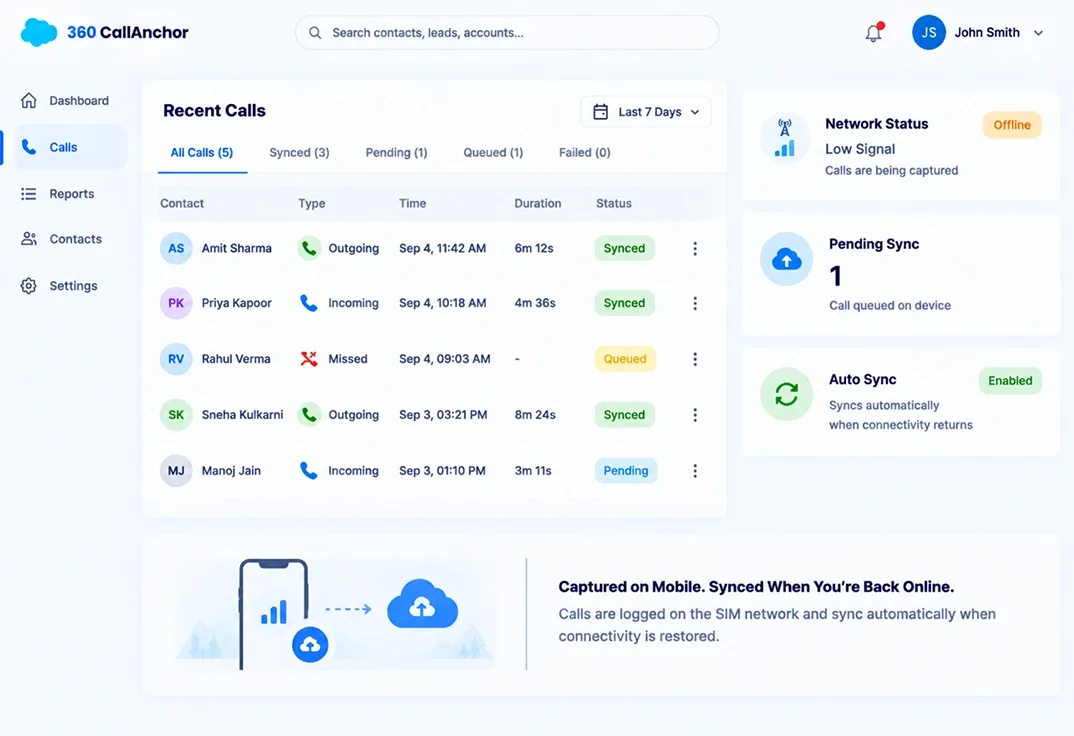
Reps in Low-Signal Areas Still Show Up in the Data.
- SIM-Based Capture: Logging happens on the mobile network, not over data.
- Auto-Sync on Reconnect: Records queue on device and sync the moment connectivity returns.
- One Data Model, Every Rep: Field, remote, and desk reps all feed the same dashboard with no gaps.
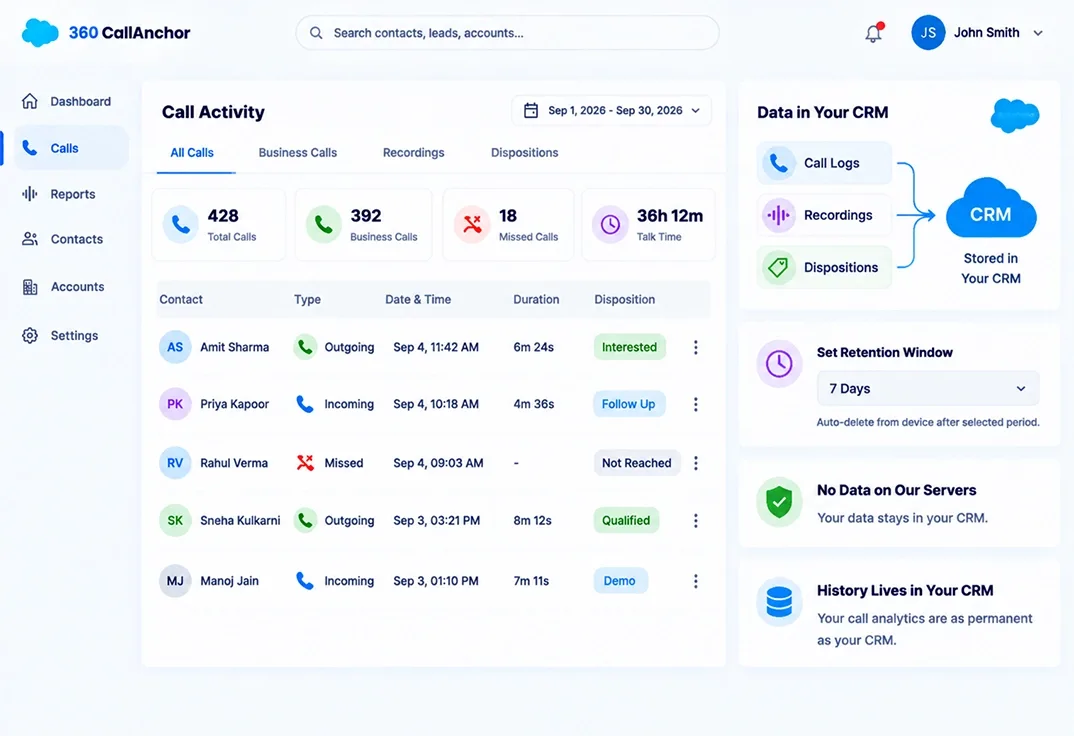
Your Dashboard Numbers Are Built on Your CRM Data, Not Ours.
- No Data Stored on Our Servers: Call logs, recordings, and dispositions land in your CRM.
- Set the Retention Window: Admins choose how long data stays on device before deletion, from real-time to 30 days.
- History Lives in Your CRM: Your call analytics history is as permanent as your CRM, not dependent on our storage.
Call Analytics Dashboard vs. Manual Call Reports
Most teams without dedicated call tracking and analytics software fall back on spreadsheets and end-of-day summaries. That works until the team grows past a handful of reps.
| Capabilities | Call Analytics Dashboard | Manual Spreadsheet Reports |
|---|---|---|
| Updates as calls happen | ✓ Yes | ✗ No |
| No rep self-reporting required | ✓ Yes | ✗ No |
| Filterable by rep, team, or date range | ✓ Yes | ✗ No |
| Disposition and outcome breakdown included | ✓ Yes | ✗ No |
| Synced into the CRM automatically | ✓ Yes | ✗ No |
| Accurate regardless of how busy reps are | ✓ Yes | ✗ No |
See Every Call as a Number Your Team Can Act On
No spreadsheets, no end-of-day reporting. Just a call analytics dashboard that's already up to date when you open it.