

Salesforce
Native OAuth connection. Call recordings, dispositions, and notes sync to the matching lead or contact record automatically. No middleware, no developer setup.
Native
Your CRM is only as accurate as the calls that reach it. 360 CallAnchor captures every business call and syncs the recording, disposition, and notes into the right CRM record automatically.
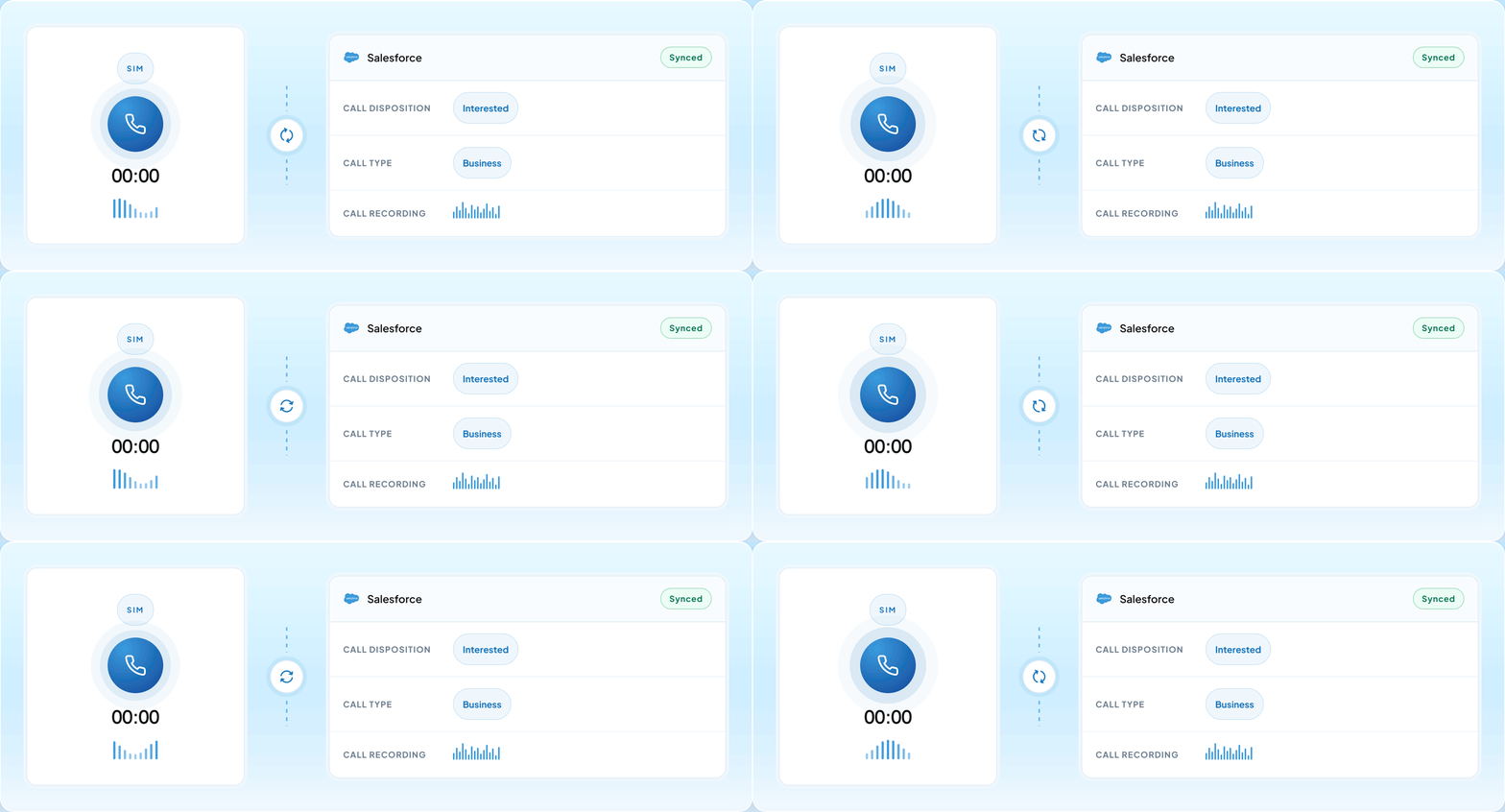
Every step between the call ending and the CRM record updating happens automatically. Here is what that looks like from the rep's side.
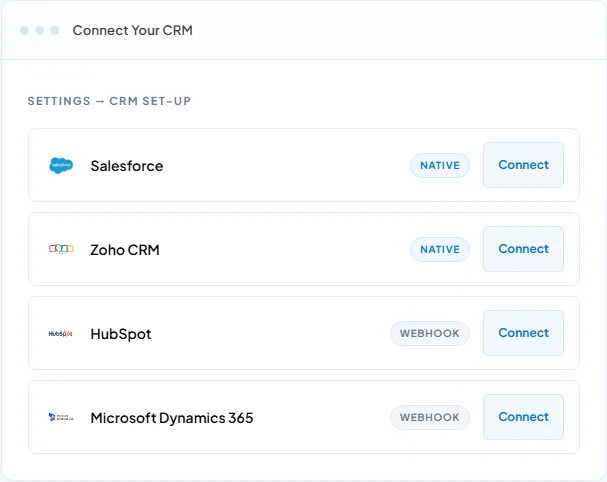
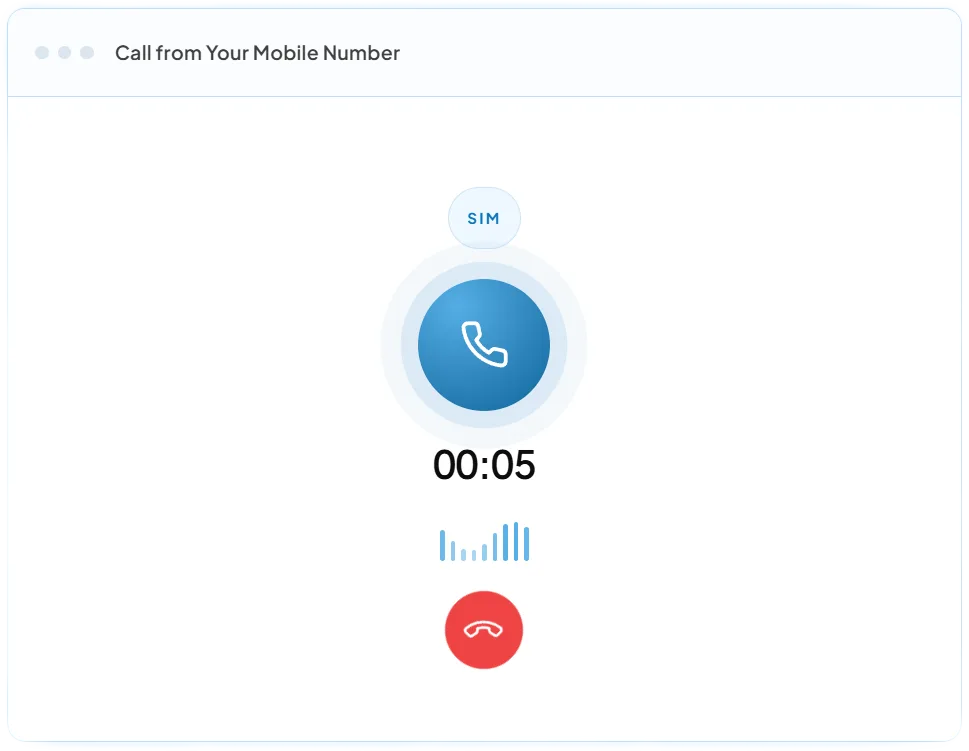
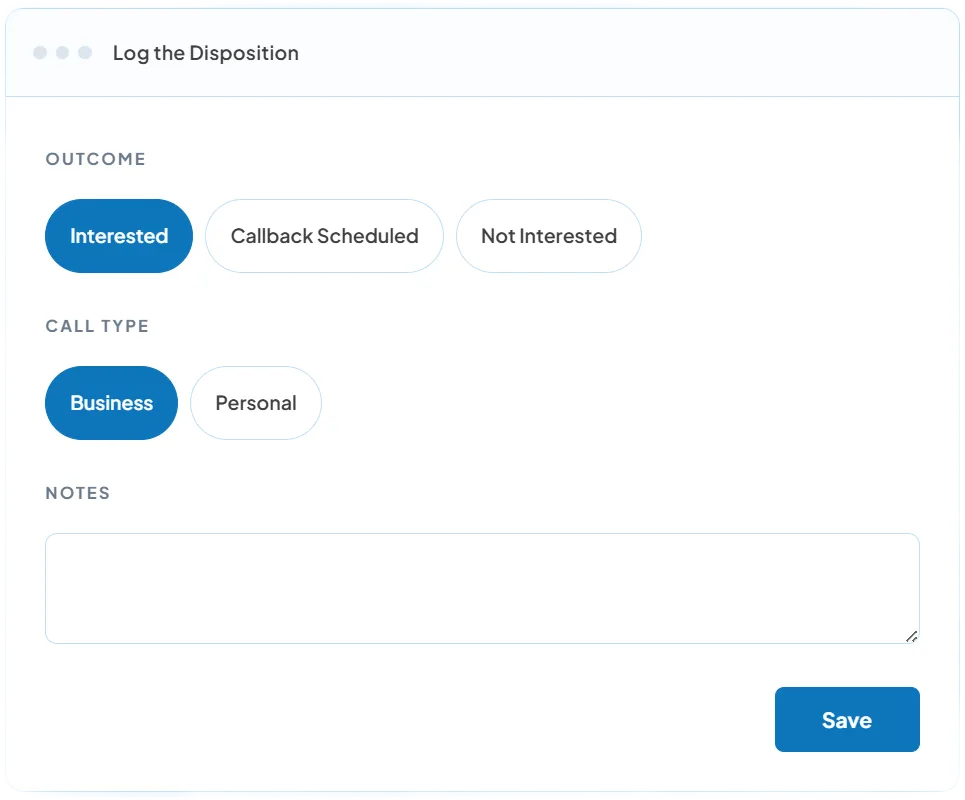
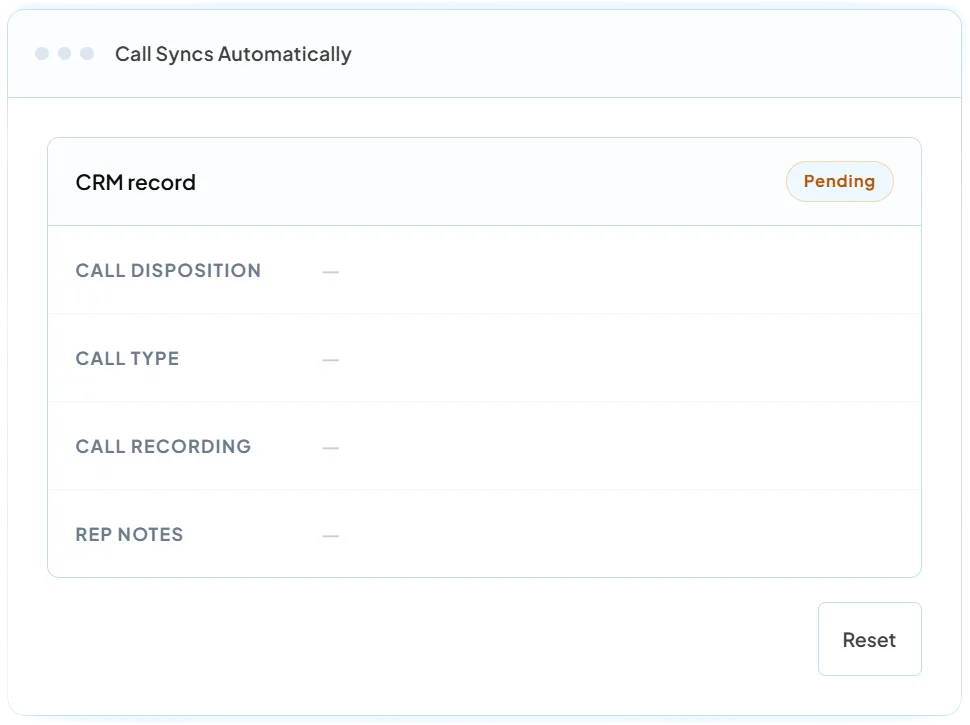
360 CallAnchor connects to any CRM your team already uses. One-time setup. Automatic sync on every call after that.
Native OAuth connection. Call recordings, dispositions, and notes sync to the matching lead or contact record automatically. No middleware, no developer setup.

Webhook-based connection. Every synced call attaches to the matching lead or contact record in Zoho CRM with disposition and recording.

Connect via webhook. Call logs, recordings, and disposition data sync into HubSpot contact and deal records automatically after each call.

Webhook-based connection. Mobile call data syncs into Dynamics 365 records. No custom development required on your side.
Not on the list? If your CRM accepts a webhook or API connection, 360 CallAnchor can sync into it. Most teams are set up in the same session.
Not just a timestamp. Every synced call pushes a complete activity record to your CRM.
Business calls sync their recording to the CRM the moment the disposition is saved.
Outcome tags like Interested, Callback Scheduled, or Not Interested sync alongside the call for instant follow-up context.
Number, duration, direction, and timestamp sync automatically with every logged call.
A Synced Records view shows Synced, Pending, or Failed status per call, so nothing silently drops.

Notes added right after the call sync into the CRM record, keeping context with the rep who took the call.

Reps tag each call Business or Personal. Personal calls log without a recording upload, business calls sync in full.
 Sales Reps & Account Managers
 Recruiters & Staffing Teams
 Sales Ops & Admins
 Founders & Business Owners
 Customer Success
 Field Sales Leaders
360 CallAnchor is built for approved users tracking work-related call activity. Every configuration is admin controlled.
Recording follows the law where your team operates
Call recording through 360 CallAnchor should be configured in line with applicable consent laws, your internal recording policy, and regional compliance requirements. Admins control recording behavior centrally, and reps confirm call type (business or personal) before every synced call — personal calls are logged without a recording upload.
Call sync activates only for licensed, approved team members on the account, not every device on a network.
Sync applies to work-related call activity conducted through the connected mobile number.

Disposition rules, recording behavior, and CRM connections are managed centrally by the admin, not left to guesswork.
Connect once. Every business call your team makes lands on the right CRM record automatically.