
Sales Activity Capture Software for Reliable Call Data
Track agent calls, monitor talk time, and analyze performance with reliable CRM activity capture software built for call-heavy teams.
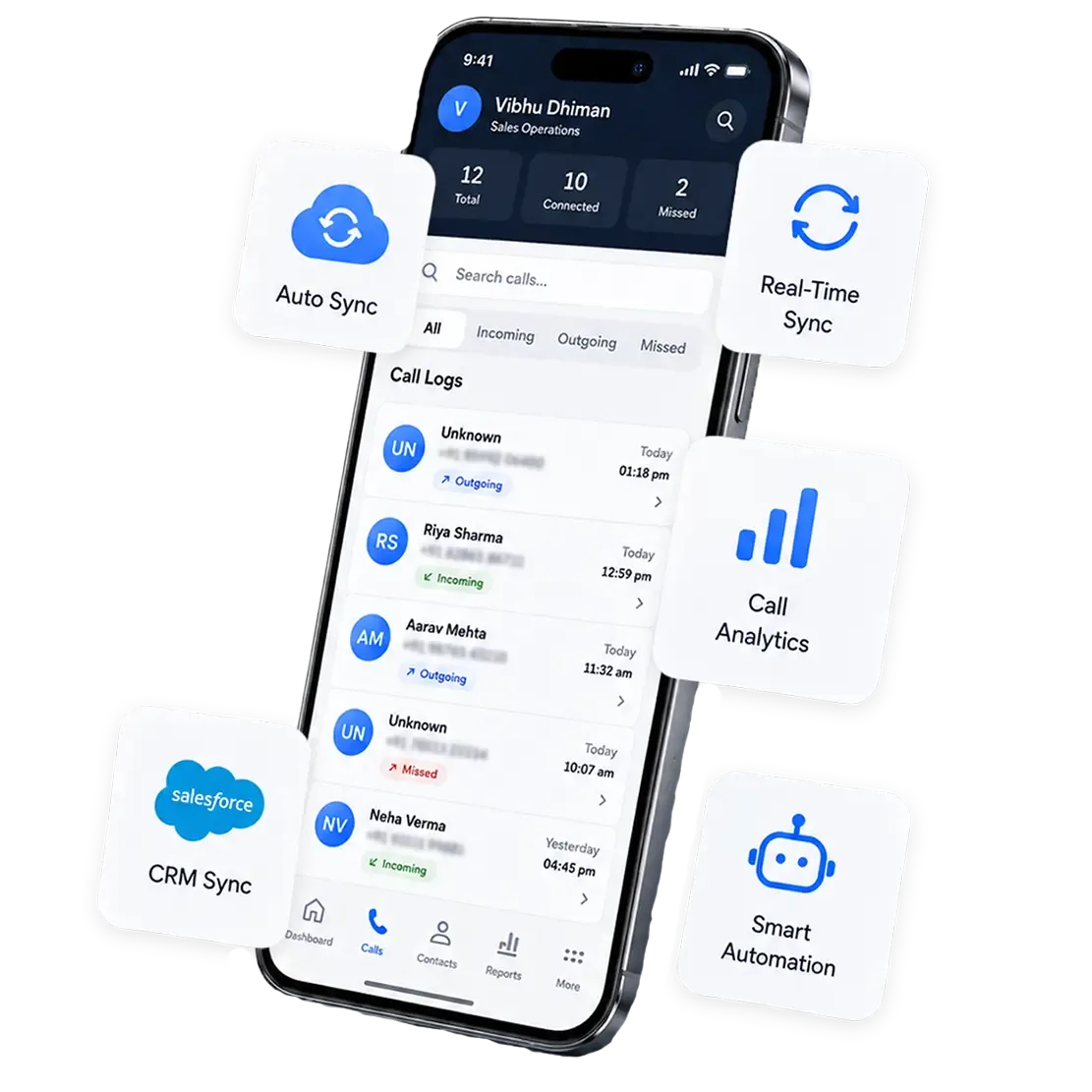






Every Rep Logs Calls a Little Differently, and Your Pipeline Report Inherits All of It
Your Sales Team Doesn’t Need to Change How They Work
Your reps keep calling from their own numbers. 360 CallAnchor runs in the background and handles everything else.
-
Step 01
Sales Rep Makes a Call
Use their own number and SIM. No VoIP needed.
-
Step 02
Call Logged Automatically
Duration, recording, and caller ID captured instantly.
-
Step 03
Synced to Your CRM
Call disposition and notes land on the right record.
Your Field Sales Keep Selling in the Field
Your reps keep calling from their own numbers, on the road or at a site. 360 CallAnchor runs in the background and handles the rest.
-
Step 01
Sales Rep Makes a Call
Use their own number and SIM. No VoIP needed.
-
Step 02
Call Logged Automatically
Duration, recording, caller ID captured instantly.
-
Step 03
Synced to Your CRM
Call disposition and notes land on the right record.
Everything CRM Activity Capture Software Should Do for Sales Ops
Five things that determine whether call data is actually reportable or just stored noise.
No rep discretion involved, so no rep is the reason a lead's call history has gaps.
Every call resolves to the same outcome options org-wide, not whatever a rep typed into a notes field.
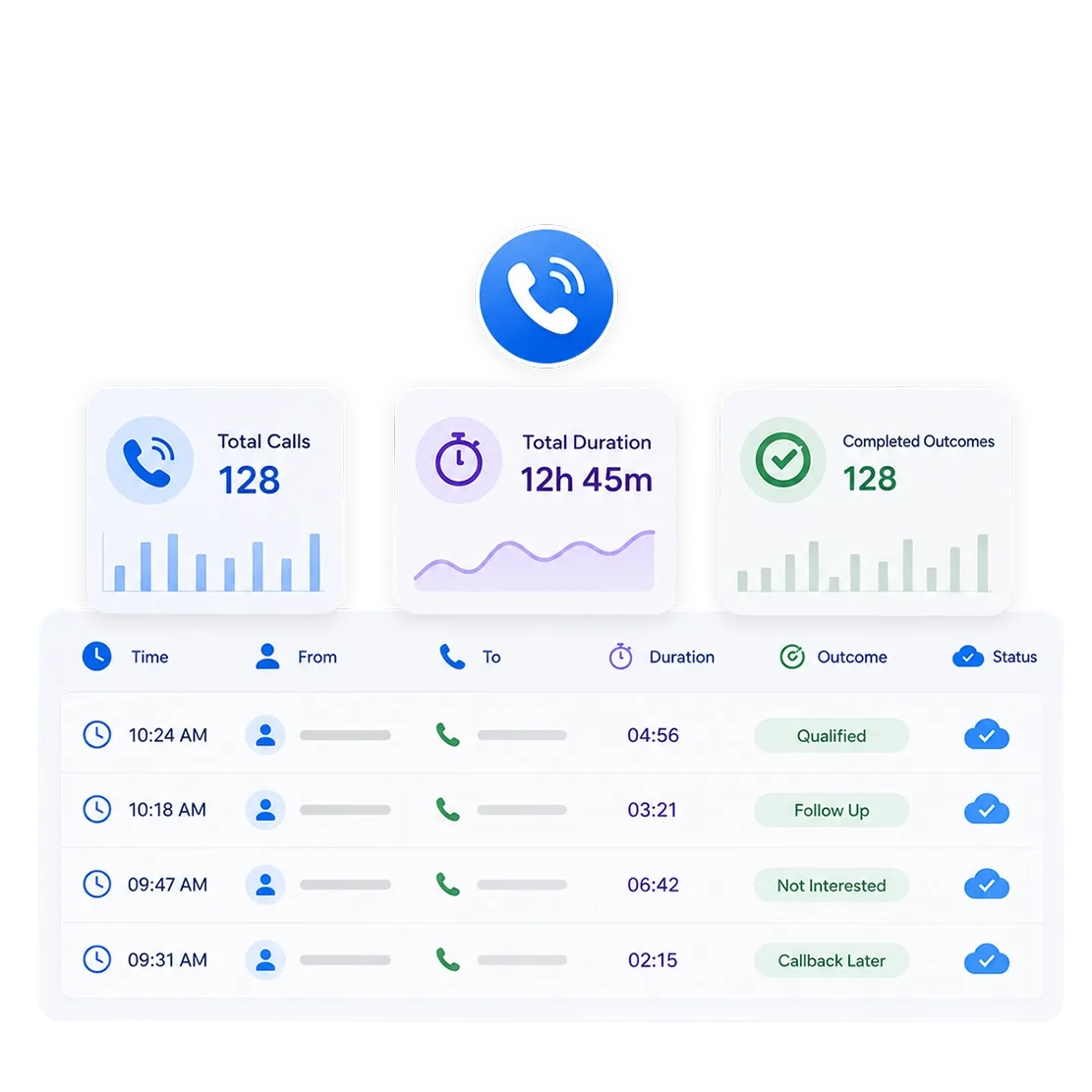
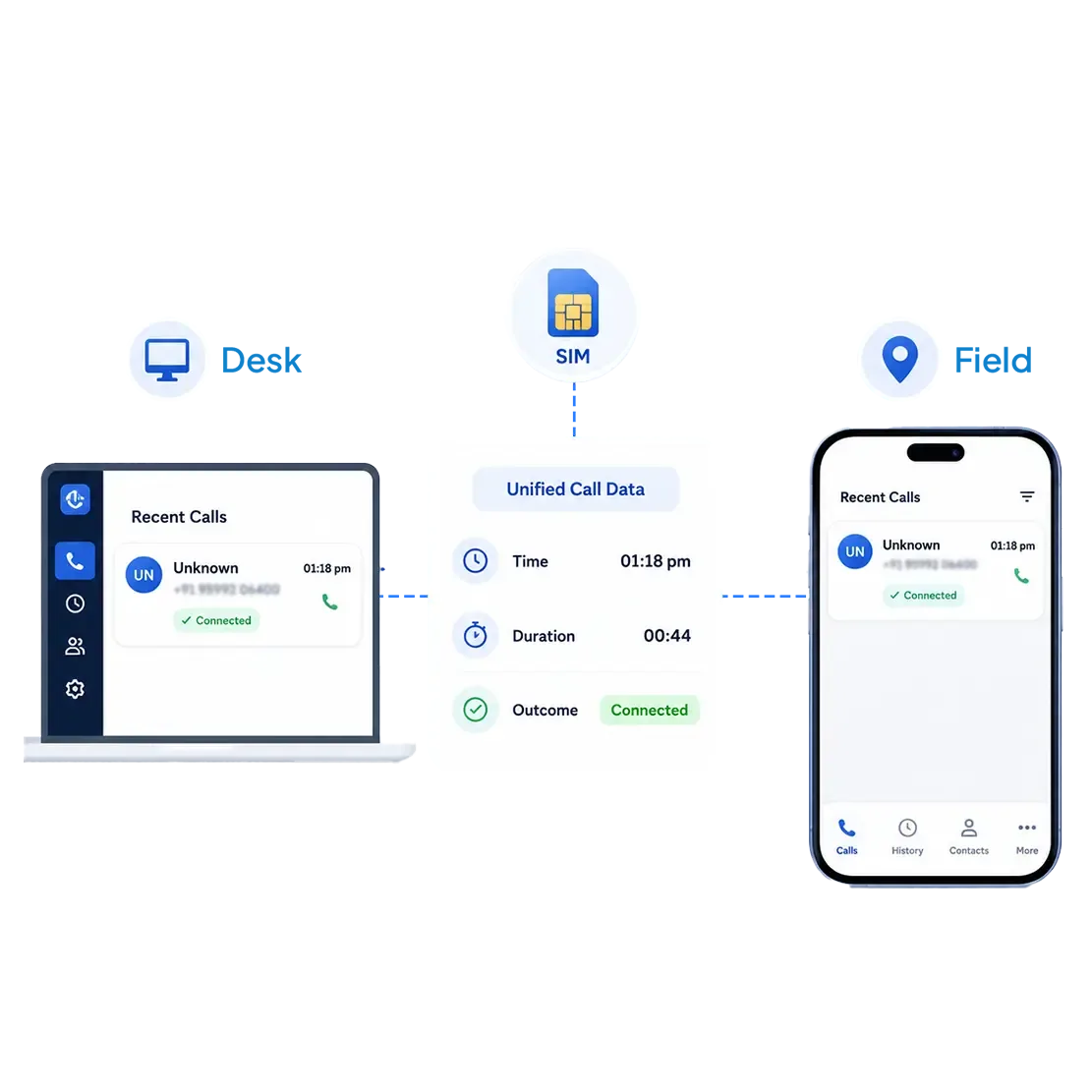
Time, duration, and outcome land in the CRM in a consistent format, ready to report on without a manual pass.
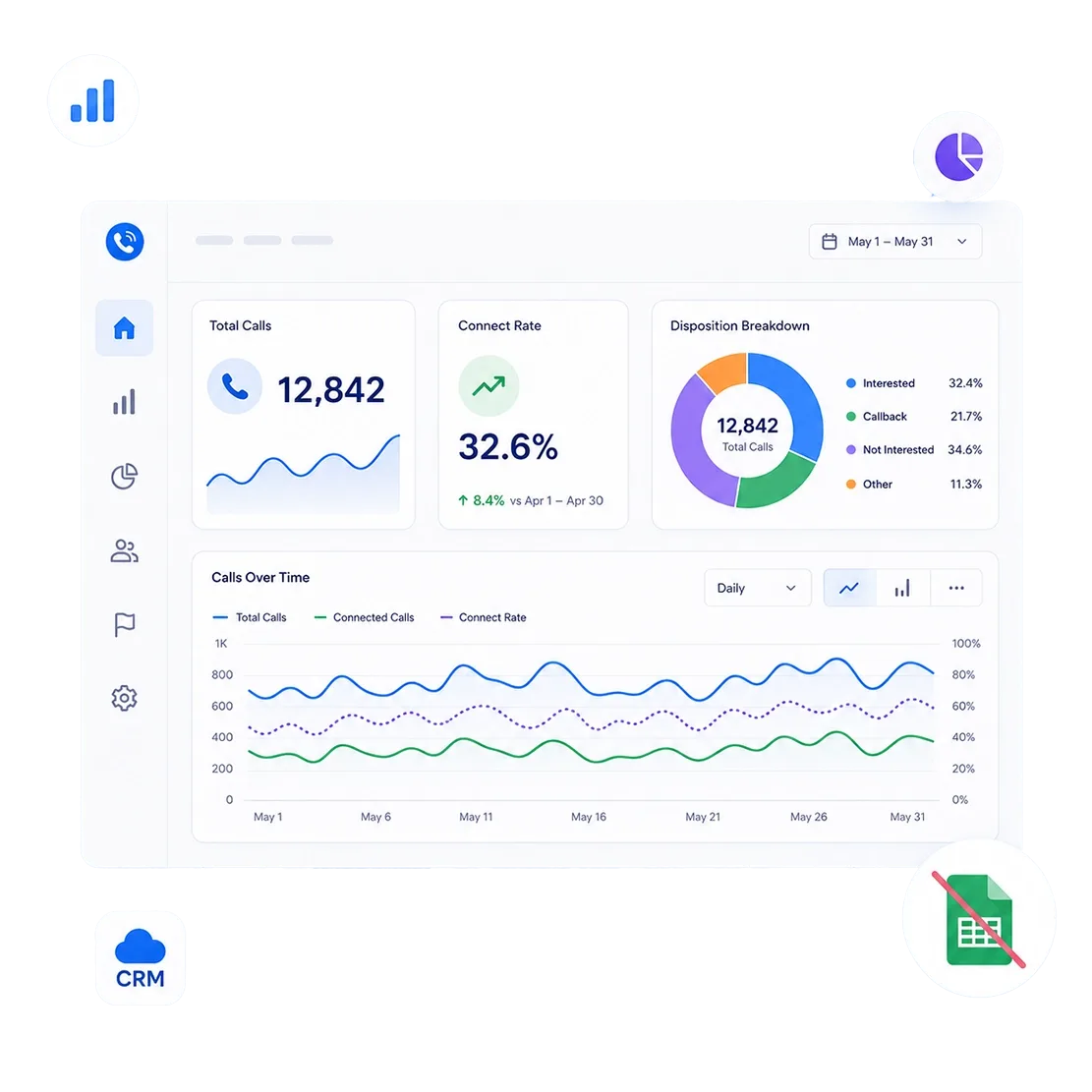
Volume, connect rate, and disposition breakdowns available directly against CRM records.
Works the same on SIM whether a rep is at a desk or in the field.
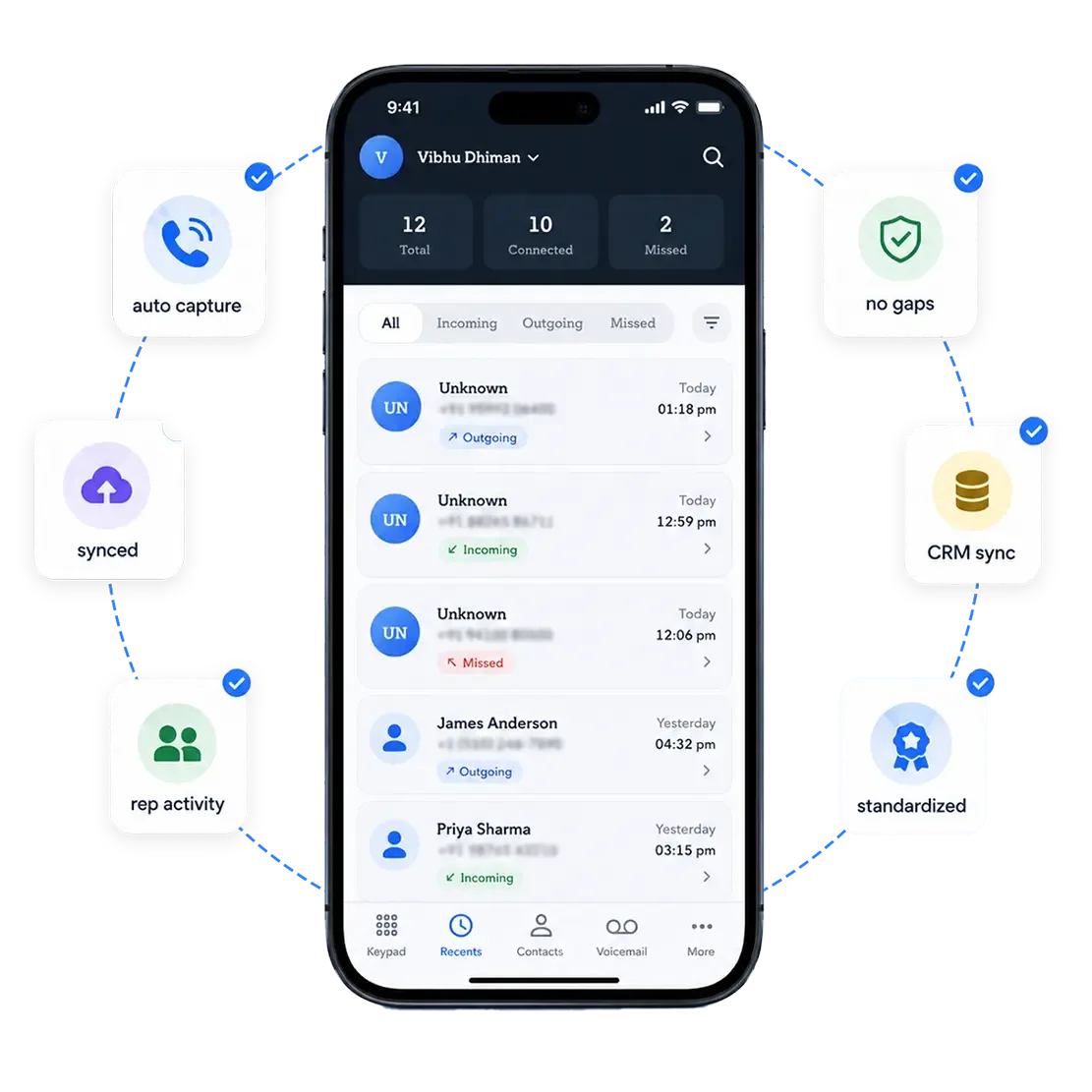
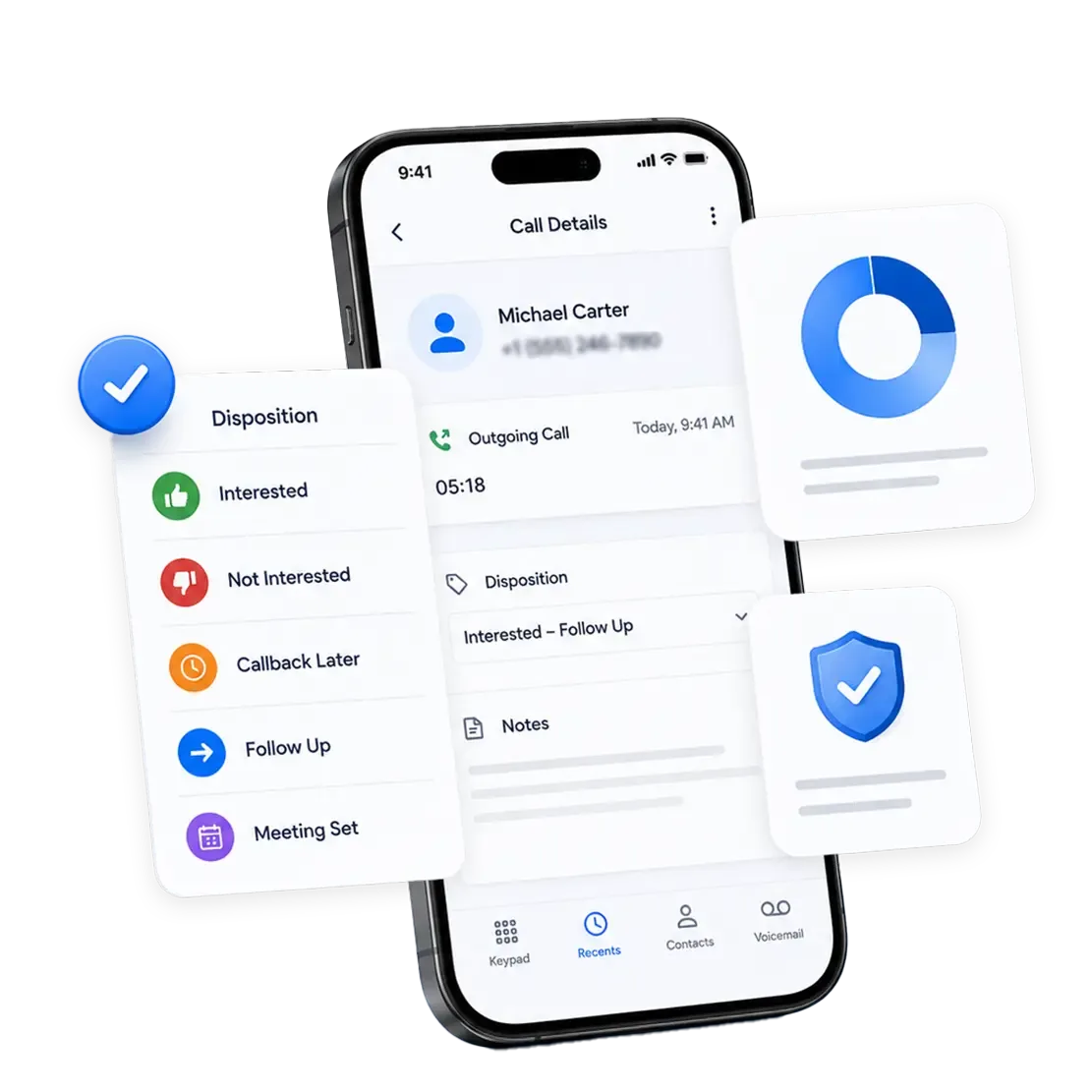
Sales Activity Tracking Software Built for the Pipeline Report, Not Just the Rep
A rep needs call tracking to remember their day. Sales ops needs it to trust the number in a forecast meeting. Those are not the same requirement.
What Data Gets Captured
Call time, duration, direction, disposition, and recording, where enabled, captured the same way for every call, regardless of rep or role.
Where It Lives in the CRM
Synced against the matching lead, contact, or account record and stored directly in your CRM, so ops can report on it without reconciling a separate call log.
How Ops Uses It
Feeds pipeline velocity, activity-to-conversion analysis, and rep-level coverage reporting without a manual data-cleaning step first.
Governance & Access
Tracking is limited to approved users and business calls; personal calls stay separate and aren't synced. Recording consent is handled in setup rather than left to individual reps.
Is Your Pipeline Report Missing Half the Calls That Actually Happened?
Book a walkthrough and we'll show you real call data landing in Salesforce or Zoho, structured the way your reports need it.
CRM Activity Capture Software Analytics That Answer Pipeline Questions
Not just how many calls happened. The breakdowns that explain why a stage is stalling.
 Call Volume by Stage
Calls tied to each pipeline stage, not just total activity.
 Rep Coverage
Which accounts or leads haven't had a logged call in X days.
 Data Completeness Rate
Share of calls that actually log a disposition, not left blank.
 Connect Rate by Segment
Compared across territory, team, or lead source.
 Disposition Distribution
Outcome mix across the funnel, not just per rep
 Activity-to-Stage Correlation
Whether call volume actually tracks with deals moving forward.
From Rollout to Reportable Data, Without a Change Management Project
No rep retraining required, because reps don't change how they call.
Connect the CRM
Salesforce, Zoho, or another supported system, linked once at the org level.
Roll out to reps
Reps install the app and keep calling from their existing mobile number. Capture starts without changing how they dial.
Data becomes reportable
Call activity lands in the CRM in a consistent format from day one.
Multiple Systems on Your Stack? 360 CallAnchor Connects to All of Them
Call activity flows into whichever CRM sales ops already reports from, with no second source to reconcile and no manual sync to run.



Built for Every Role Inside Sales Ops
RevOps leaders, sales ops analysts, and CRM admins pull different things from the same call data. 360 CallAnchor does not force one dashboard to serve all three.
RevOps Leaders
Pipeline and forecast accuracy improve when the call activity behind every stage change is actually logged, not assumed.
Sales Ops Analysts
Build coverage and connect-rate reports without exporting call logs from five different rep spreadsheets first.
CRM Admins
One integration to maintain, not a patchwork of manual entry habits to audit and correct.
How Much of This Quarter's Pipeline Report Is Built on Calls Nobody Actually Logged?
Why Sales Ops Teams Choose 360 CallAnchor
Not another dashboard reps ignore. Data that's already correct by the time it reaches a report.
| What Sales Ops Needs | 360 CallAnchor | Others |
|---|---|---|
| Consistent data with no rep discretion | ✓ | ✗ |
| Reports directly on existing CRM records | ✓ | ✗ |
| No manual export or cleanup step | ✓ | ✗ |
| Works identically for desk and field reps | ✓ | ✗ |
| No second system for admins to maintain | ✓ | ✗ |
| Consent and governance built into setup | ✓ | ✗ |
Trusted by Sales Ops Teams Running on Various CRMs
Built to plug into the CRM stack sales ops already reports from, not to make them switch.

Native CRM Integrations
Connect CallAnchor with Salesforce, Zoho, or another CRM so standardized call data lands directly in the system sales ops already reports from.

No VoIP Dependency
Uses reps' real mobile/SIM numbers instead of virtual numbers, helping improve pickup rates and reduce spam concerns while keeping the CRM as the system of record.

Consent-aware by Design
Recording and tracking are scoped to approved users and work-related calls, with consent and compliance built into the setup.
Give Sales Ops One Reliable Source of Call Activity Data
Every rep call reaches the CRM, keeping forecasts and audits free from missing call data.
FAQs About Sales Ops and RevOps Teams
01What is sales activity capture software and why does sales ops need it?+
02Does the disposition have to be filled in, or can reps skip it?+
03 Is 360 CallAnchor CRM activity capture software or a CRM replacement?+
04Does 360 CallAnchor standardize disposition options across the whole team?+
05 Does sales activity tracking software work the same for field and desk reps?+
Thank you
Your request has been received. Our team will reach out shortly.