
Business Call Recording Software for Easy CRM Playback
A business call recording software that captures call audio directly from your rep's mobile SIM, attaches the recording to the right lead or contact in your CRM, and gives managers full playback.
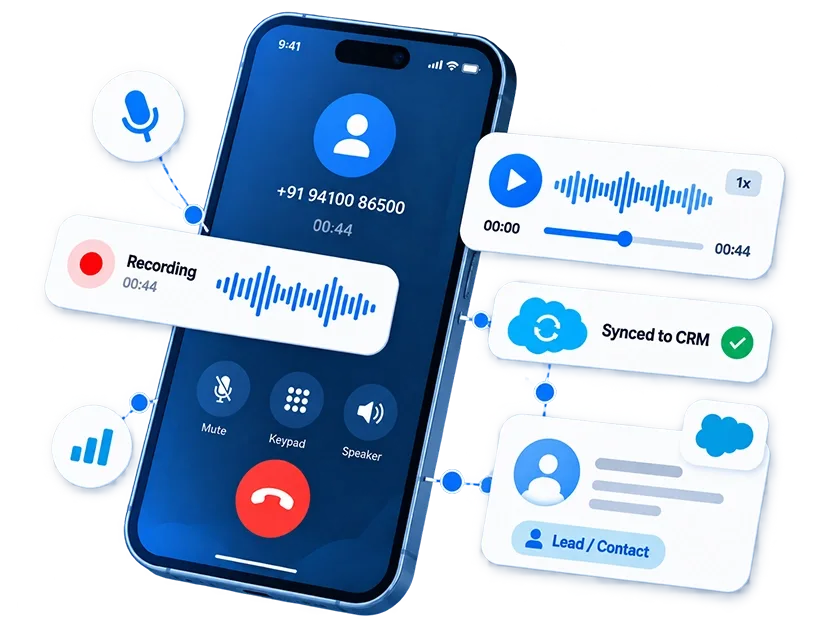
How the Automatic Call Recording App Works
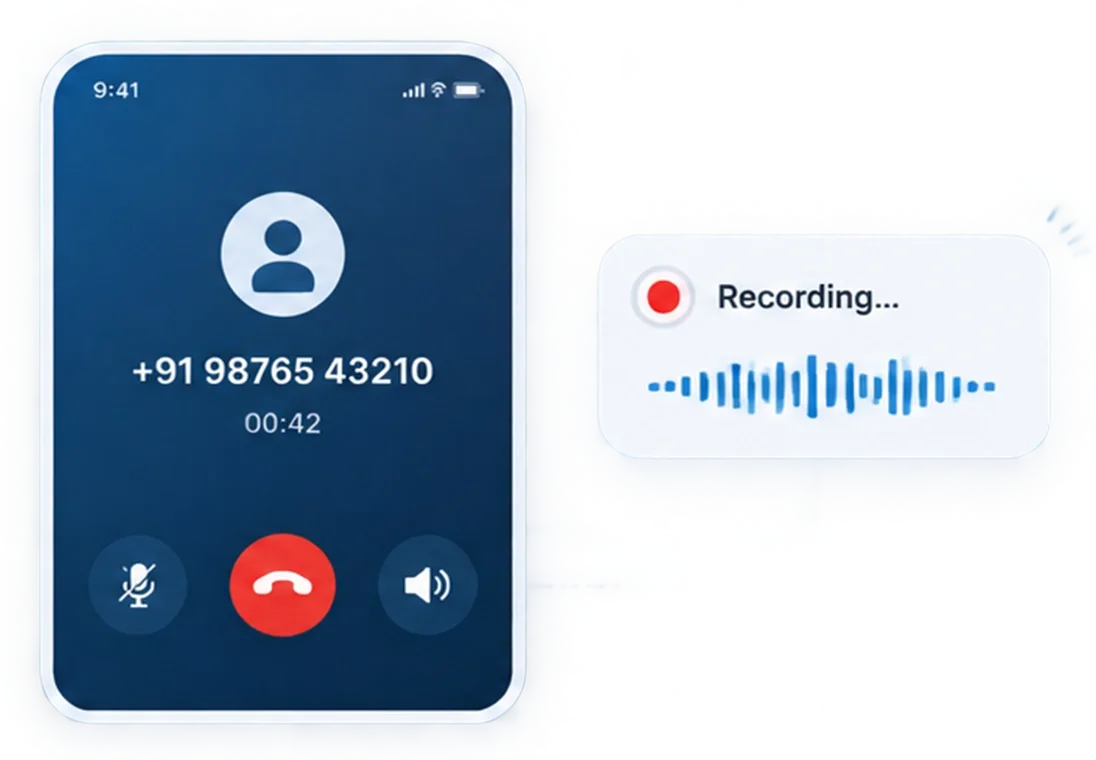
Recording happens as part of the call, not as a separate step the rep has to remember.
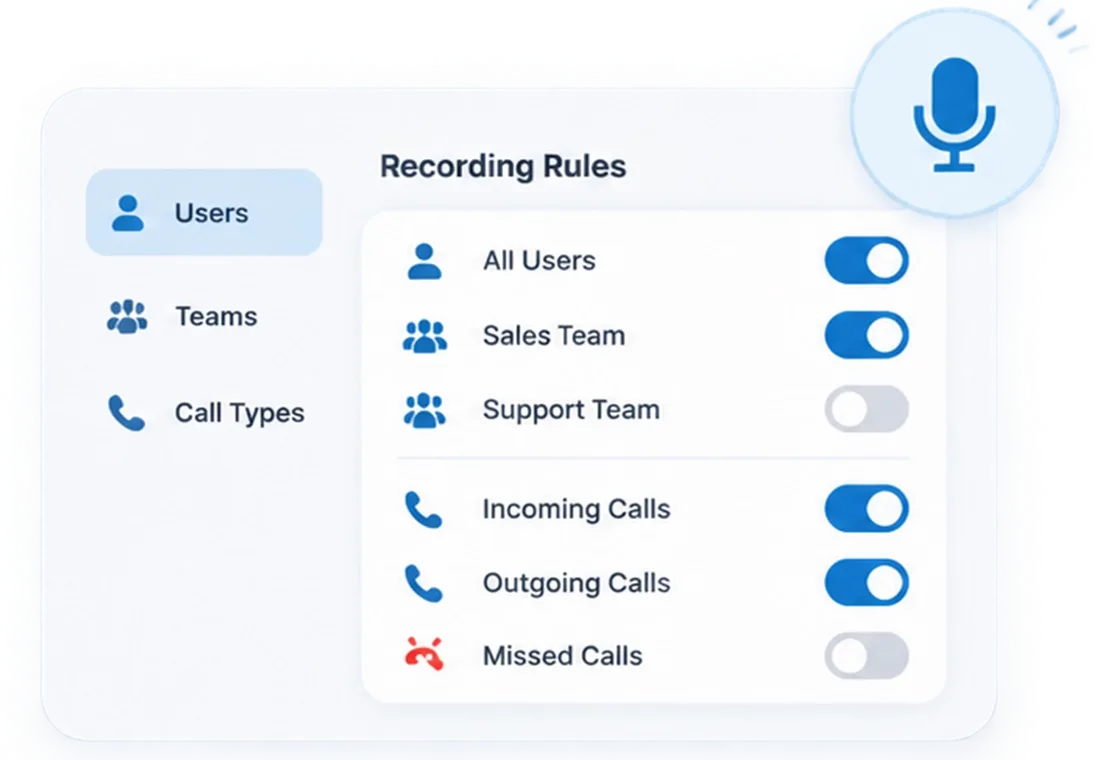
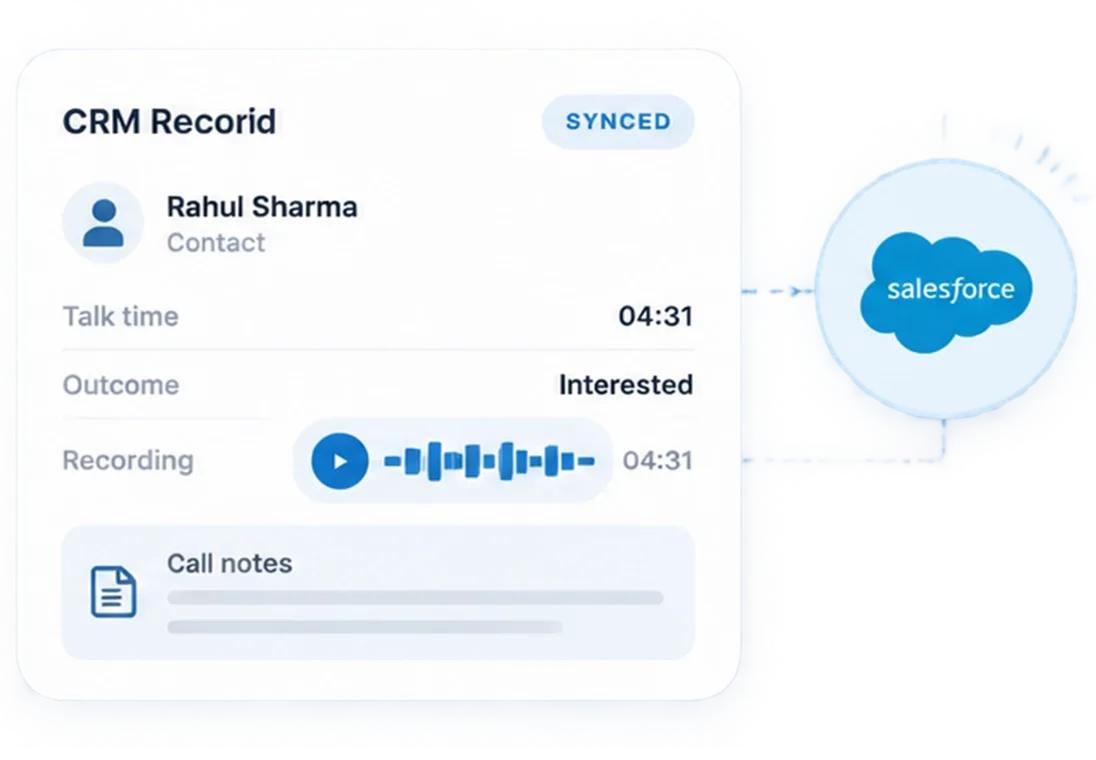
What Call Recording Software for CRM Captures Beyond Just the Audio
The recording is one part. Everything that makes it usable is the other.

Call Recording
Business call audio captured from the rep's mobile SIM and attached to the CRM record where enabled.

CRM Record Match
The caller's number matched to the existing lead, contact, or account automatically.

Rep Attribution
Every recording tied to the rep and device it came from. Ownership of the call is never ambiguous.

Call Direction
Incoming or outgoing, labelled on the recording so context is clear before playback.

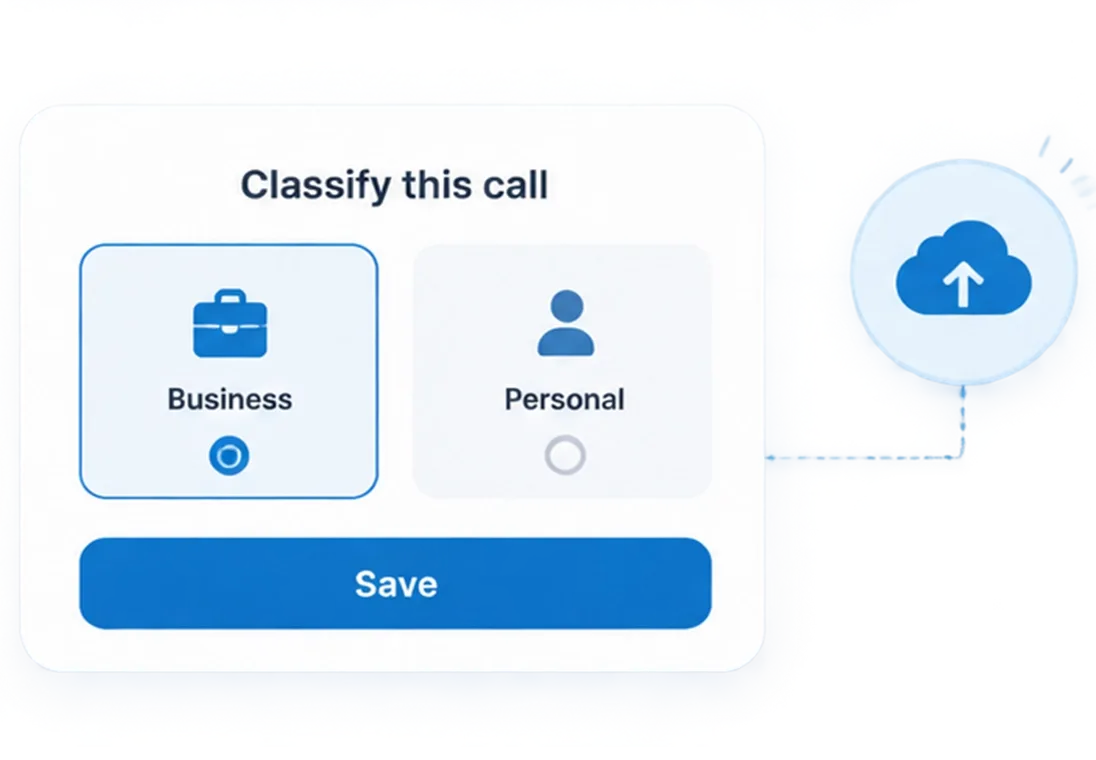
Call Outcome
The disposition the rep saves immediately after the call, stored alongside the recording on the same CRM record.

Sync Status
Whether the recording successfully reached the CRM record, visible per call in the sync log.
A Recording Sitting in a Separate App Rarely Gets Listened To.
Book a DemoWorks With Any CRM. No Separate Storage Required.




Your Call Recordings Belong in Your CRM, Not a Separate App
Recording audio is only half the job. 360 CallAnchor sends the full call record, audio included, into whichever CRM your team already uses
-
One-Time Setup
Add your CRM endpoint in Settings once. Every recorded call syncs from that point forward.
-
Audio Travels With the Record
The recording arrives on the CRM record as part of the same activity as the call log and disposition.
-
No Developer Needed
Configuration lives in the portal. No code, no IT ticket
- Call log & direction
- Talk time
- Disposition outcome
- Recording reference
- Scheduled follow-up
Every Recording Should Land Where the Account Already Lives.
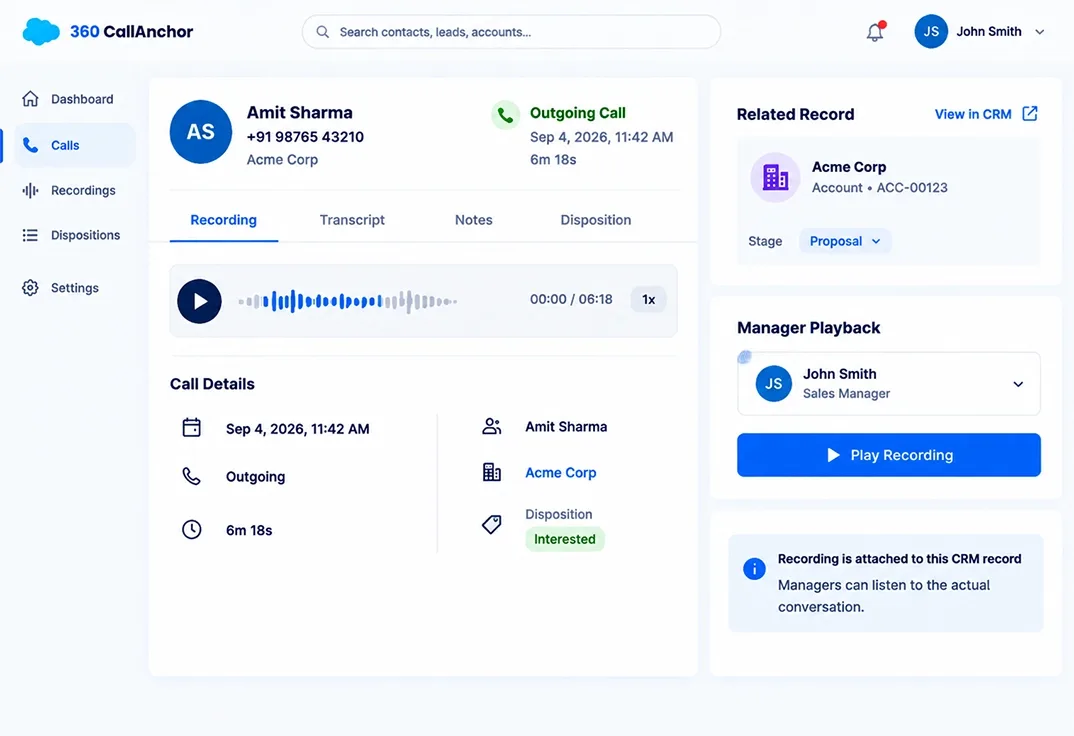
Your Manager Cannot Coach From a Call They Were Not On.
- The Problem: Without recordings, coaching is based on what a rep recalls, not what was said.
- What Changes: Every business call records and attaches to the CRM record. Managers play back the actual conversation, not a summary.
- Who This Fits: Sales managers coaching remote or field reps they cannot sit alongside.
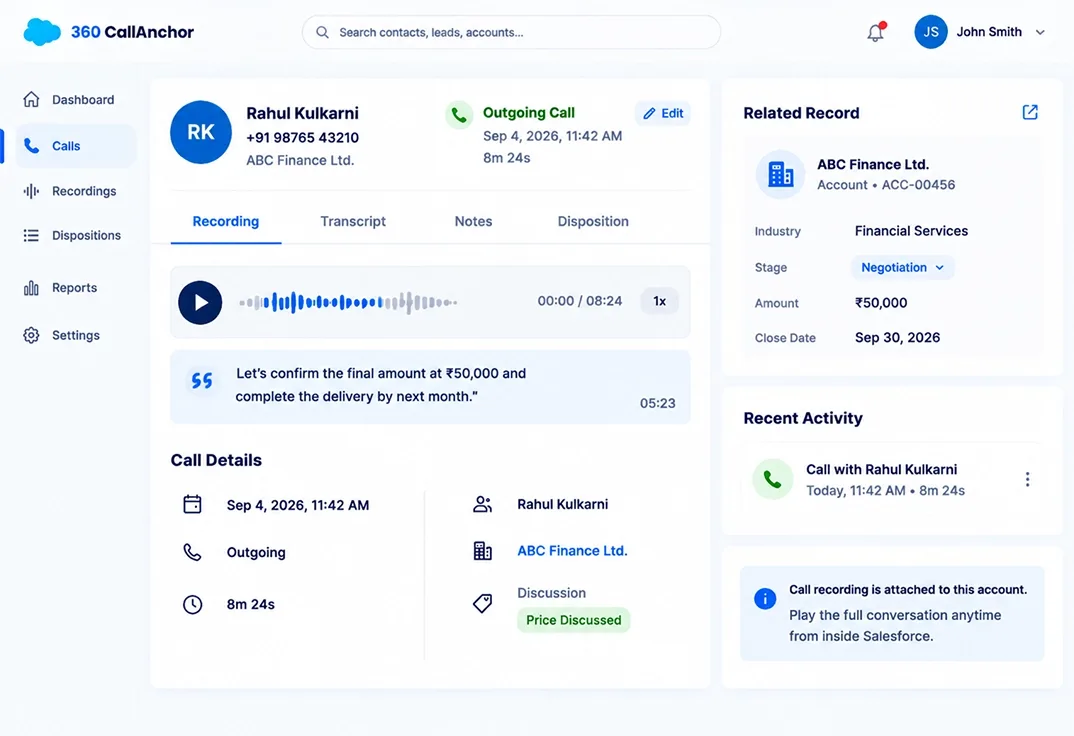
Your Reps Are Making Verbal Commitments Nobody Can Verify.
- The Problem: A rep promises a price or a delivery date on a call. Nobody recorded it. Now it is the rep's word against the customer's.
- What Changes: The call is on file and playable from inside the account record the moment it ends.
- Who This Fits:NBFC loan teams, account managers, and any team where what was said on a call has commercial or legal weight.
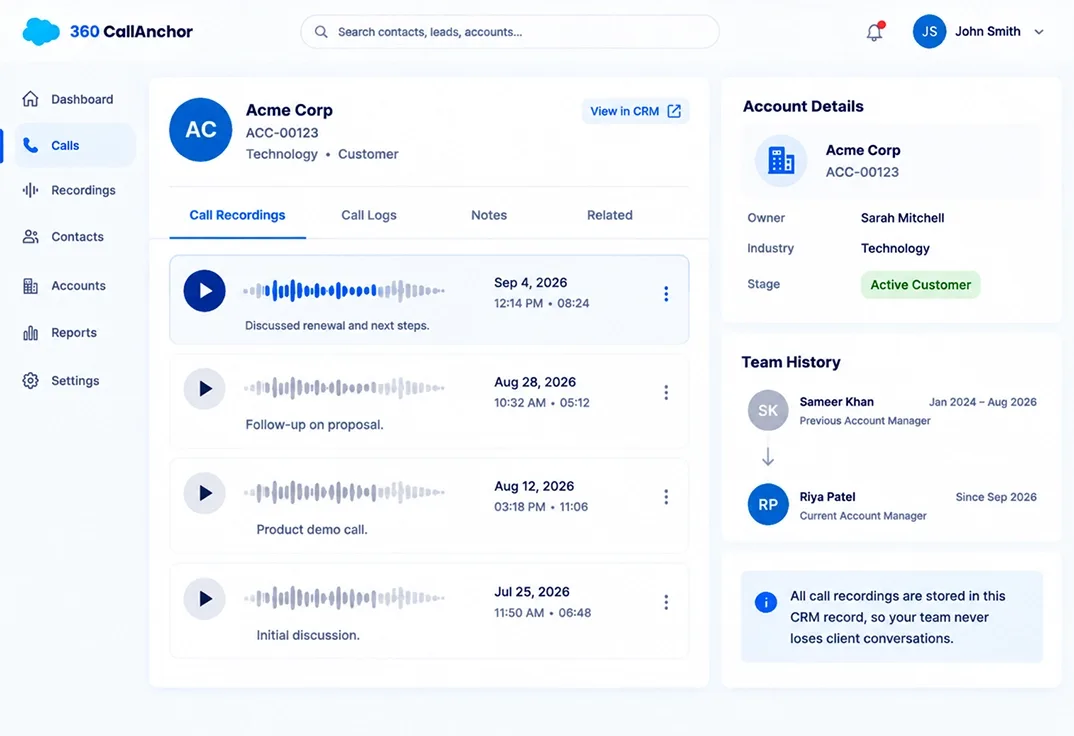
A Top Rep Leaves. Their Client Conversations Go With Them.
- The Problem: Call history lives on a personal phone. When the rep moves on, every conversation they had with a client disappears with them.
- What Changes: Recordings sync to the CRM record. The incoming rep inherits a full conversation history from day one.
- Who This Fits: YAccount management and recruitment teams where client context is a business asset.
Mobile Call Recording Software vs Other Recording Approaches
What separates employee call recording software from a personal recording app or a VoIP platform is not just where the audio lives. It is what you can do with it afterward.
| What a Team Needs | 360 CallAnchor | Device-Only Recording |
|---|---|---|
| Calls recorded automatically | ✓ | Varies |
| Recording matched with the CRM record | ✓ | ✗ |
| Employee automatically identified | ✓ | ✗ |
| Recording available through a playback link | ✓ | ✗ |
| Call direction and outcome captured | ✓ | ✗ |
| Centralized manager visibility | ✓ | ✗ |
Every Call Your Team Has With a Customer Should Be on File.
Stop losing context the moment a call ends. Record every business call, attaches it to the CRM record, and keeps it there long after the rep has moved on.
Book a demo