In the choice of SIM-based call logging vs VoIP, neither option is better in every case, because each one solves a different problem for a different kind of team. SIM-based logging usually suits field sellers and high-volume mobile calling, where customers answer familiar mobile numbers, while VoIP tends to suit desk teams that need routing, call queues and calling from the browser. The advantages and disadvantages of SIM-based telephony vs VoIP for call logging come down to who makes the calls, from where, and what data the business needs afterwards.
What is SIM-based call logging and how is it different from VoIP?
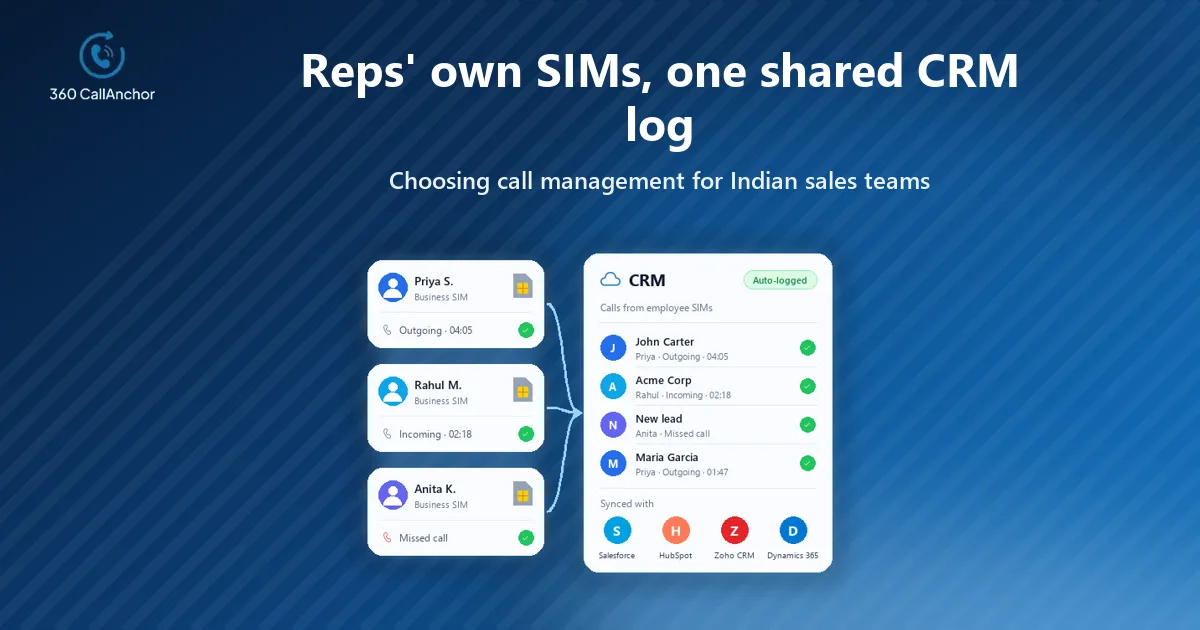
SIM-based call logging uses the phone's own dialer and the mobile network. An app on the device notices each call and records its details for the CRM. The rep calls exactly as before, and the logging happens in the background once the conversation ends.
VoIP, by contrast, carries the call over an internet connection through a softphone, a desk handset or a browser. The phone platform itself then records the call data. A virtual phone number is simply a number that is not tied to one SIM or line. VoIP services usually rely on them, which is why customers often see an unfamiliar number on their screen.
Advantages and disadvantages of SIM-based call logging vs VoIP
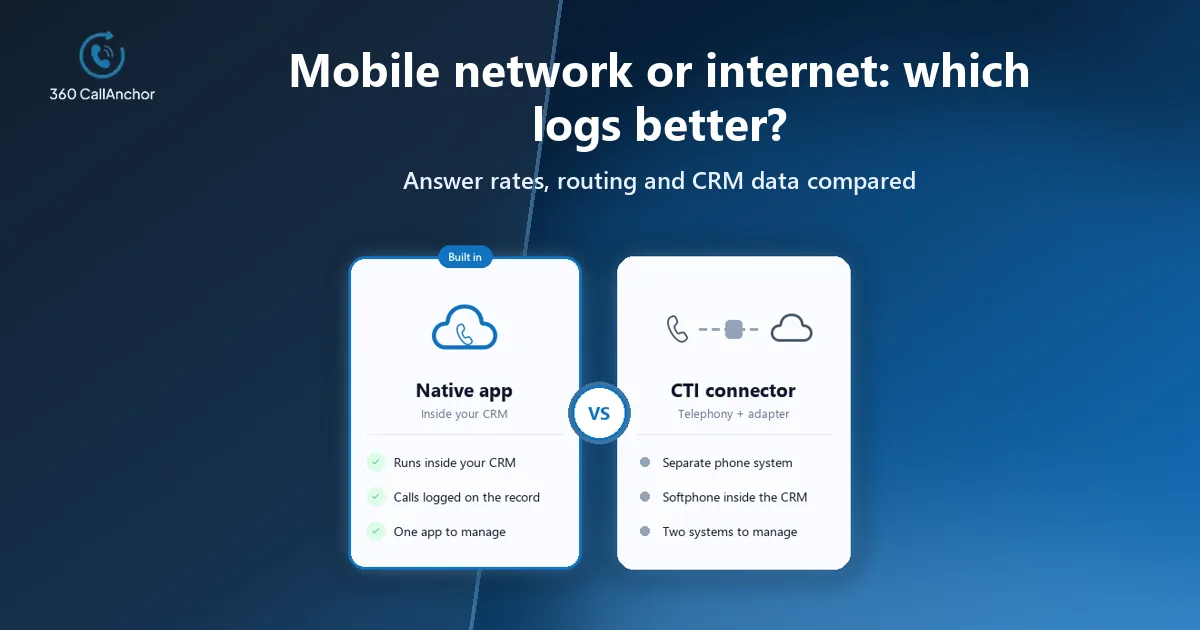
The table below summarizes how the two approaches usually compare for a sales team, although your own network coverage, call volume and CRM will shift the balance.
| Factor | SIM-based call logging | VoIP call logging |
|---|---|---|
| Answer rates. | Calls come from a familiar mobile number that customers tend to pick up. | Unfamiliar virtual numbers are more likely to be ignored or flagged as spam. |
| Call quality. | Depends on mobile coverage, which is often steady in the field. | Depends on internet stability, which can be excellent in an office and patchy elsewhere. |
| Setup and cost. | Reps keep their existing phones and plans, so there is little new hardware. | Needs licenses, numbers and sometimes headsets or desk phones for each user. |
| Routing features. | Limited, because calls go straight from one phone to another. | Strong, with IVR menus, call queues and transfers handled by the platform. |
| Call data. | Captured on the device and synced to the CRM by the logging app. | Captured by the phone platform and passed to the CRM through its integration. |
Where VoIP helps sales teams
The advantages of VoIP for sales teams show up most clearly in a contact center or inside sales room, where every rep sits at a laptop with a headset. Calls can be routed, queued, transferred and recorded centrally, and managers can add users or numbers quickly without touching anyone's phone.
How SIM-based calling performs differently
SIM-based calling performs differently because it leans on the carrier network and the rep's own number rather than on office internet and a platform-issued line. Those two traits explain most of its strengths for mobile teams.
Coverage away from the office
Because the call travels over the mobile network, a rep standing in a parking lot or a customer's warehouse can still call reliably without hunting for Wi-Fi or worrying about a weak hotel connection.
A number customers already recognize
It also leaves the rep's familiar number in place, which helps customers recognize who is calling and makes callbacks far more likely. For that reason, call logging for field sales teams usually starts with the SIM rather than a new virtual line.
Why VoIP struggles for high-volume outbound telecalling in India
High-volume outbound telecalling in India shows the difference most sharply, because answer rates decide how many real conversations a team can have in a day. Customers there tend to answer ordinary mobile numbers far more readily than landlines, special series numbers or virtual numbers that carriers and spam apps may flag. A team that watches its pickup rate for cold calls fall after moving to virtual numbers often loses more than it gains from the extra VoIP features. That is why many Indian telecalling teams keep SIM-based calling for outbound work and reserve VoIP for inbound support lines, where routing and queues matter more than caller recognition.

How automatic call logging works without VoIP
Automatic call logging without VoIP relies on an app that reads the phone's call events and turns each business call into a CRM activity. 360 CallAnchor captures calls made through the device's native dialer over the mobile SIM network and does not currently support WhatsApp calls. It captures call duration, timestamp, direction and recording automatically as soon as the call ends.
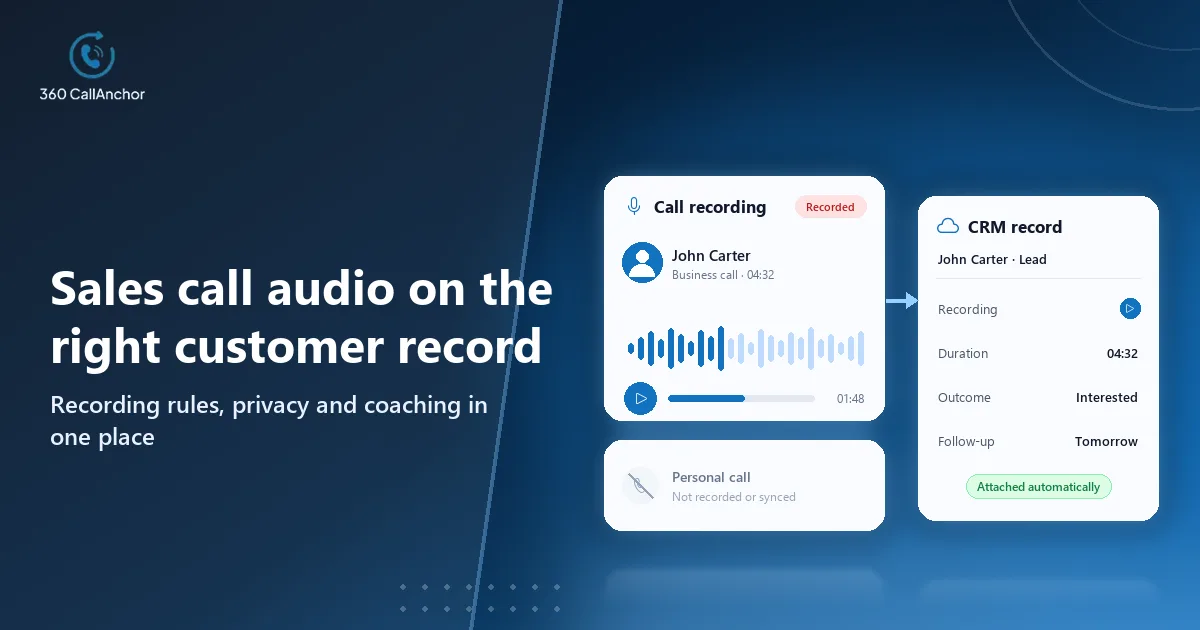
Two safeguards matter when the same phone is used for both work and family calls. The app separates business calls from personal calls, so reps do not have to worry about private conversations appearing on customer records. Admins set the recording rules, reps mark a call as business, and the recording then syncs to the CRM record. More detail on device capture is on the SIM-based call logging page.
What business call log software should report
Call logging and call log analytics are related but different. Logging records each call on the right customer record, while analytics turns those records into patterns a manager can act on. Good software should do both, because a perfect log that nobody reviews changes very little about how a team sells.
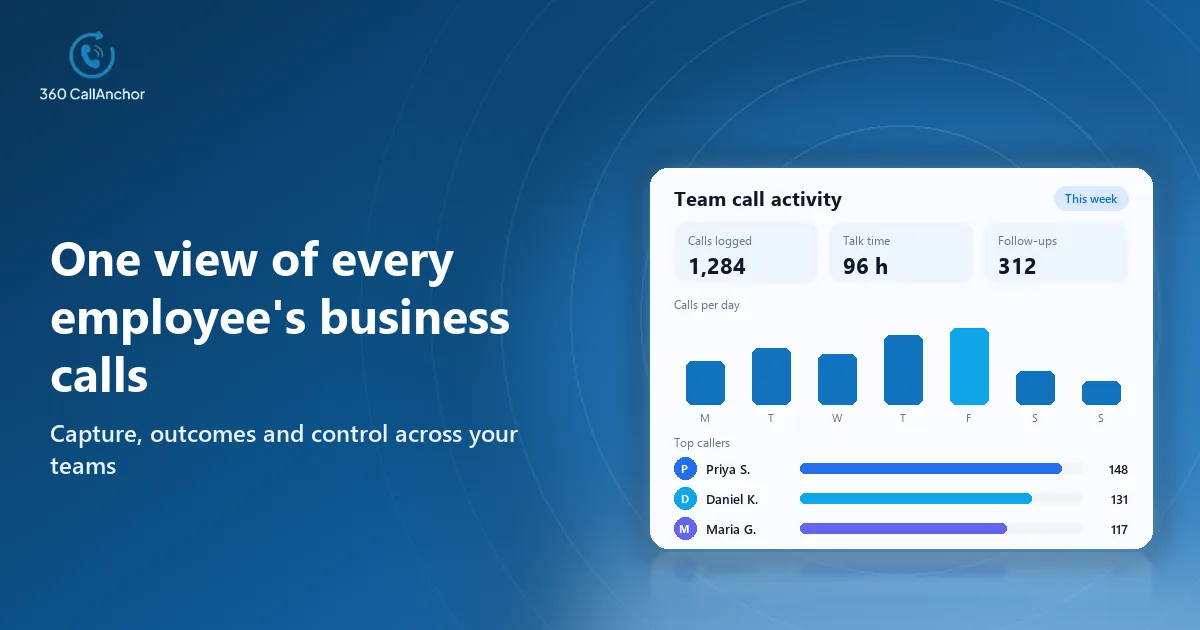
On the analytics side, 360 CallAnchor tracks total calls, total talk time, average talk time, agent call duration, missed calls and the disposition breakdown. Its call analytics dashboard updates in real time, and the sales team call tracking page shows how managers use those reports in practice.
How to decide between SIM-based logging and VoIP
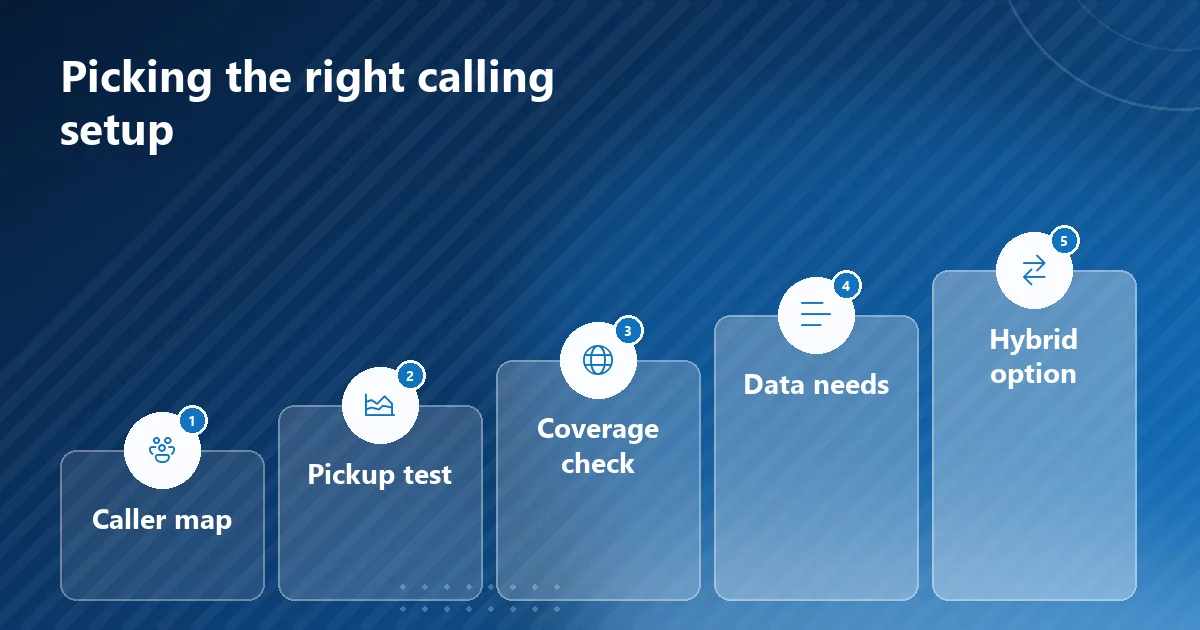
A short decision process keeps the choice grounded in how your team actually works rather than in long feature lists.
- Map who makes calls: list which teams call from the field, from a desk or from home, and which of them make high volumes of outbound calls.
- Compare pickup on your lists: run the same call list from a mobile number and from a virtual number for a short period and see how many customers answer.
- Check network coverage: confirm mobile signal in your territories and internet quality in your offices, because each option depends on one of them.
- Define the data you need: agree which call details, outcomes and recordings must reach the CRM, and which reports managers will review every week.
- Consider a hybrid setup: many organizations keep VoIP for inbound queues and SIM-based logging for field and outbound teams, with both feeding one CRM.
Conclusion
SIM-based call logging is usually the better choice for field sellers and high-volume outbound teams, because familiar mobile numbers get answered and reps keep the phones they already carry. VoIP is usually better for desk-based inside sales and support teams that need routing, queues and central control over numbers. The deciding points are who makes the calls, how customers respond to the number they see, and whether every call reaches the CRM with its outcome and recording. Test answer rates on your own lists, then choose one approach or combine both into a single CRM.
Frequently asked questions
Is SIM card call recording better than VoIP call logging?
SIM card call recording keeps the conversation on the rep's own number, which suits mobile teams, while VoIP records centrally on the platform, which suits desk teams. What matters most is that the recording reaches the CRM record with the call instead of staying on a phone or in a separate portal.
Can a business use SIM-based logging and VoIP together?
Yes, and many do, with VoIP handling inbound queues while SIM-based logging covers reps who call from their mobiles. The key is to send both into the same CRM with the same outcome values, so that reports compare like with like.
Does SIM-based call logging need an internet connection?
The call itself runs over the mobile network, so it works wherever there is signal. The logging app, however, needs a data connection at some point to sync each call to the CRM. Ask vendors how calls are queued and synced when a rep spends part of the day without mobile data.
What is the difference between call logging and call log analytics?
Call logging records each call on the right customer record, while call log analytics summarizes those records into talk time, missed calls, outcomes and trends for each rep. Most teams need both, because the log supports the next conversation and the analytics support coaching and planning.
Book a short demo
Leave your details and we'll schedule a short demo.
Prefer to compare plans first? See pricing.