The best call recording app with CRM linking for a sales team records each business call under clear rules, attaches the audio to the right CRM record automatically and keeps personal calls out of the system entirely. It should also capture the call's outcome and details alongside the recording, so managers can coach from real conversations instead of hunting through separate audio files.
What is call recording software?
Call recording software captures the audio of business phone calls and stores it so teams can listen back later. For sales teams, the useful versions go further: they attach each recording to the customer record, add the call's outcome and details, and apply rules about which calls may be recorded and who may listen.
Recording is different from transcription, although many tools now offer both. A recording is the audio itself, while a transcript turns it into searchable text and sometimes an AI summary, which helps managers find the moments that matter without playing every call from start to finish.
Why sales teams link call recordings to the CRM
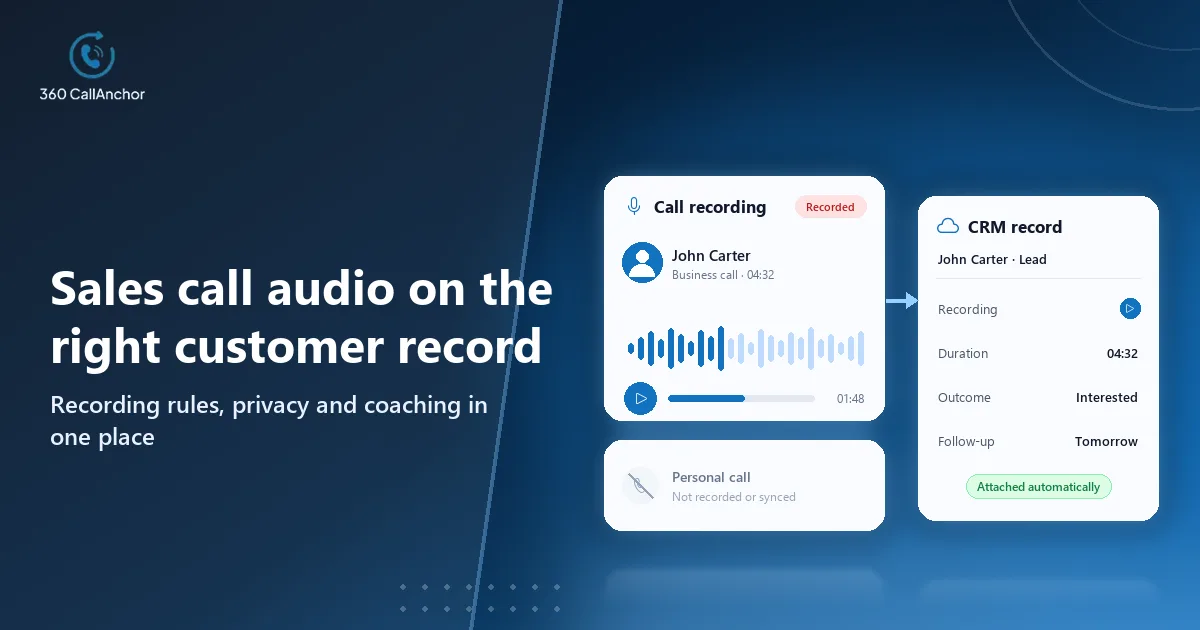
A recording on its own is hard to use, because someone has to know it exists, find it and work out which customer it belongs to. Linked to the CRM record, the same recording becomes part of the customer's history, ready for coaching, handovers and settling any disagreement about what was promised.
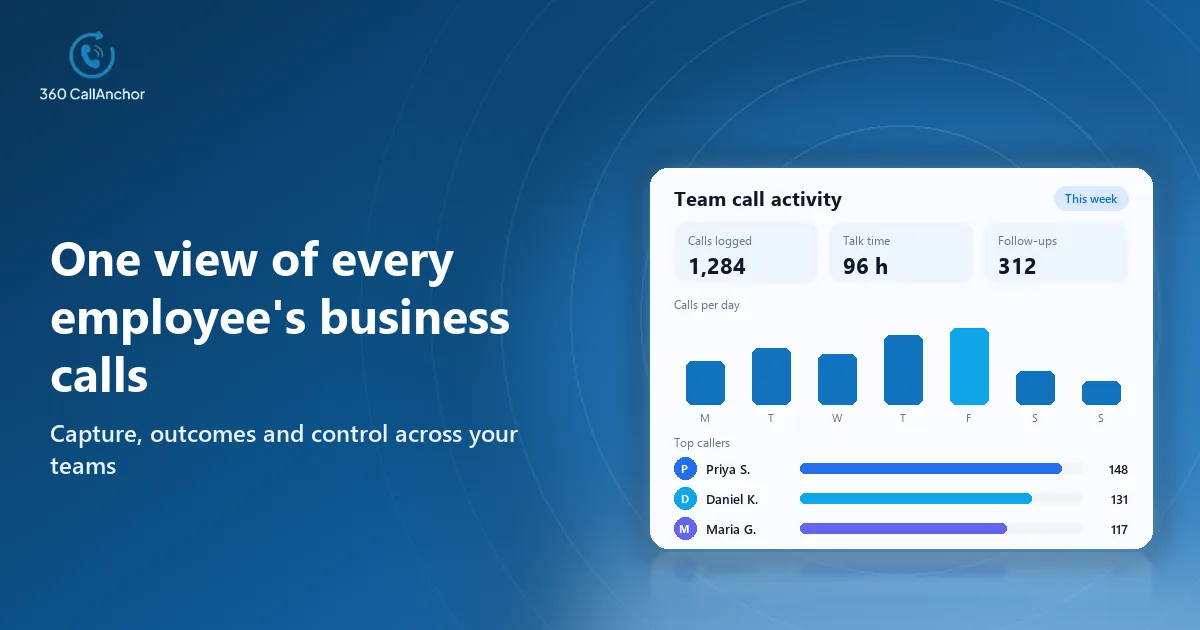
For sales leaders, linked recordings turn coaching from opinion into evidence. Managers can listen to the calls behind a won or lost deal, spot patterns across the team and give feedback on specific moments rather than general impressions of how a rep sounds.
What to look for in a call recording app with CRM linking
Recording touches privacy, consent and storage, so evaluate the following points carefully before you commit to any tool for a whole sales team.
Admin-controlled recording rules
Admins, not individual reps, should decide how recording works across the team. Leaving it to each person produces gaps in coaching material and makes compliance much harder to demonstrate when a customer or auditor asks.
Which calls are recorded
Check whether rules can be set by team, by call type or by business classification, so that only relevant conversations are captured. Narrow rules keep the library focused and reduce the amount of sensitive audio you need to protect.
Who can listen afterwards
Access should follow the permissions your CRM already enforces, so a rep's recordings are visible to their manager without being open to the whole company. Ask vendors to show how listening rights are granted and removed.
Business calls only
Personal calls on shared phones should never be recorded or sent to the CRM. Reps accept recording far more readily when they can see that private conversations stay private, and that trust is hard to rebuild once lost.
Automatic CRM linking
Each recording should land on the right contact, lead or deal together with the call's details and outcome. If someone has to attach audio manually, many recordings will end up orphaned and the coaching value disappears.
Storage and retention
Know where recordings are stored and whether the vendor keeps its own copies. Recordings already in the CRM should remain there when a rep leaves, so the customer's history survives staff changes.
Ways to record sales calls
Teams capture conversations in several ways, and each method covers a different slice of the calls that matter to a deal.
Recording in a cloud phone system
Cloud phone systems record VoIP calls made through their own app or virtual numbers and often attach them to the CRM. They suit desk-based teams that already call through a softphone, although calls from reps' own mobiles stay unrecorded.
Recording on reps' Android phones
Mobile recording apps capture calls made through the phone's native dialer. They fit field teams who sell mainly by mobile, provided the app separates business from personal calls and follows clear admin rules.
Meeting and conversation platforms
Some teams also record video meetings and analyse them in a dedicated platform. That covers scheduled demos well, but it rarely includes the quick phone calls where many follow-ups and objections actually happen.
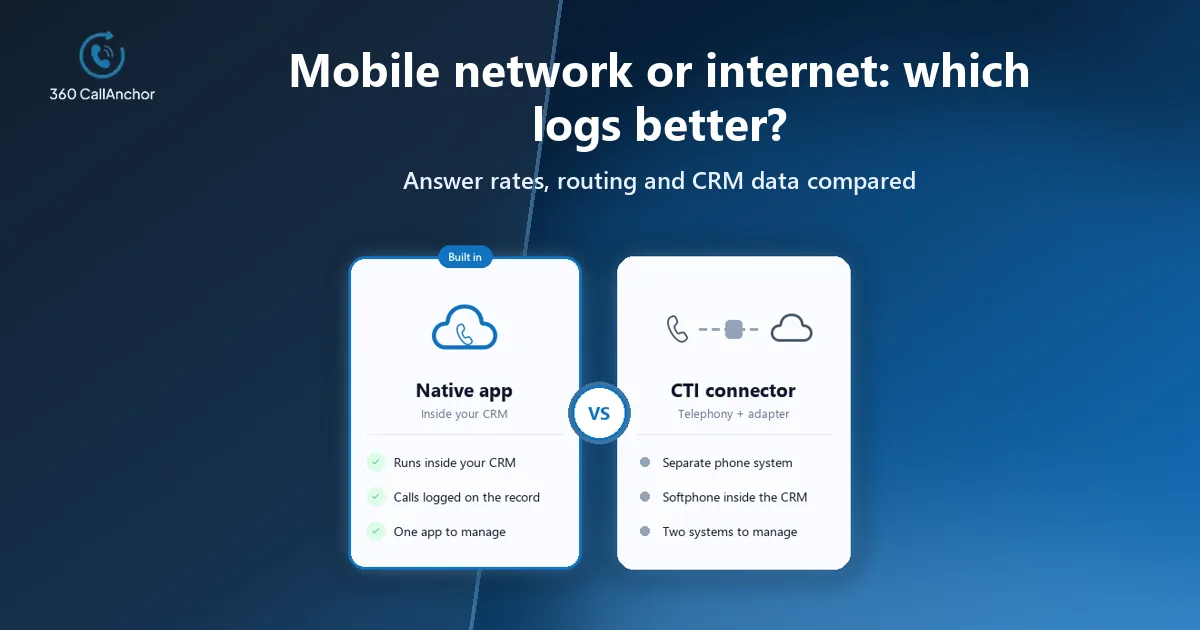
SIM-based recording versus VoIP recording
VoIP systems record calls on their own servers because every call passes through their platform, which makes recording simple for desk-based teams. SIM-based tools record calls made through the phone's own dialer, which suits reps whose customers know their mobile number, so the right choice depends on where your team's important conversations actually happen.
Many companies need both, with desk teams on a softphone and field sellers on their mobiles. In that case, check that recordings from each source reach the same CRM records in the same format, otherwise managers end up coaching from two disconnected libraries.
Adding transcription without breaking the link
If you also want transcripts, check how they reach the CRM before choosing a tool. A native integration that writes the transcript or summary to the same record as the call is easier to trust than a chain of third-party automations, which can break silently when a field name or a plan changes.
When comparing transcription options, test them on your own calls rather than on a vendor's clean sample audio. Accents, background noise and the languages your reps use all affect accuracy, and a transcript that misses key phrases will mislead managers rather than help them.
Getting coaching value from recordings
Recording every call is only the first step, because the value comes from how managers use what has been captured. Effective sales leaders pick a small number of calls each week, often around a key deal stage, a lost opportunity or a strong conversation worth copying, and review them together with the rep.
Linking each recording to an outcome makes that selection much easier. A manager can filter for calls marked interested, call back or not interested, listen to a few of each and spot where the conversation turned. Over time, the best examples become a library that helps new hires learn how experienced reps handle pricing questions and objections.
Recording mobile sales calls into the CRM
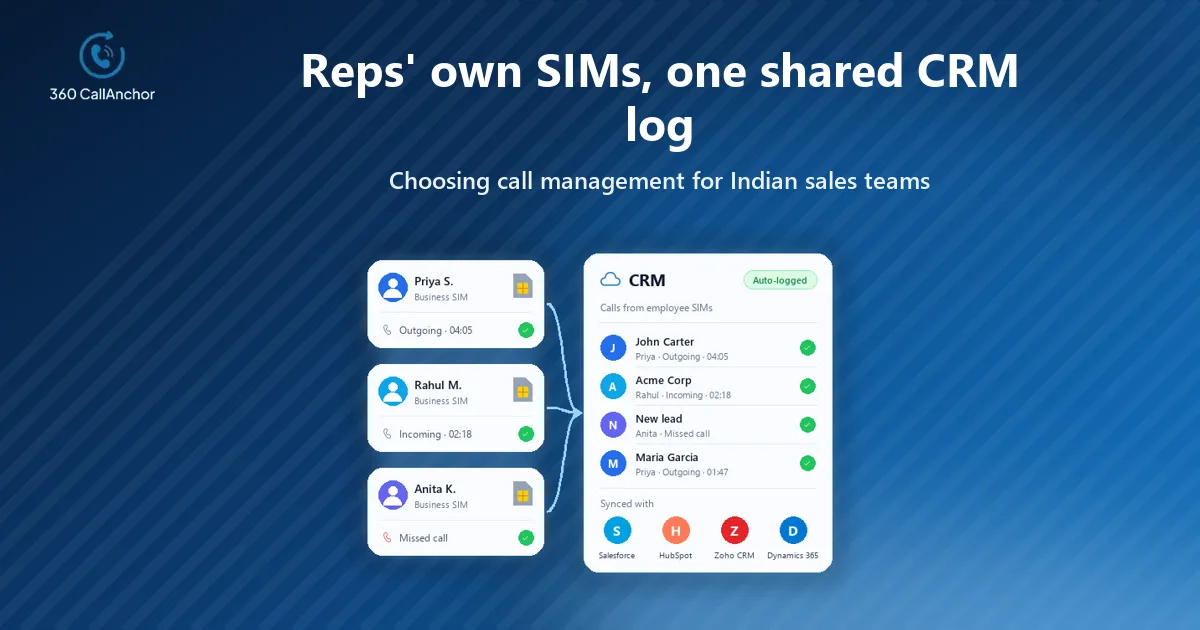
For sales teams that call from their own mobiles, a SIM-based recording and logging app keeps recordings tied to the right customers. With 360 CallAnchor, admins set the recording rules, reps classify a call as business, and the recording syncs to the CRM record. Business calls are kept separate from personal calls.
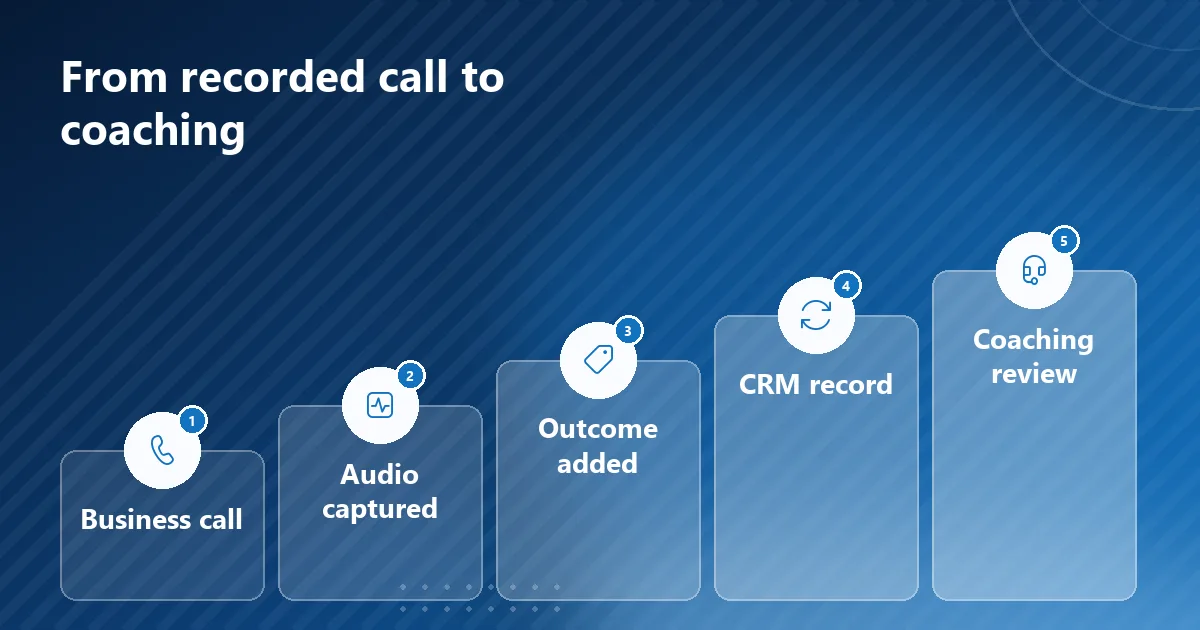
The recording arrives together with the details that make it useful. Call duration, timestamp, direction and the recording are captured automatically as soon as each call ends. The full call record, audio included, goes into whichever CRM your team already uses.
Outcomes are captured at the same moment, so every recording has context. After every business call, a disposition prompt appears that cannot be skipped, with outcome options set by admins and room for notes and a follow-up on the same screen. The business call recording software page explains the recording rules in detail.
Storage stays in systems your business already governs. Call data passes through the service, and customer data is not stored permanently on its servers. Call data that has already synced to the CRM stays there permanently and is not deleted when a license is removed. The CRM call sync page shows how each call reaches the right record.
Coverage is limited to calls placed over the mobile network, which is worth knowing before rollout. The app captures calls made through the device's native dialer over the mobile SIM network, although it does not currently support WhatsApp calls.
How to roll out call recording responsibly
Recording works best when the rules are clear before the first call is captured:
- Check consent requirements: confirm the recording and notification rules in each market where your team calls.
- Set recording rules: decide which teams and calls should be recorded and who can listen afterwards.
- Explain it to reps: tell the team how business and personal calls are separated before you go live.
- Pilot with one team: review a sample of linked recordings to make sure they land on the right records.
- Use recordings in coaching: build listening into regular one-to-ones so the recordings deliver real value.
Conclusion
The right recording tool for a sales team is one that captures business calls under admin rules and places each recording on the correct CRM record with its outcome. Three points usually decide it: control over which calls are recorded and who listens, strict separation of personal calls, and storage that stays in systems you already govern. If your sellers call from their own mobiles, favour a SIM-based tool, and if desk teams use a softphone, make sure both sources feed the same records. Start with one team, review a sample of linked recordings and build them into coaching before expanding.
Frequently asked questions
Is it legal to record sales calls?
Recording rules and consent requirements differ between countries and sometimes between regions, so check the rules wherever your team calls. Tell customers when calls are recorded and choose a tool that lets admins control recording.
Can personal calls be kept out of recordings?
Yes, with a tool that separates business calls from personal calls and only records and syncs the business ones. Test this on a real phone during your pilot before rolling it out to the whole team.
Where should call recordings be stored?
Most teams prefer recordings stored with the customer record in the CRM, where access rules are already in place. Ask each vendor whether it keeps its own copy of the audio and for how long.
How do managers use linked recordings for coaching?
Managers open the customer record, listen to the calls around a key deal moment and discuss specific examples with the rep. Linking recordings to outcomes makes it easy to find the conversations that matter most.
Is call recording the same as call transcription?
They are related but different, because recording stores the audio while transcription turns that audio into searchable text. Many teams keep both, with the recording serving as the original evidence of what was actually said.
Plan your rollout with our team
Share your team size and CRM, and we'll come back with next steps.
Prefer to compare plans first? See pricing.