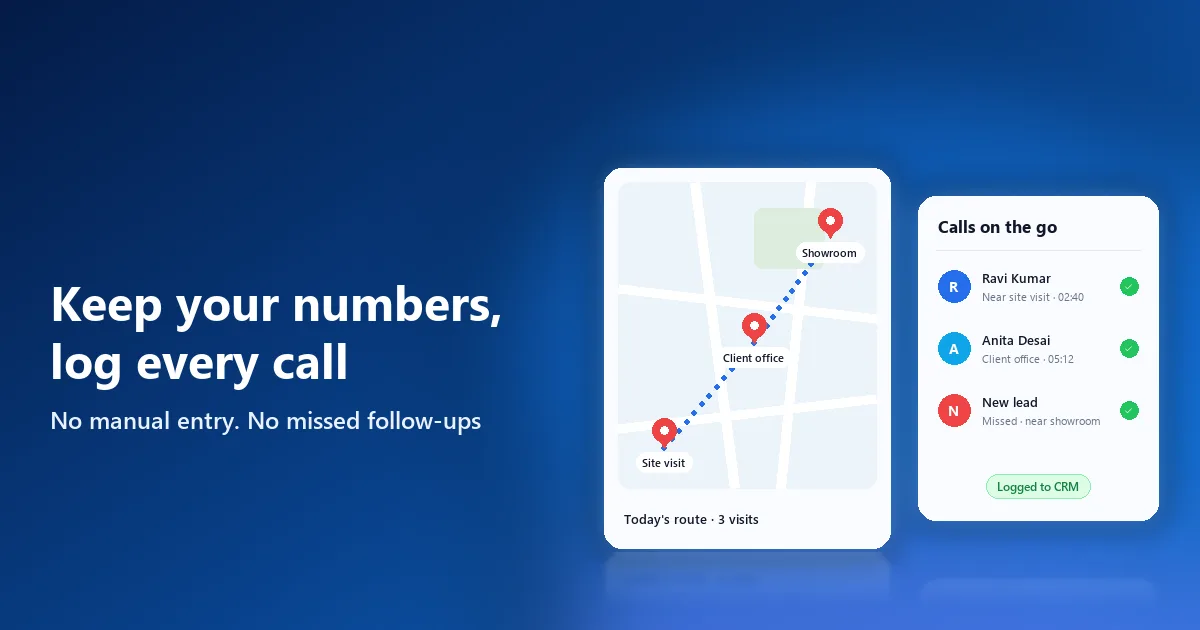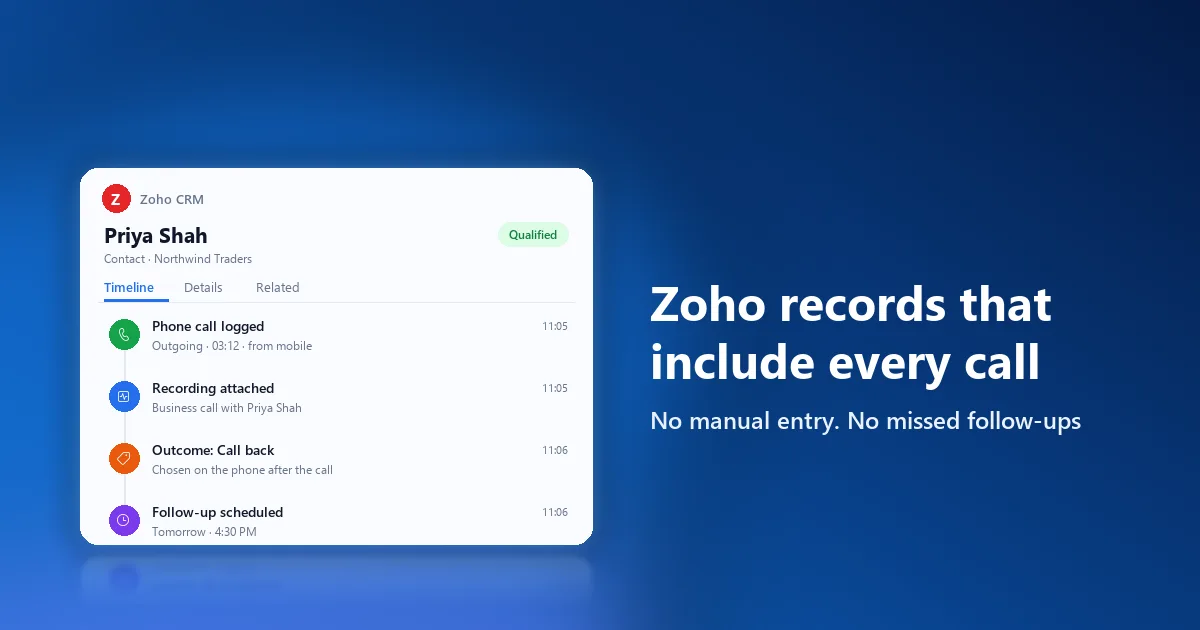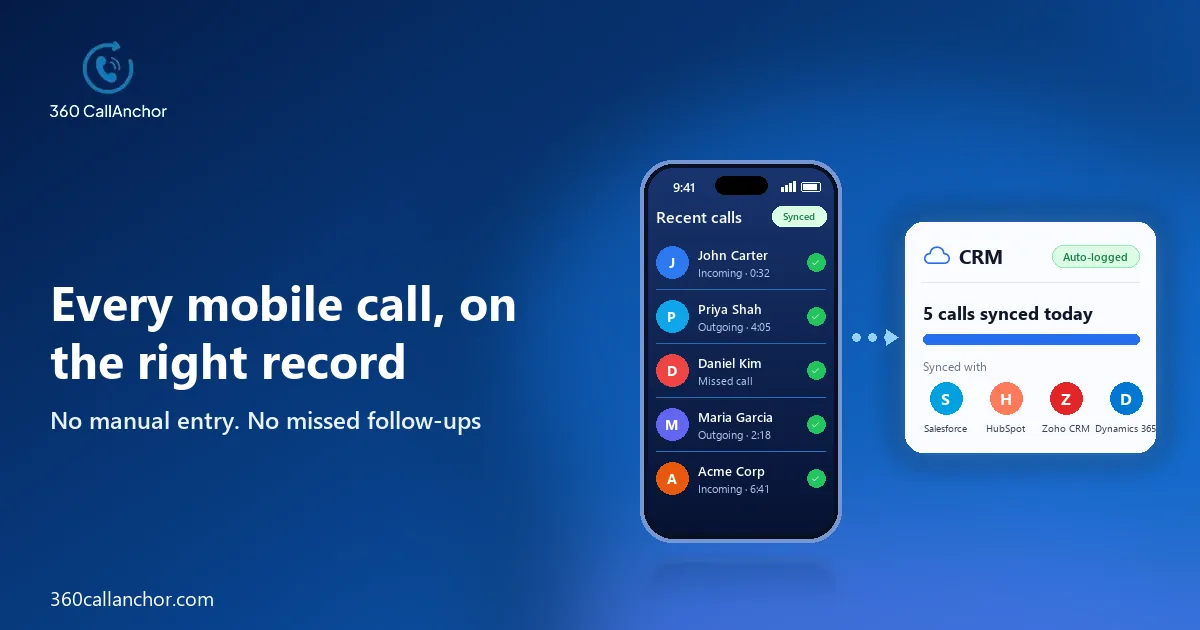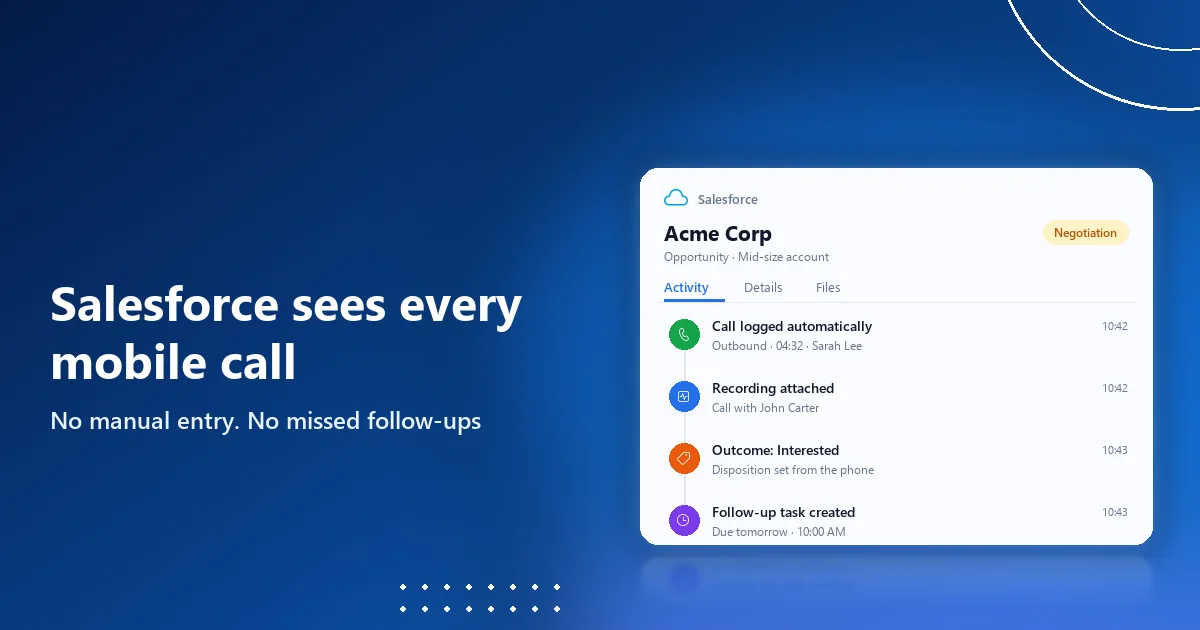
SIM based call logging software works with Salesforce when it captures the calls reps make through their phone's own dialer and writes each one to the matching Salesforce record, with its duration, outcome and recording. The best options connect to Salesforce through an authorized login, match numbers to leads and contacts automatically and keep personal calls out of the org, so reps keep their mobile numbers while Salesforce finally sees every customer conversation.
Why Salesforce teams need SIM based call logging
Salesforce is often the system of record for pipeline, forecasts and coaching, yet many of the calls that move deals forward never reach it. Account managers, field reps and recruiters call customers from their own mobiles between meetings, and because those calls bypass every softphone and CTI connector, they stay in the phone's call history where nobody else can see them.
The result is a Salesforce timeline full of emails and meetings but missing the conversations that matter most. Asking reps to log calls by hand rarely fixes the gap, because typing notes on a phone after a busy day is slow and easy to skip, so the data stays incomplete exactly where managers need it to be reliable.
SIM based call logging closes that gap without changing how reps work. 360 CallAnchor runs quietly alongside the calls your team already makes, without a new SIM card, a new dialer or an app to learn. The SIM based call logging overview explains how the capture works on the phone.
SIM based logging compared with VoIP dialers and CTI
Salesforce buyers usually meet three kinds of calling tool, and it helps to be clear about which problem each one solves. CTI connectors embed a softphone from an external phone system inside Salesforce, VoIP dialers move calling into an app with a virtual number, and SIM based logging captures calls made from the phone's own dialer and number.
The first two work well for desk-based inside sales teams that already call through a softphone. SIM based logging fits teams whose customers know their reps' mobile numbers, and many organisations run it alongside a CTI connector so that desk calls and mobile calls end up in the same Salesforce reports.
It also helps to separate sales call logging from marketing call tracking. Marketing tools assign tracking numbers to campaigns to see which ads drive inbound calls, while sales call logging records every conversation reps have with leads and customers, which is what Salesforce users need for pipeline and coaching.
What Salesforce admins should check
Admins carry the integration long after the purchase, so their questions deserve the most weight during an evaluation.
- Connection method: the tool should connect through an authorized OAuth login rather than shared credentials or fragile middleware.
- Record matching: calls should land on the right lead, contact or account, with a clear rule for numbers that are not in Salesforce yet.
- Activity data: each call should carry its direction, duration, outcome, follow-up and, where allowed, the recording.
- Sync monitoring: admins should see whether every call synced and find the reason quickly when one did not.
- Personal privacy: personal calls on shared phones should never reach Salesforce at all.
- Offboarding: call history should stay in Salesforce when a rep leaves or a license is reassigned.
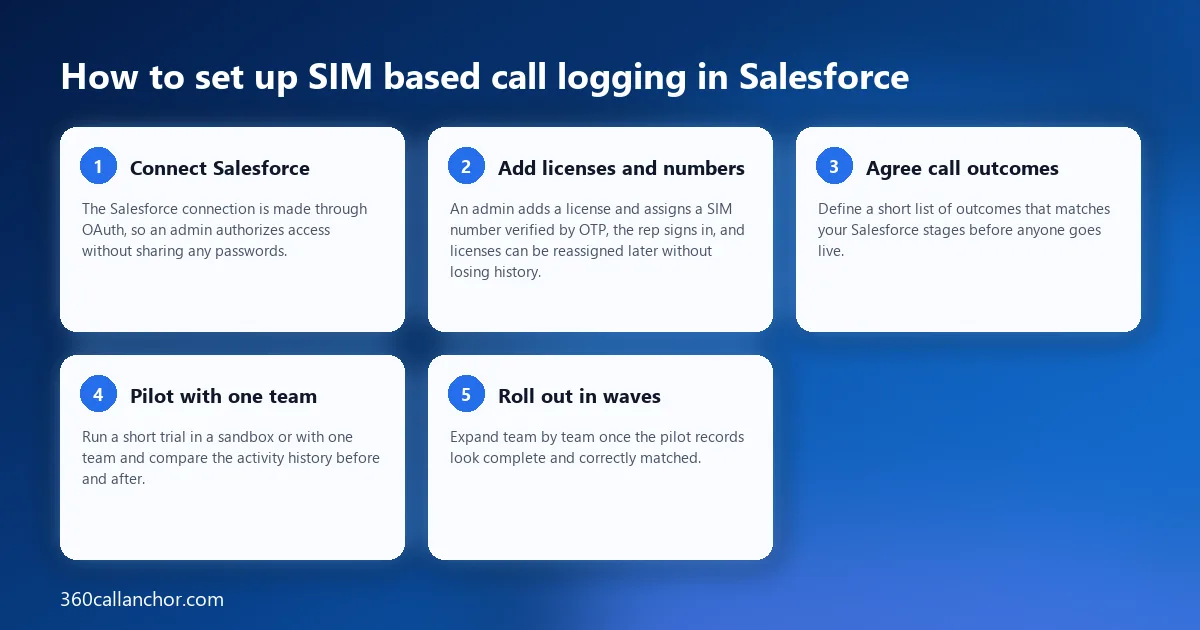
How to set up SIM based call logging in Salesforce
A short, ordered setup keeps the rollout calm and gives your admin clear checkpoints along the way:
- Connect Salesforce: the Salesforce connection is made through OAuth, so an admin authorizes access without sharing any passwords.
- Add licenses and numbers: an admin adds a license and assigns a SIM number verified by OTP, the rep signs in, and licenses can be reassigned later without losing history.
- Agree call outcomes: define a short list of outcomes that matches your Salesforce stages before anyone goes live.
- Pilot with one team: run a short trial in a sandbox or with one team and compare the activity history before and after.
- Roll out in waves: expand team by team once the pilot records look complete and correctly matched.
What gets logged in Salesforce
The value of mobile call logging depends on how much useful context each call carries into Salesforce. 360 CallAnchor supports direct integration with Salesforce. Incoming, outgoing and missed business calls are captured automatically, including the timestamp, duration, direction and the user who handled each one.
Each record holds enough detail for the next rep or manager to act on it. The app captures six data points on every call automatically. Those six are call direction, call duration, caller number, call outcome, call recording and follow-up date, which covers what a pipeline review usually needs to know.
Unknown callers become records rather than loose ends that someone has to chase. When an incoming number does not match an existing record, a new lead record is created automatically. Missed calls are logged too, logging survives a phone restart, every entry is attributed to the rep, and the number is matched to the CRM record.
Outcomes stay consistent because reps cannot skip the step that records them. After every business call, a disposition prompt appears that cannot be skipped, with outcome options set by admins and room for notes and a follow-up on the same screen.
Call recording and privacy
Recordings are useful for coaching and for resolving disputes, but on shared work and personal phones they need firm rules. The app separates business calls from personal calls. Admins set the recording rules, reps classify a call as business, and the recording syncs to the CRM record.
Because the audio lands on the Salesforce record, managers do not have to search a separate recording system to find a conversation. The full call record, audio included, goes into whichever CRM your team already uses. The business call recording page explains the recording rules, and you should still check consent requirements in every market where your team calls.
Reporting, sync monitoring and data handling
Once mobile calls sit in Salesforce, managers can build reports that finally include the work done away from the desk. The app also tracks total calls, total talk time, average talk time, agent call duration, missed calls and the disposition breakdown. Its call analytics dashboard updates in real time, which keeps weekly pipeline reviews grounded in current activity.
Admins get the transparency they need to trust the integration. Each call shows its own sync status with full details, and calls can be searched by CRM record. The CRM call sync page describes how matching and syncing work.
Security reviews tend to focus on where call data lives, and here the answer keeps Salesforce at the centre. Call data passes through the service, and customer data is not stored permanently on its servers. Client data is stored directly in your CRM instead. Call data that has already synced stays in the CRM permanently and is not deleted when a license is removed.
Licensing and budgeting are simple to plan around your business numbers. Each license is tied to one mobile number. Pricing is per number, per month, with everything included, no add-ons and a free trial available, which makes a pilot easy to run before you commit.
Test it on your own calls before you buy
Demos tend to show the happy path, so the most reliable way to compare SIM based call logging tools is to try them with your own Salesforce org, your own reps and your own customers. A short, scripted trial reveals more about integration quality than any comparison table, and it gives your admin concrete evidence to share with security and sales leadership.
During the trial, make a handful of outbound calls, take a few inbound ones, miss one on purpose and receive a call from a number that is not in Salesforce yet. Then check each record: did the call land on the right lead or contact, did the outcome and follow-up arrive, was the recording attached only where your rules allow, and did the personal call you made on the same phone stay out of the org completely?
Finally, look at the experience from the rep's side. If logging adds steps, slows down calling or leaves reps unsure what is being captured, adoption will fade after the first few weeks. The right tool should feel invisible during the call and take only a few seconds afterwards, which is what keeps Salesforce complete over the long term.
Frequently asked questions
Can SIM based call logging create leads in Salesforce?
Good tools can, and it is one of the most useful behaviours to test during a trial. When a call comes from a number that is not in Salesforce, the tool should create a lead and attach the call, so new enquiries are never lost.
Are personal calls logged in Salesforce?
They should not be, so choose a tool that separates business calls from personal ones on shared phones. Ask the vendor to show this behaviour on a real device before you roll it out to reps.
Is SIM based call logging the same as a VoIP dialer?
No, because a VoIP dialer moves calling into an app with a virtual number, while SIM based logging captures calls made through the phone's own dialer and number. Many Salesforce teams use a dialer for desk calling and SIM based logging for mobile calls.
Who builds SIM based call logging for Salesforce?
Look for a vendor with deep Salesforce experience, because it shows in how cleanly calls map to your objects and fields. 360 CallAnchor was built by 360 Degree Cloud, a Salesforce Summit Partner.
Book a 360 CallAnchor demo
Leave your details and we'll schedule a short demo.
Prefer to compare plans first? See pricing.