The best call logging app for Zoho CRM is one that records every business call on the right Zoho record without reps typing notes, works on the phones your team really uses and keeps call outcomes consistent. Zoho's own mobile app and telephony integrations cover some situations, while a SIM-based logging app is usually the better fit when reps call customers from their own mobile numbers.
Why Zoho CRM teams need dependable call logging
Zoho CRM is popular with growing sales teams because it is flexible and quick to set up, yet its reports and automation are only as good as the activity data behind them. When calls are missing, follow-up workflows never fire, deal stages drift and managers end up asking reps what happened instead of reading it on the record.
The gap is widest for teams that sell by phone on the move. Calls made from a rep's own mobile usually stay in the phone's call history, so the CRM shows emails and meetings while the conversations that actually moved the deal remain invisible.
Good call logging also helps Zoho itself work harder for you. Blueprints, workflow rules and follow-up tasks can only react to calls they can see, so complete call activity turns the automation you have already configured into something reps rely on rather than something they work around.
What a good Zoho CRM call logging app should do
Before comparing products, agree on the outcomes you need, because those requirements narrow the field faster than any feature list.
- Log every call automatically: incoming, outgoing and missed calls should reach Zoho without any manual step from the rep.
- Match the right record: calls should attach to the correct lead, contact or account, and unknown callers should not be lost.
- Capture outcomes: a short, required outcome after each call makes Zoho reports and workflows far more reliable.
- Handle recordings carefully: recordings should follow clear rules and land on the record only where consent allows.
- Keep reps' habits: the less a rep has to change, the faster the call data becomes complete enough to trust.
Your options for logging calls into Zoho CRM
Zoho's own mobile app settings
Zoho CRM's mobile app includes call settings that can link calls to records and prompt reps to log them. This is a sensible starting point for small teams already working in the app, but check whether it captures every call, works on all of your phone platforms and records outcomes in the way your managers need.
Telephony integrations
Cloud phone systems connected to Zoho log calls placed through their softphone or virtual numbers. They suit inside sales teams that are comfortable calling from a new app, although they usually mean new numbers and leave calls from personal mobiles uncaptured.
SIM-based call logging apps
SIM-based apps capture calls made through the phone's native dialer and send them to Zoho in the background. Reps keep their own number and their usual way of calling, which makes this approach a strong fit for field sales, account management and recruitment teams.
How to set up call logging for a Zoho team
Whichever tool you shortlist, a simple sequence keeps the rollout calm and the data clean from the first week:
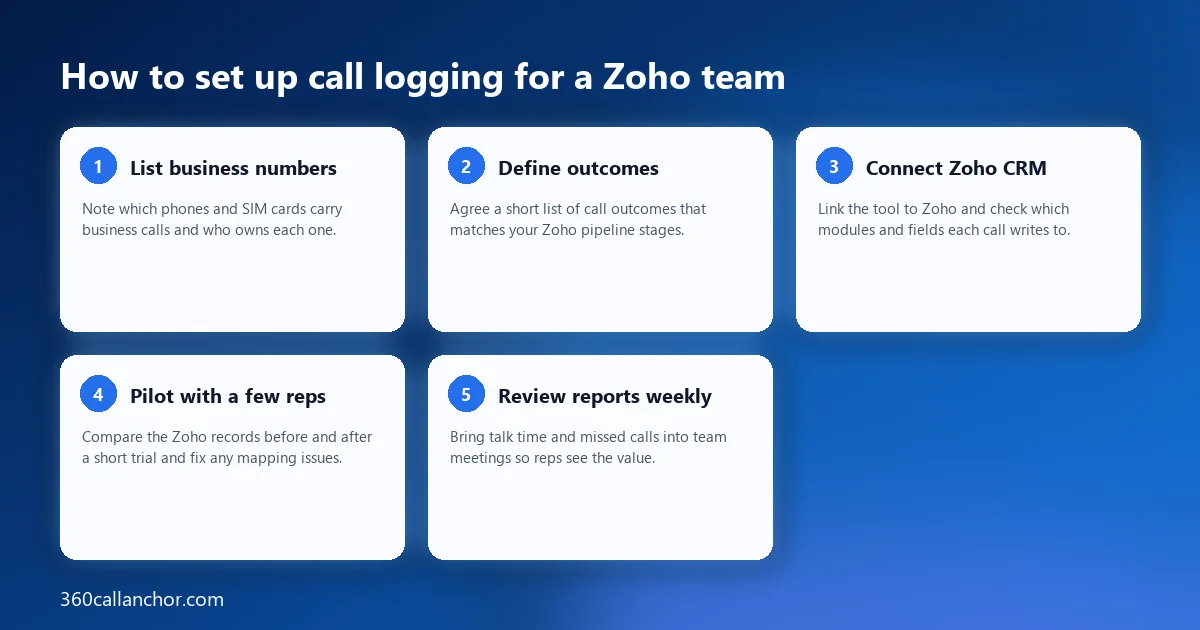
- List business numbers: note which phones and SIM cards carry business calls and who owns each one.
- Define outcomes: agree a short list of call outcomes that matches your Zoho pipeline stages.
- Connect Zoho CRM: link the tool to Zoho and check which modules and fields each call writes to.
- Pilot with a few reps: compare the Zoho records before and after a short trial and fix any mapping issues.
- Review reports weekly: bring talk time and missed calls into team meetings so reps see the value.
Logging mobile calls into Zoho CRM
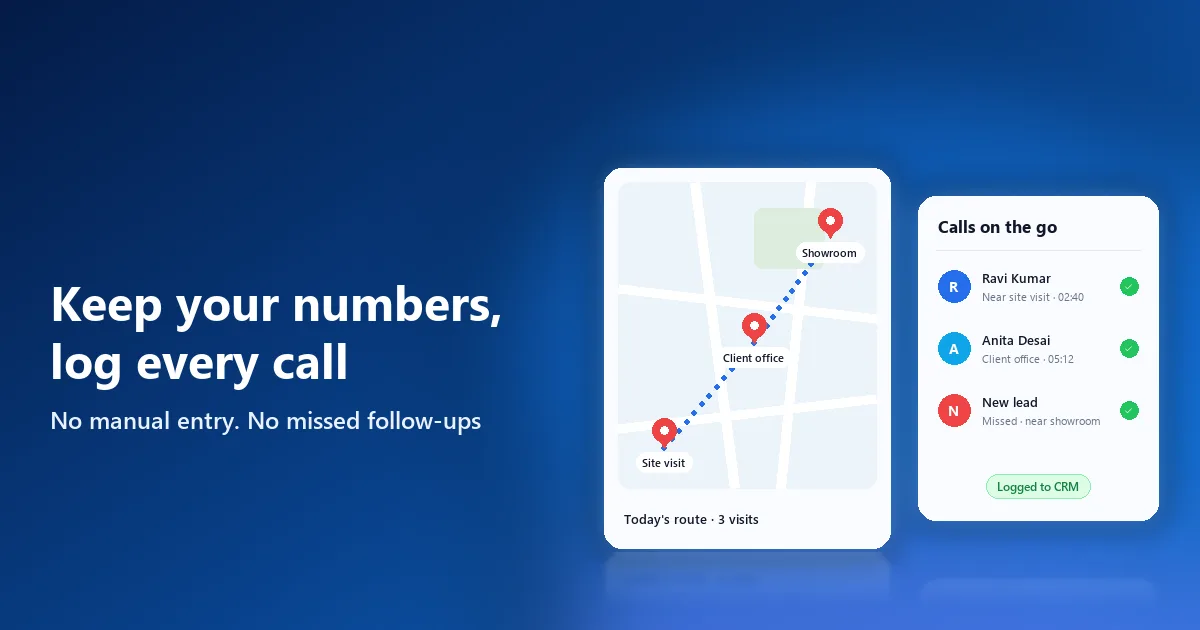
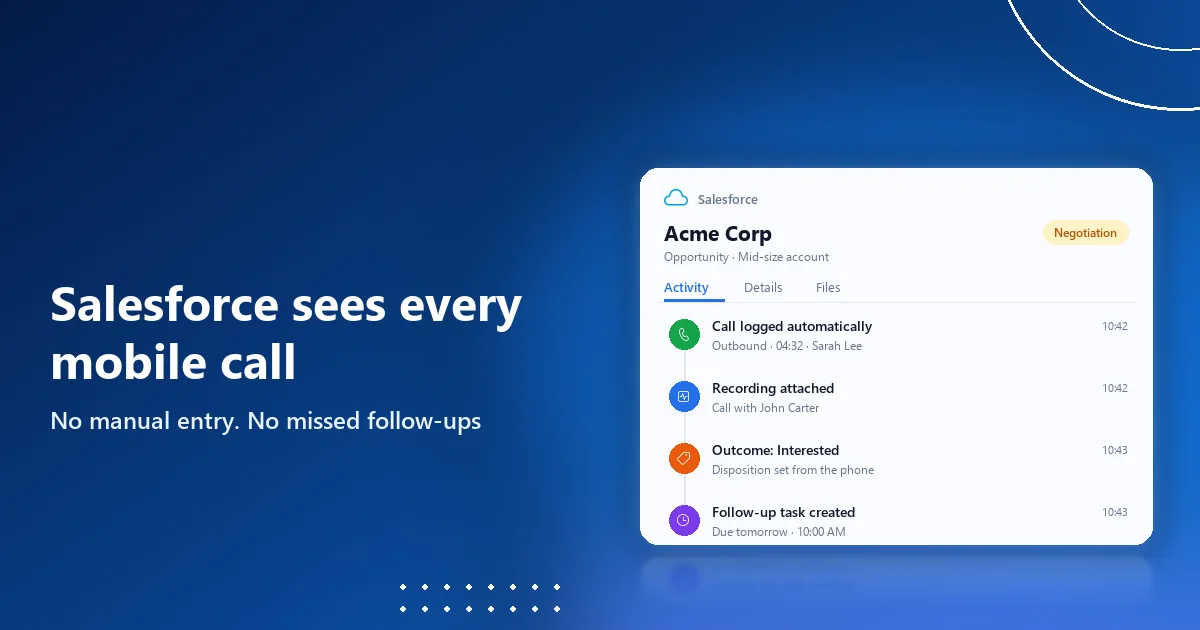
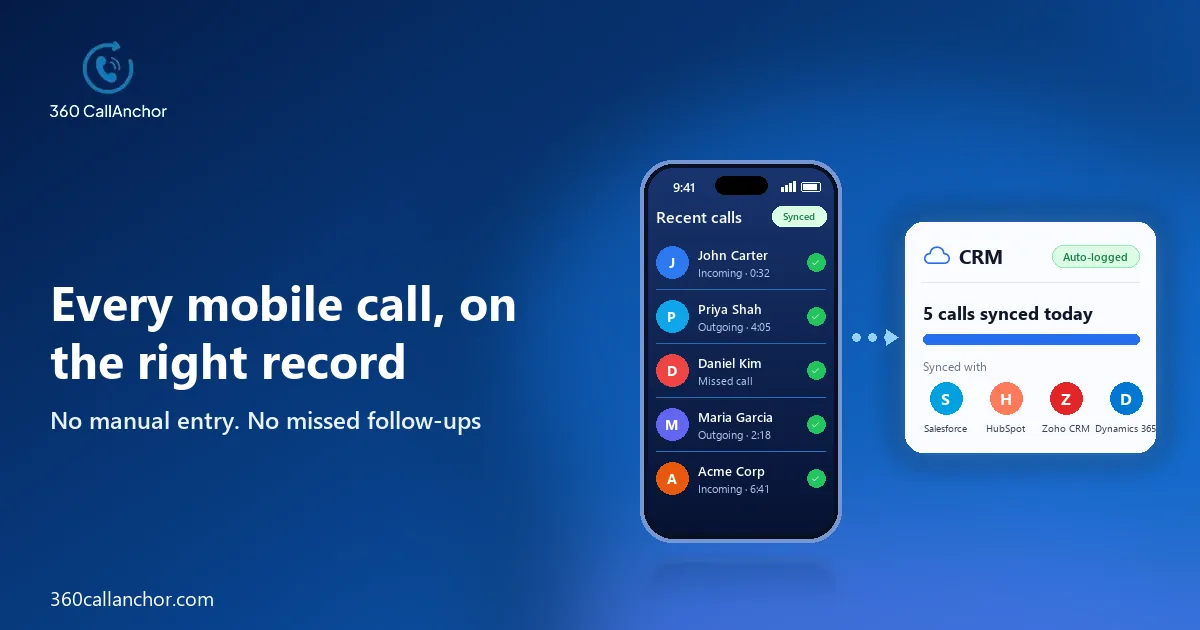
For Zoho teams whose calls happen on mobiles, a SIM-based app closes the gap without asking reps to change how they work. 360 CallAnchor integrates with Salesforce, Zoho CRM, HubSpot and Microsoft Dynamics 365. It runs quietly alongside the calls your team already makes, without a new SIM card, a new dialer or an app to learn.
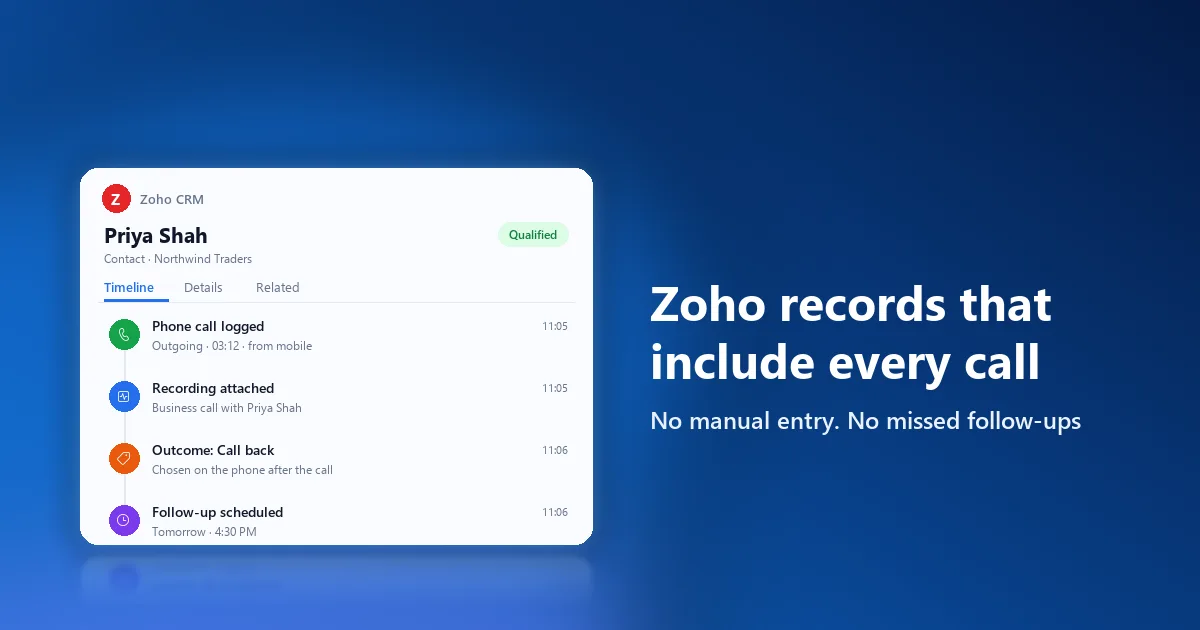
Every call carries the details a manager needs to coach and a rep needs to follow up. The app captures six data points on every call automatically. Those six are call direction, call duration, caller number, call outcome, call recording and follow-up date, which together give Zoho a complete picture of each conversation.
Outcomes and recordings follow rules that admins control rather than habits that vary by rep. After every business call, a disposition prompt appears that cannot be skipped, with outcome options set by admins and room for notes and a follow-up on the same screen. Admins set the recording rules, reps classify a call as business, and the recording syncs to the CRM record.
Unknown callers become records instead of loose ends that someone has to chase. When an incoming number does not match an existing record, a new lead record is created automatically. The CRM integrations page covers the Zoho setup, and the call recording software page explains the recording rules in more detail.
Frequently asked questions
Can Zoho CRM log calls from my team's own mobile numbers?
Zoho can store those calls once something captures them, and its mobile app offers some call logging settings. For complete coverage of calls made through the phone's own dialer, a SIM-based logging app is usually the more reliable option.
Do reps need to change their phone numbers?
Not with a SIM-based tool, because it works with the number and dialer reps already use. Telephony integrations, by contrast, usually move calling onto a new virtual number inside their own app.
Can call recordings be stored in Zoho CRM?
Many tools can attach recordings to the Zoho record, but check consent rules in each market before switching recording on. Clear admin-controlled rules make it easier to record only the calls you are allowed to keep.
How should a small Zoho team start?
Start with a pilot of a few reps, a short outcome list and a weekly review of the logged calls. Expanding to the rest of the team becomes easy once those first records look complete and accurate.
Put your team's calls into your CRM
Tell us which CRM you use and we'll set up a walkthrough.
Prefer to compare plans first? See pricing.