
SIM BASED CALL TRACKING SOFTWARE
Mobile Call Tracking Software
- Every call your team makes. Tracked, recorded, automatically.
- Capture, record, and automatically sync calls made from employee mobile phones to your existing CRM or a centralized dashboard.
- Business Calls Happen on Mobile. Your CRM Should Know About Them.
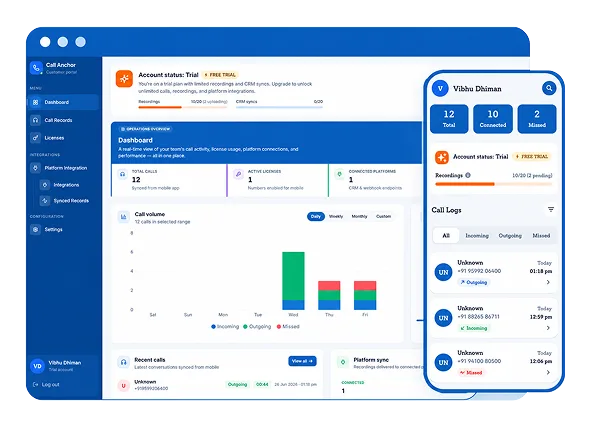
Your CTI app or office dialer only sees calls placed through it. The moment an employee switches to their own phone, the call leaves the system, and no record ever gets made.
SIM Based Call Tracking Software for Complete Call Visibility
360 CallAnchor runs quietly alongside the calls your team already makes. No new SIM card, no new dialer, no app to learn.
-
Everything You Need to Track and Manage Mobile Calls
Connect Your Existing CRM Instances and Track What Truly Matters
-
A Business Call Tracking App for Any Team That Lives on the Phone
Mobile call visibility for teams who can't afford a blind spot, whether that's pipeline, candidates, or customer follow-up.
-
Turn calls made from employee phones into searchable, trackable CRM activity with 360 CallAnchor.
Send us a message
We'll connect you with the right specialist.
-
Website
2
-
SEND MESSAGE →
Thank you
-
Your request has been received. Our team will reach out shortly.
FAQs
Turn Mobile Call Data Into Better
Sales Decisions
Mobile call management software brings reps’ call activity into your CRM, helping sales teams improve follow-ups, coaching, forecasting, and decision-making.
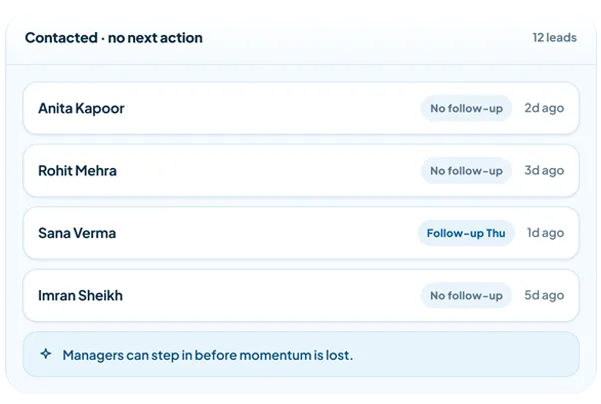
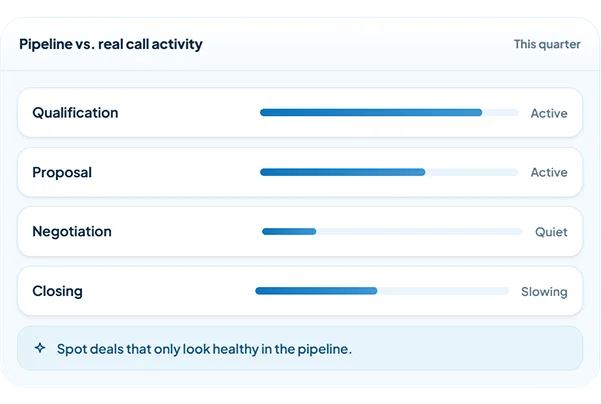
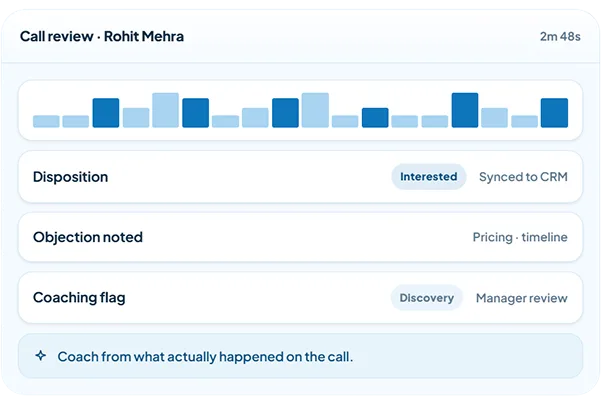
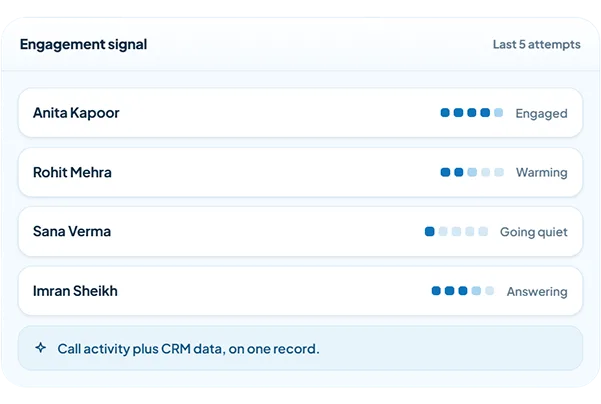
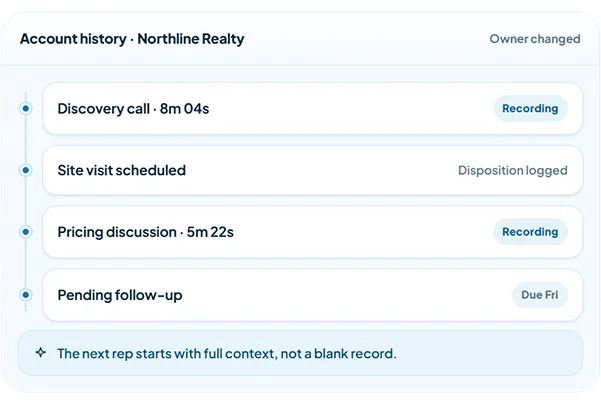
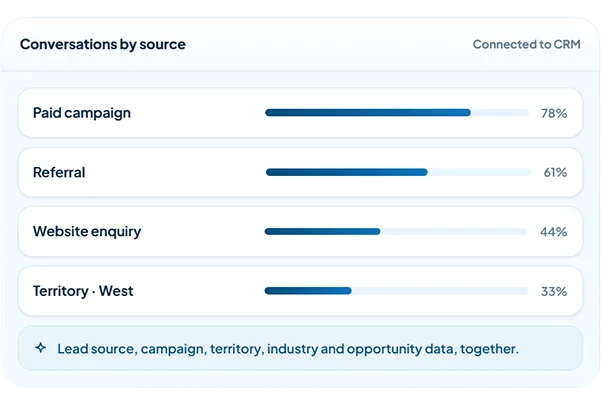
Everything You Need to Turn Mobile Calls Into Sales Intelligence
Turn everyday customer conversations into structured CRM activity with the controls sales teams need to capture, understand, and act on every business call.
-

Automatic Business Call Capture
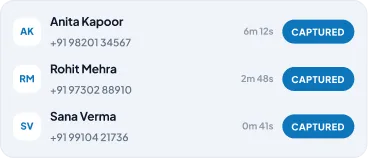
Capture business call activity from reps’ mobile numbers without depending on manual CRM updates.
-

CRM-Connected Call History
Keep calls, outcomes, notes, and follow-up context connected to the customer record your team already uses.

-

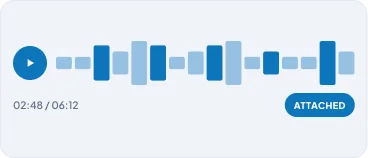
Call Recording and Conversation Review
Review eligible business conversations to understand customer needs and coach teams with real context.
-

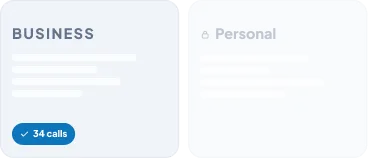
Business and Personal Call Separation
Maintain visibility into business conversations while keeping personal activity separate.
-

Call Disposition and Follow-Up Management
Log call outcomes and follow-ups directly from the app. Dispositions sync automatically to your CRM, keeping every customer record up to date.

-

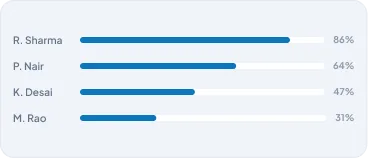
Team Activity Visibility
Give managers a complete view of calling activity, user performance, and follow-up progress.
-
Automatic Business Call Capture
Capture business call activity from reps’ mobile numbers without depending on manual CRM updates.
-
CRM-Connected Call History
Keep calls, outcomes, notes, and follow-up context connected to the customer record your team already uses.
-
Call Recording and Conversation Review
Review eligible business conversations to understand customer needs and coach teams with real context.
-
Business & Personal Call Separation
Maintain visibility into business conversations while keeping personal activity separate.
-
Call Disposition and Follow-Up Management
Log call outcomes and follow-ups directly from the app. Dispositions sync automatically to your CRM, keeping every customer record up to date.
-
Team Activity Visibility
Give managers a complete view of calling activity, user performance, and follow-up progress.
Why Teams Choose 360 CallAnchor for Call Logging Without VoIP
| Capability | Manual Call Logging | VoIP Calling Systems | 360 CallAnchor |
|---|---|---|---|
| Use existing mobile numbers | Yes | No | Yes |
| No VoIP migration required | Yes | No | Yes |
| Automatic call logging | No | Yes | Yes |
| CRM-connected call activity | No | Sometimes | Yes |
| Follow-up tracking | No | Limited | Yes |
| Call recordings linked to CRM | No | Sometimes | Yes |
| Business & personal call separation | No | No | Yes |
| Rep workflow changes required | High | No | Minimal |
| Manager visibility into conversations | Limited | Yes | Yes |
| Salesforce connector | No | Depends on setup | Yes |
| Connect with existing CRM | No | Depends on setup | Yes |
Connect Your Existing CRM and Keep Every Business Call Logged
Keep your CRM. Add the call visibility it is missing.
Our CRM call logging software connects with Salesforce through a dedicated connector and integrates with other CRMs around your existing setup, keeping your team working from one familiar system.
Built for Teams Where Every Customer Call Moves Revenue
Whether your team sells, follows up, or manages customer relationships from mobile phones, 360 CallAnchor helps turn everyday business calls into structured CRM activity.
- Outbound Sales Teams
- Recruitment & Counselling Teams
- Field Sales Teams
- Customer Success Teams
- Lead Follow-Up Teams
- Sales Operations & CRM Teams
Ready to Bring Accountability to Every Sales Call?
See how 360 CallAnchor fits into your existing sales process and gives your team a clearer path from conversation to conversion.
Questions teams ask before they switch
Do reps need to change how they make calls?
No. 360 CallAnchor is automatic call logging software built for call logging without VoIP. Reps continue calling from their registered mobile numbers while business call activity is automatically captured and connected with the sales process.
Does 360 CallAnchor replace our CRM?
No. 360 CallAnchor works alongside your existing CRM. It adds CRM call logging software capabilities by syncing call activity, outcomes, notes, and follow-up details with the relevant customer records instead of creating another system to manage.
Can 360 CallAnchor handle my team’s high call volume?
Yes. As mobile call management software, 360 CallAnchor helps sales and field teams manage high call volumes by capturing activity, connecting calls with CRM records, and giving managers visibility without creating additional work for reps.
Can I use 360 CallAnchor to categorize and prioritize calls?
Yes. 360 CallAnchor supports call disposition and follow-up management by allowing reps to select a disposition, add notes, and set the next follow-up after each business call. These details sync with the relevant CRM record, helping teams identify calls that need immediate action.
How safe is my call data with 360 CallAnchor?
360 CallAnchor is business call logging software designed to keep business call activity connected with your CRM while giving teams control over access and visibility. Data handling follows the permissions and security settings configured within your CRM environment.